
 SOC 2 & GDPR
AI ticketing & automation
HelpDesk brings the whole service into one workspace. Requests from every channel become tickets, AI speeds up the answers, and reports show the results.
Free 14-day trial No credit card required

Text products are trusted by 35,000+ leading brands





Help desk services are the support activities a team delivers through a help desk: answering questions on the channels customers use, turning requests into trackable tickets, routing each case to the right person, and reporting on the results. HelpDesk.com runs all of them from one workspace.
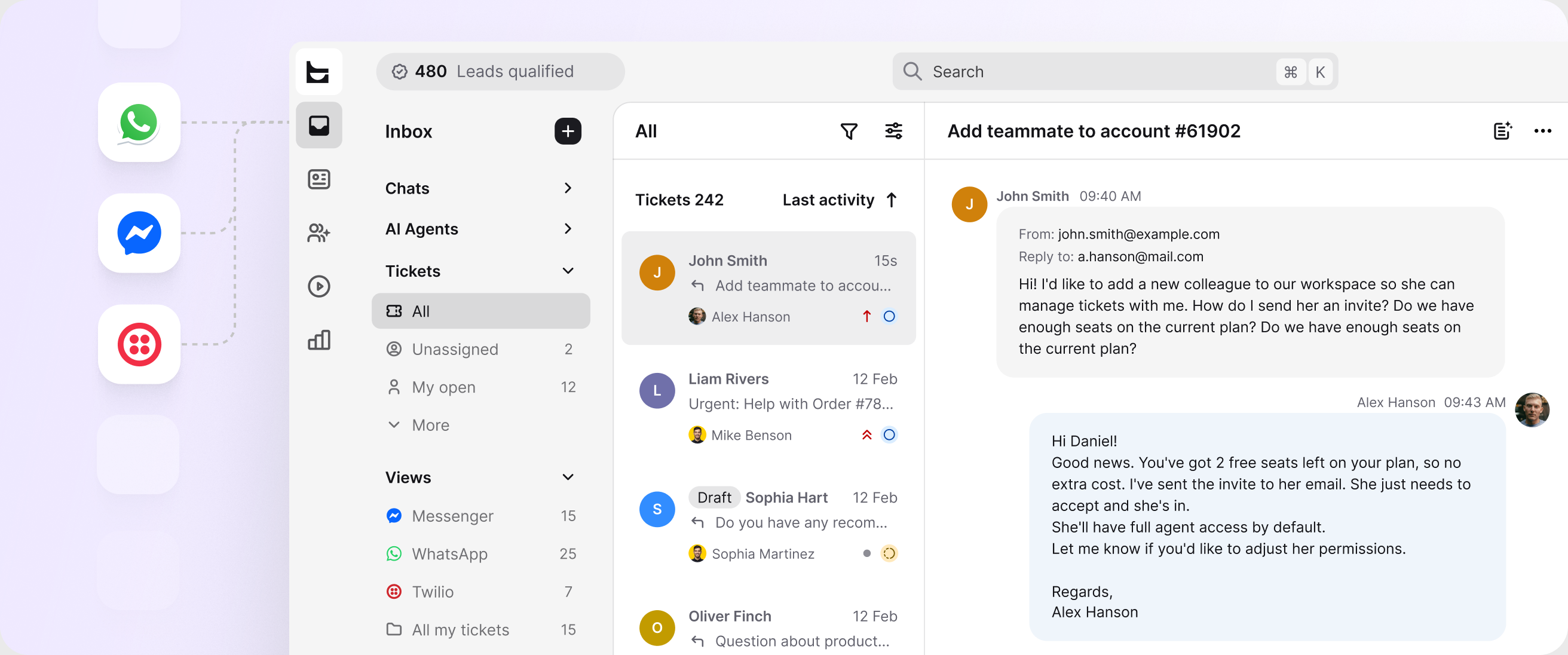
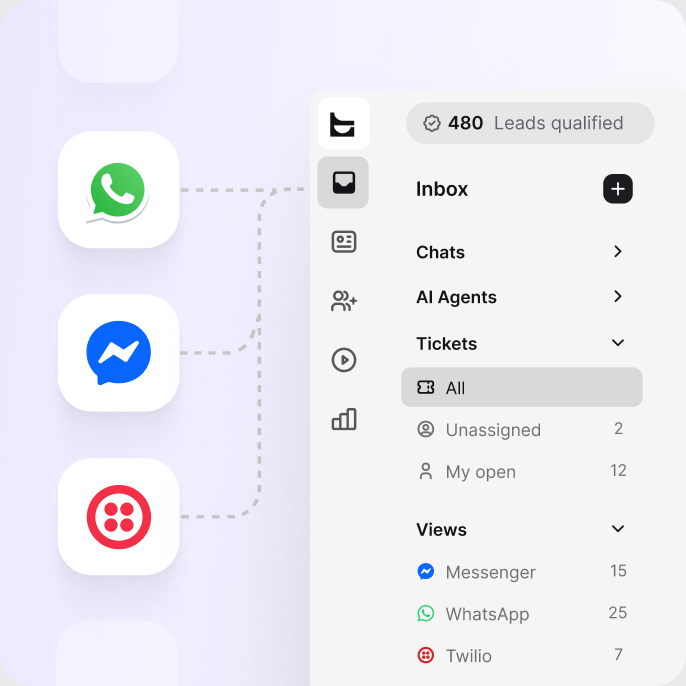
Email, live chat, Messenger, WhatsApp, and SMS land in one inbox, so no request starts in the wrong place.
Every request becomes a ticket with an owner, a status, and a priority your team can follow to resolution.
Reply suggestions and summaries speed up your agents, while the AI Agent resolves routine questions in chat.
Ticket rules assign each case by team, workload, and skills, so ownership is instant and nothing waits unclaimed.
Workflows handle tagging, follow-ups, and escalations, and track tickets against your response targets.
Response times, resolution times, and satisfaction scores show what your service delivers.
Free 14-day trial
Email, native live chat, Messenger, WhatsApp, and SMS feed one inbox. Your team answers from a single queue, and every conversation becomes a ticket with the history attached.
Your team writes less and resolves more. And before requests reach the queue, the AI Agent resolves up to 73% of cases in chat, as part of HelpDesk.com's AI help desk.
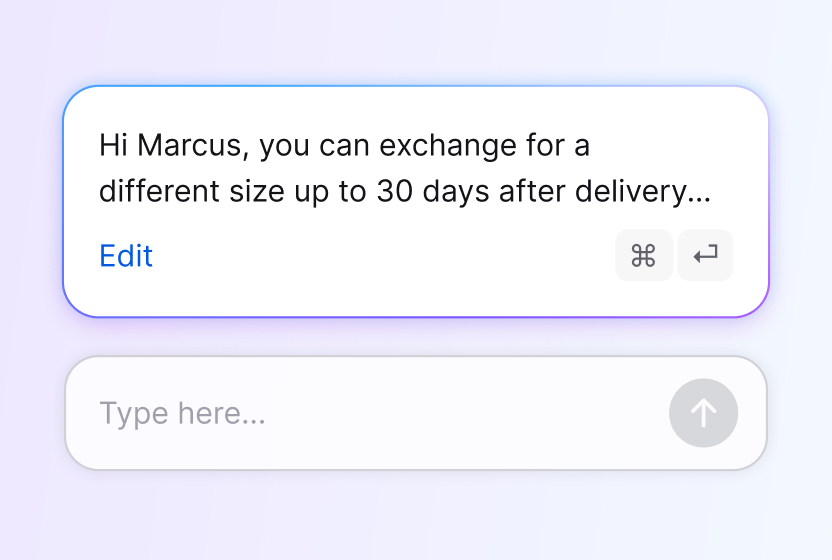
Drafts responses your agents can tune and send in one click.
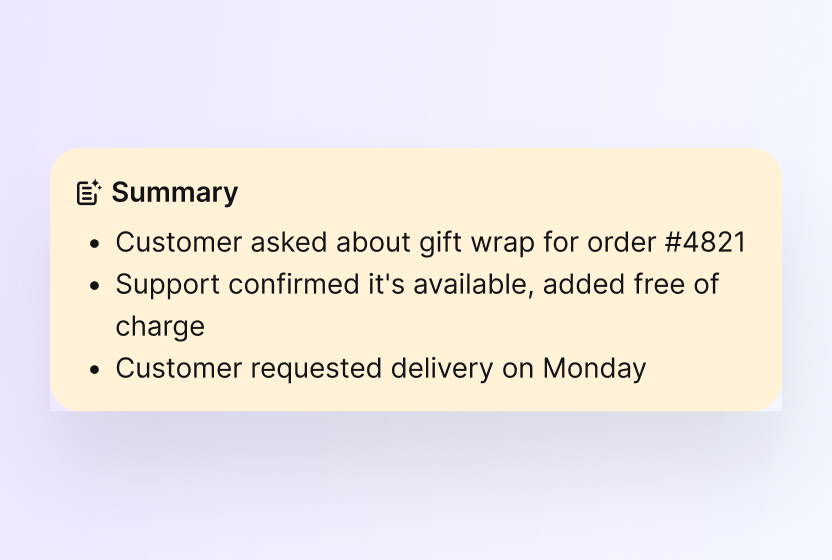
Catches anyone up on a long thread in seconds, with the next step spelled out.
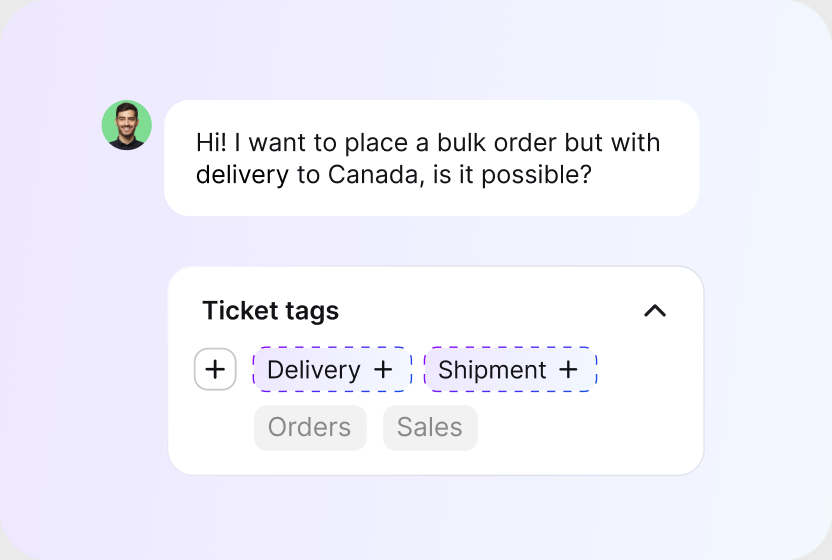
AI reads each ticket and proposes the right tags, so cases sort themselves and reporting stays clean.
No credit card required
Ticket rules route and tag new cases the moment they arrive. Workflows carry tickets into Salesforce, Shopify, Slack, HubSpot, Mailchimp, or any tool with an API. See everything help desk automation can handle.
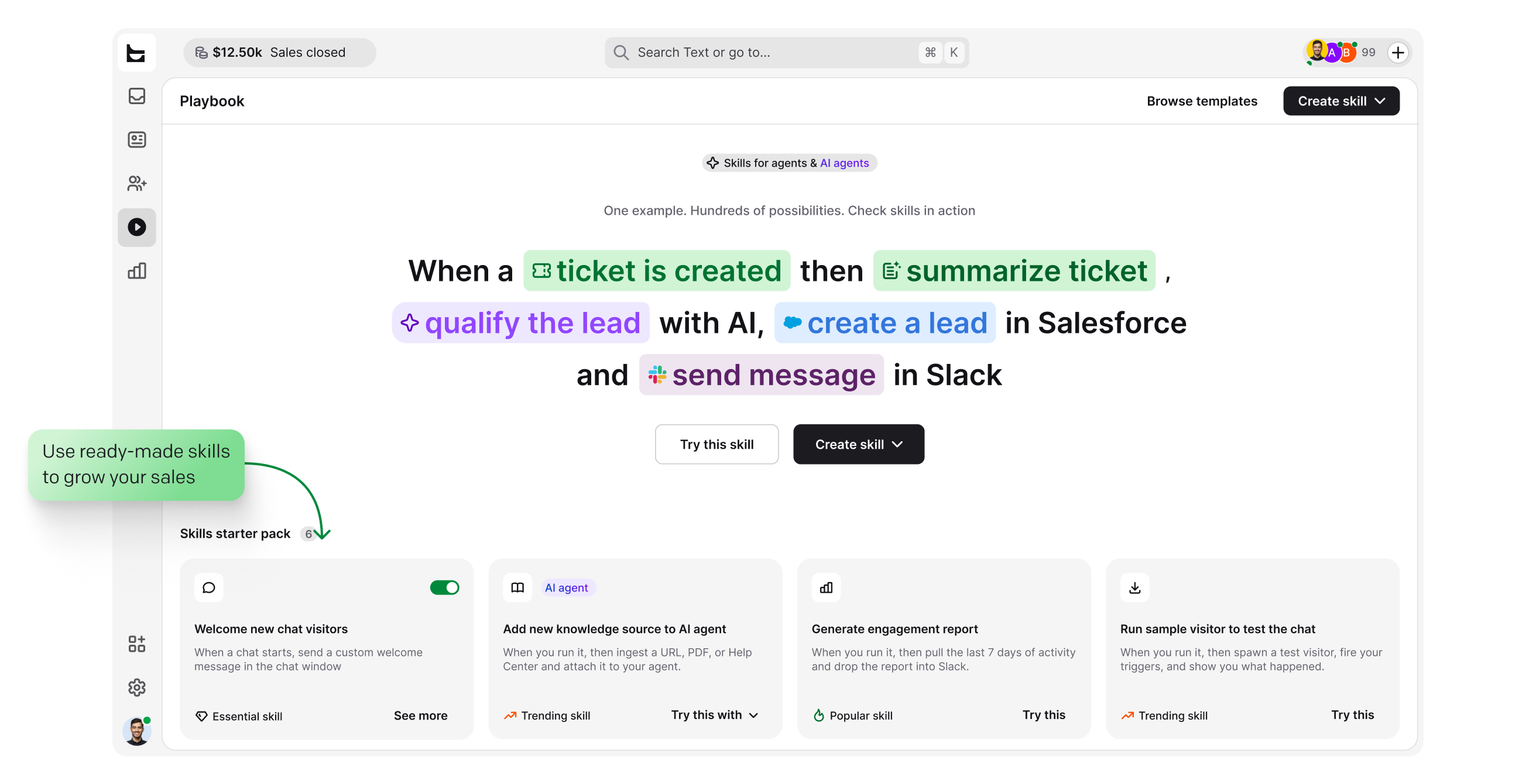
Assign, prioritize, and tag tickets automatically, based on the conditions you set once.
Chain triggers, conditions, and actions into flows that reach the rest of your stack. No code needed.
Answer the questions you see every day with saved replies your whole team shares.
Free 14-day trial No credit card required
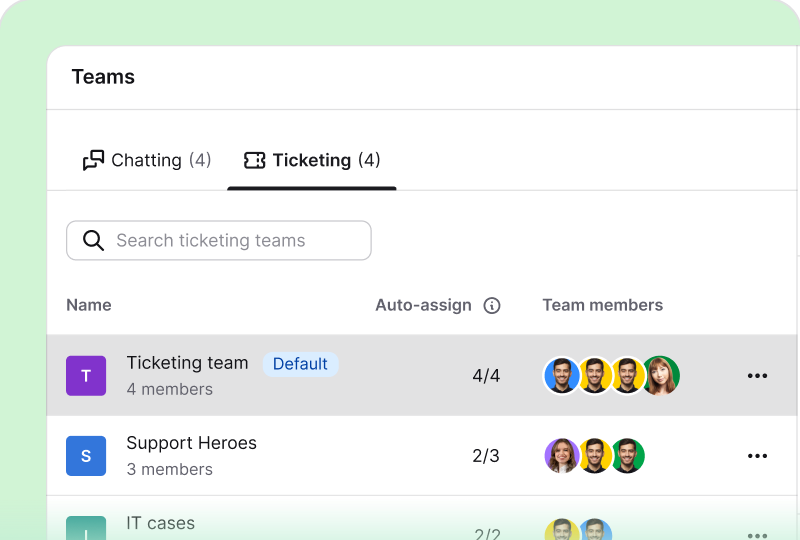
Set up chatting and ticketing teams for billing, technical support, or any queue you run, each with its own assignments.
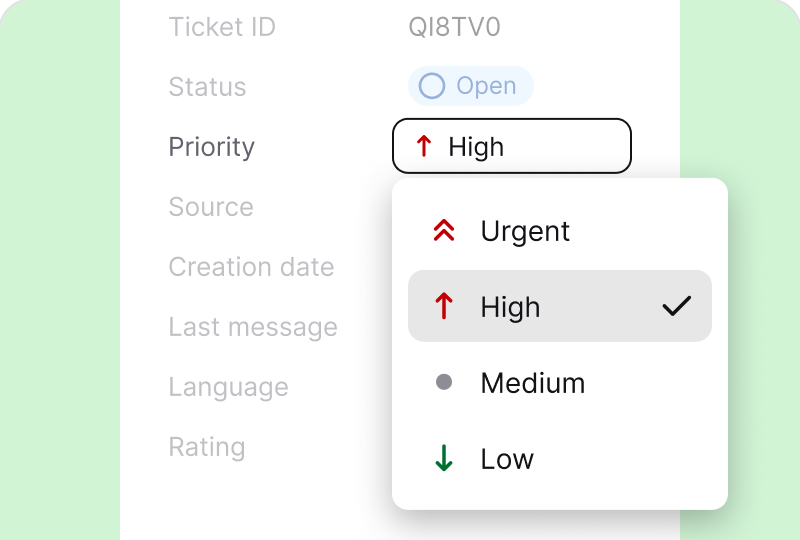
Custom views show each teammate exactly what is new, what is waiting, and what needs attention now.
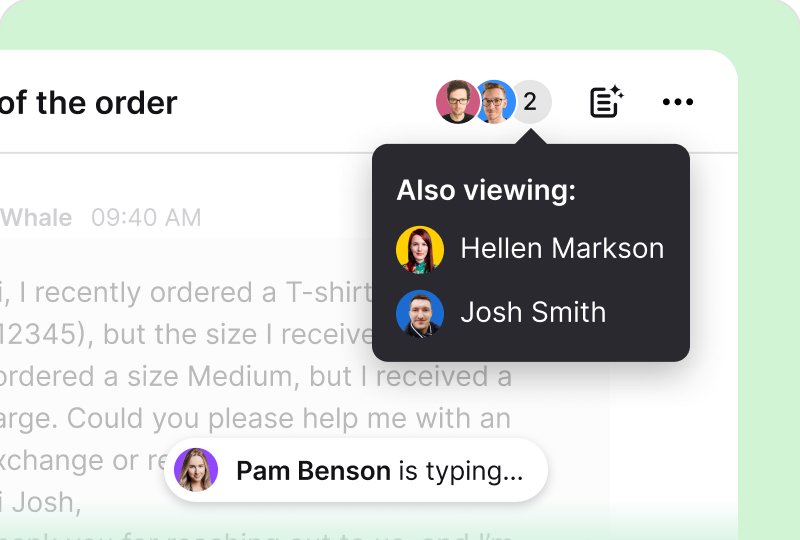
Collision detection, private notes, and followers keep two agents from answering the same request.
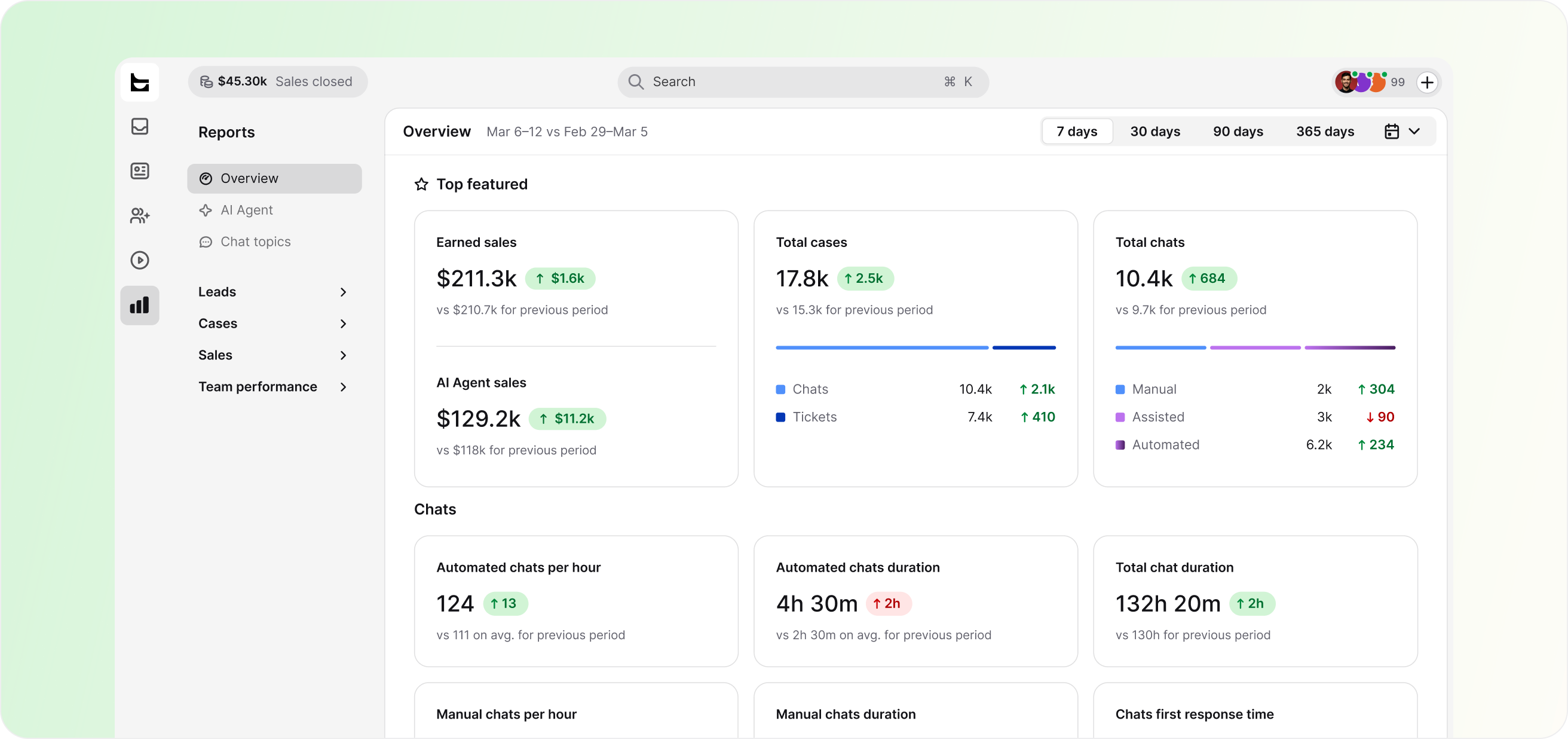
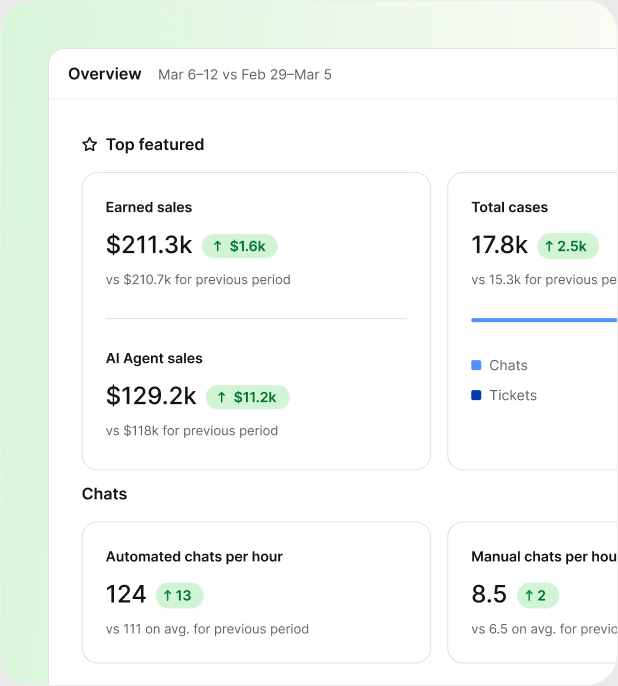
Track first response time, resolution time, and CSAT for chats and tickets. Connect your store, and reports also show the sales your conversations influence.
Free 14-day trial No credit card required
You'll be in good company


Each agent can spend more time resolving tickets and make our customers happier with an individual approach and better response time.Dalton HasegawaManager, Brastel Co., Ltd.
One workspace covers customer support, technical queues, and the teams in between. Start where the volume is and add the rest when you're ready.
Run the whole customer queue in one inbox: chats and tickets with AI assistance and customer context on every case.

Give employees and customers one place to report technical issues, with routing, priorities, and AI built in.
Order questions land next to cart and order details, and reports tie your service to sales.
Spot buying questions in the queue and turn them into orders and qualified leads.
Every request runs through the same four steps, whether it comes from a customer or a teammate. HelpDesk.com handles each step in one workspace, so the service stays consistent as your volume grows.
Every request from every channel becomes a ticket with the full history attached. Nothing depends on someone remembering to log it.
Ticket rules assign cases by team, workload, and skills, and tags keep the queue organized without manual triage.
The AI Agent clears routine cases in chat, while reply suggestions and canned responses speed up the rest.
Reports track response times, resolution times, CSAT, and team performance, so you can prove what your service delivers.
The flow stays the same whether you run customer support or IT help desk services. Only the teams and the routing change.
Tickets are encrypted in transit and at rest, access is role-based, and HelpDesk.com is SOC 2, GDPR, and PCI DSS compliant.
 SOC 2
SOC 2
 GDPR
GDPR
 CCPA
CCPA
 PCI DSS
 DPF
DPF
 WCAG 2
 BBB
BBB
No migration projects and no rollout plans. Prove the value on one queue, then expand.
Create your account. No credit card required.
Forward your support email and add chat or messaging when you are ready. Every request becomes a trackable ticket.
Pick one high-volume request type, let AI and ticket rules handle it, and watch the numbers before you expand.
No credit card required
Help desk services, also written as helpdesk services, are the support activities a team delivers through a help desk: answering questions on every channel, tracking requests as tickets, routing cases to the right people, and reporting on the results. HelpDesk.com is the software support teams use to run those services from one workspace.
A help desk resolves day-to-day questions and requests from customers or employees. A service desk goes further into IT service management, with processes for changes and assets. If your team leans that way, see service desk software. For the broader picture, read what a help desk is.
Both exist. Some companies hire an outside provider to staff their support. HelpDesk.com takes the other path: software your own team runs, with an AI Agent that resolves routine questions in chat around the clock. You keep the customer relationship and the product knowledge in-house.
HelpDesk.com is priced per agent per month, with plan details on the pricing page. Every plan starts with a free 14-day trial, and no credit card is required.
Faster first response, no dropped requests, and a rating on every solved ticket. HelpDesk.com tracks CSAT for chats and tickets separately, so you can see which parts of your service work and fix the ones that lag.
A complete help desk service covers intake on the channels customers use (email, live chat, Messenger, WhatsApp, and SMS), ticket management with statuses and priorities, AI-assisted replies, automated routing, and reporting on response times, resolution times, and customer satisfaction. HelpDesk.com covers each of these in one workspace. See the full feature list.
IT help desk services handle technical requests: access and passwords, hardware, software issues, and outage reports from employees or customers. HelpDesk.com runs them in the same workspace as customer support. Read more about the IT help desk side of the platform.
In tickets, AI drafts reply suggestions, writes ticket summaries, suggests tags, and polishes your text with Refine. In chat, the AI Agent resolves up to 73% of cases before they ever become a ticket. Both sides are part of the AI help desk built into HelpDesk.com.
Minutes, not weeks. Sign up, forward your support email or add the chat widget to your site, and requests start arriving as trackable tickets the same day.
Free 14-day trial No credit card required