Manage customer requests, team collaboration, automation, and reports from one browser-based workspace, wherever your support team works.
Free 14-day trial Web-based solution
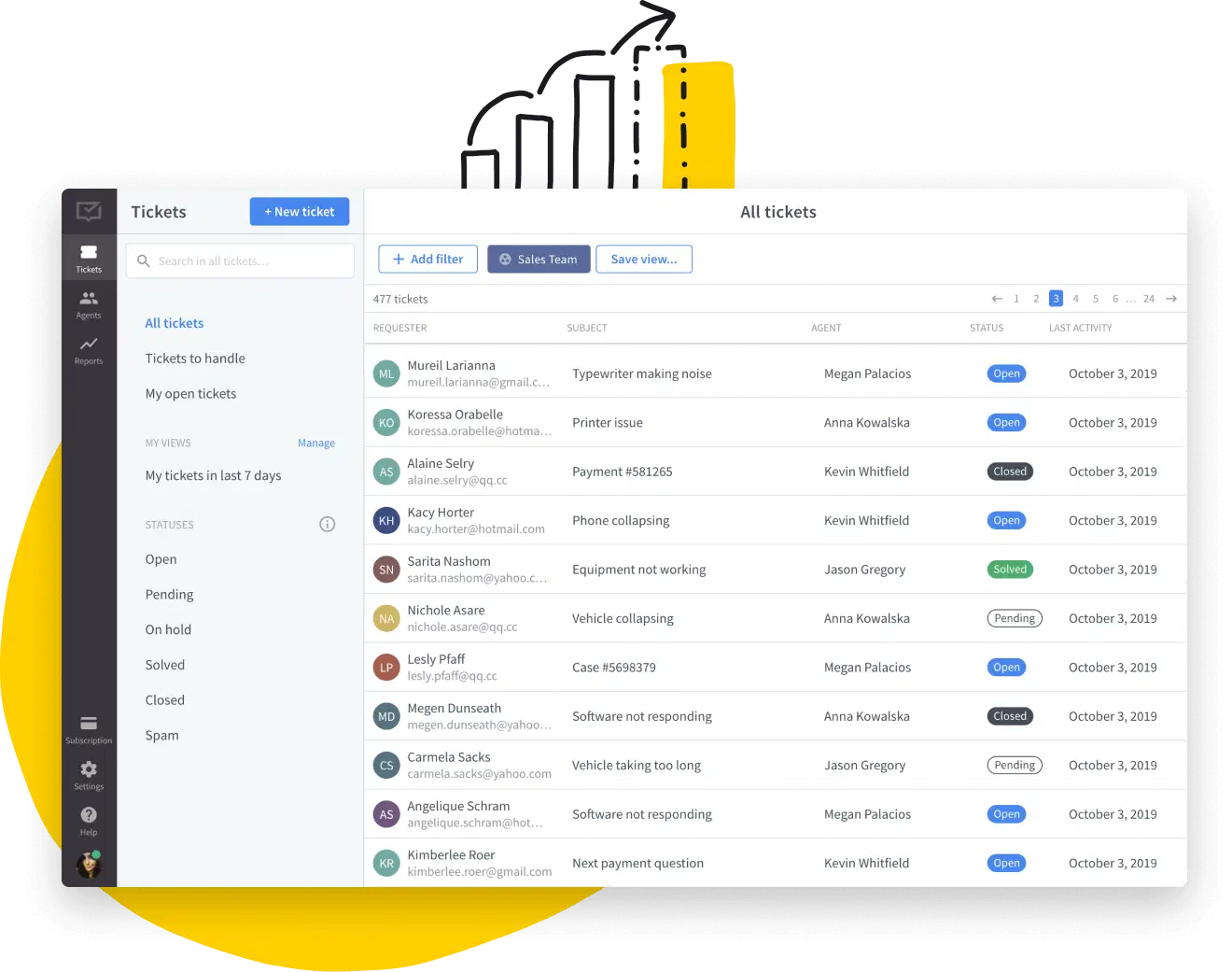
A remote help desk gives IT technicians and support teams a shared ticket queue for organizing requests, assigning owners, and keeping troubleshooting details in context.
Implementing a digital support system eliminates the necessity for on-site visits, allowing you to assist multiple users simultaneously, increasing profitability.
Remote customer support software keeps conversations and ticket history organized, giving agents the context they need to respond consistently.
Software for IT support keeps priorities, assignments, and customer details visible, helping distributed teams move requests forward without losing context.
A shared help desk keeps support conversations and ticket history in one workspace, making access and ownership easier to manage across a distributed team.
As your business expands, remote help desk software helps you organize a growing ticket queue and coordinate coverage across teams and time zones.
A browser-based help desk lets your team manage customer requests across locations and time zones without relying on a shared office.
Easily track your agents' and teams' performance, wherever they’re working. Explore detailed reports, filter the data, and uncover insights to boost growth.
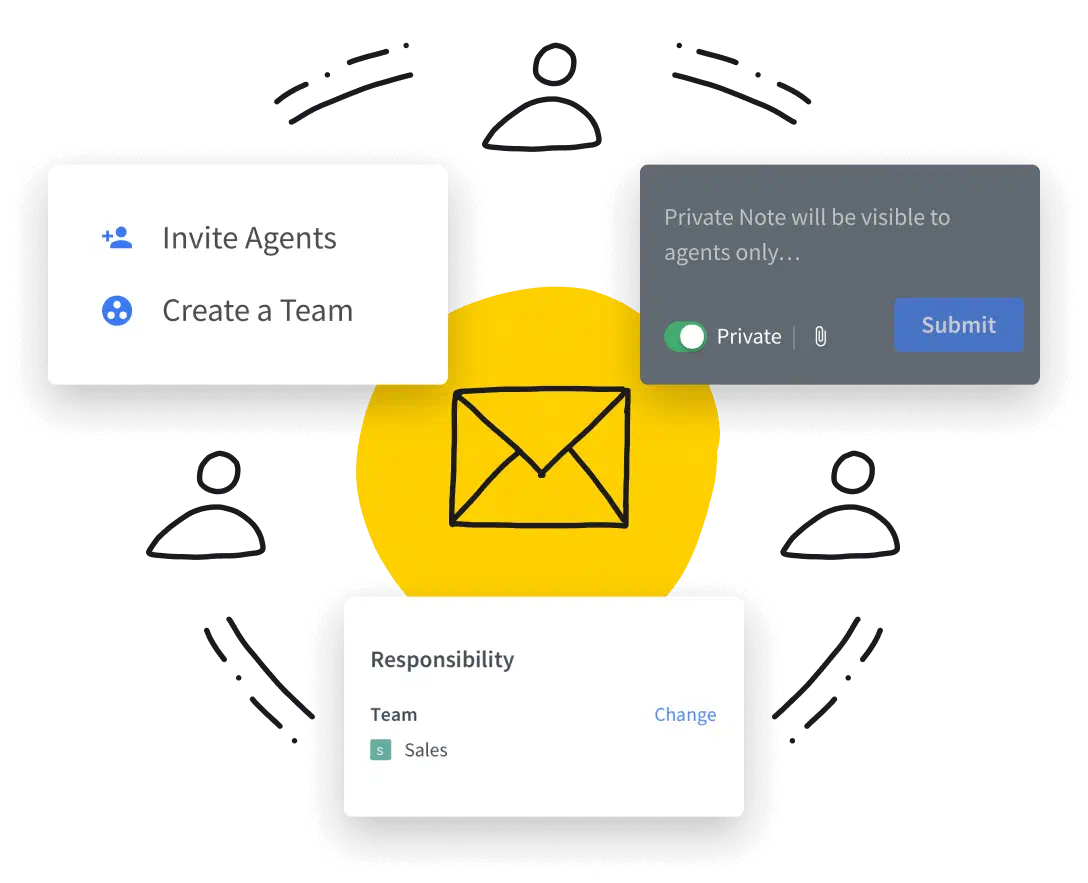
HelpDesk is remote help desk software for distributed support teams. Invite teammates to work from individual accounts, share ticket context, and solve customer cases together.
Work with your team in HelpDesk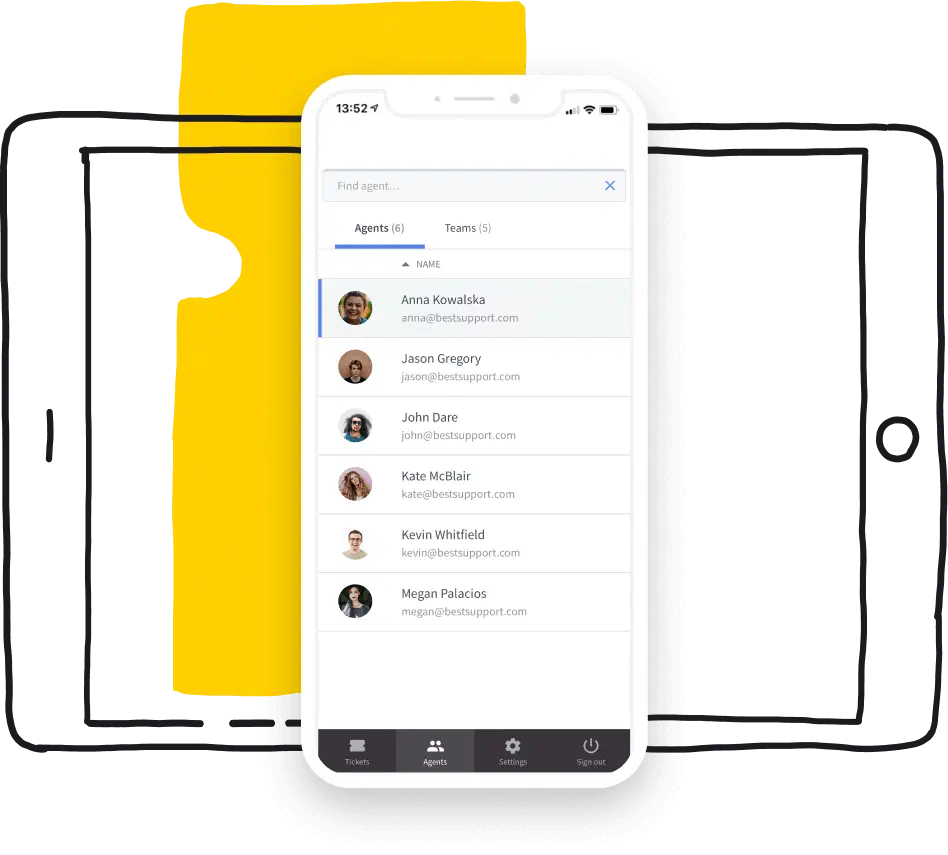
HelpDesk is a web-based application, which means it runs in a browser, regardless of device or operating system. You can manage customer tickets on desktop or mobile while on the go.
Try HelpDesk for free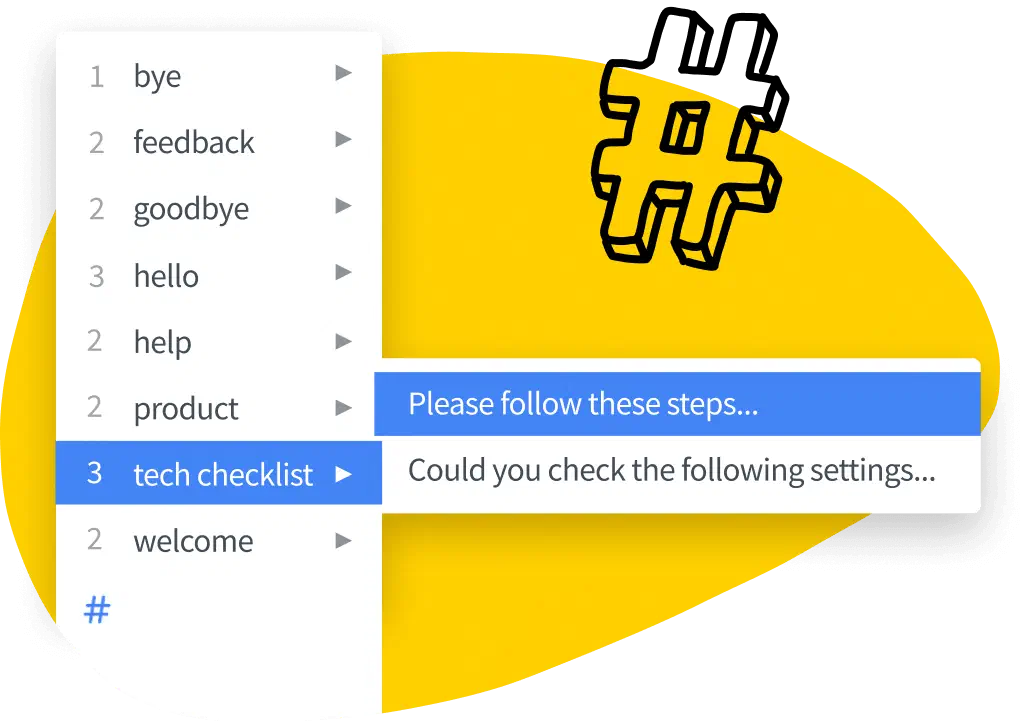
Delegate non-core tasks to workflows and answer repetitive questions without your direct input. Respond more consistently and boost response times with canned responses.
Automate your tasks now
Keep support conversations in a dedicated remote help desk. Your messages are hosted in the cloud, so your team can access ticket context without managing local storage infrastructure.
Start using HelpDeskOptimize first response time
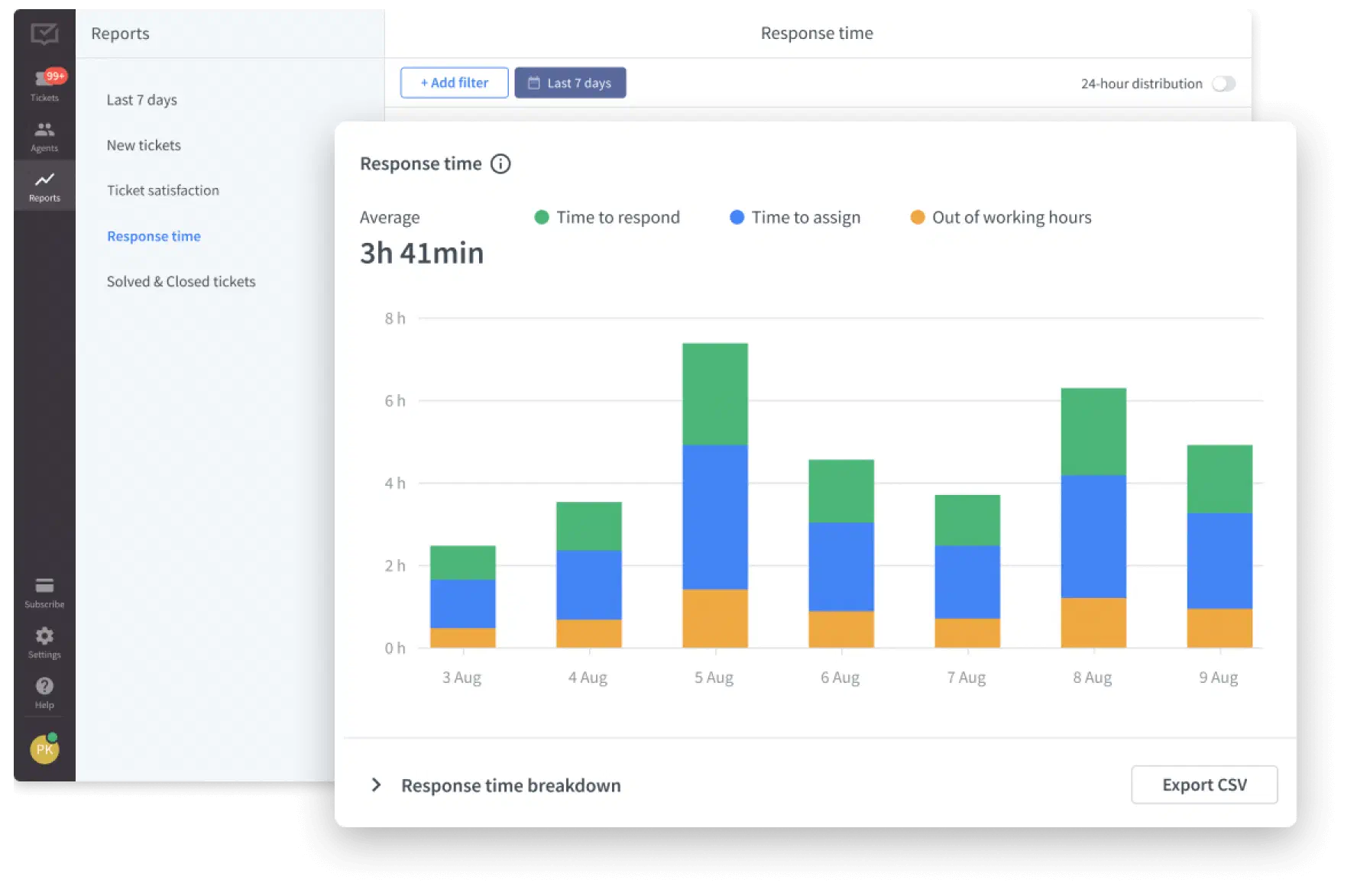
Look at online reports to see how much time it takes you to manage tickets. Find cases that require more effort from your team and draw conclusions based on actual data.
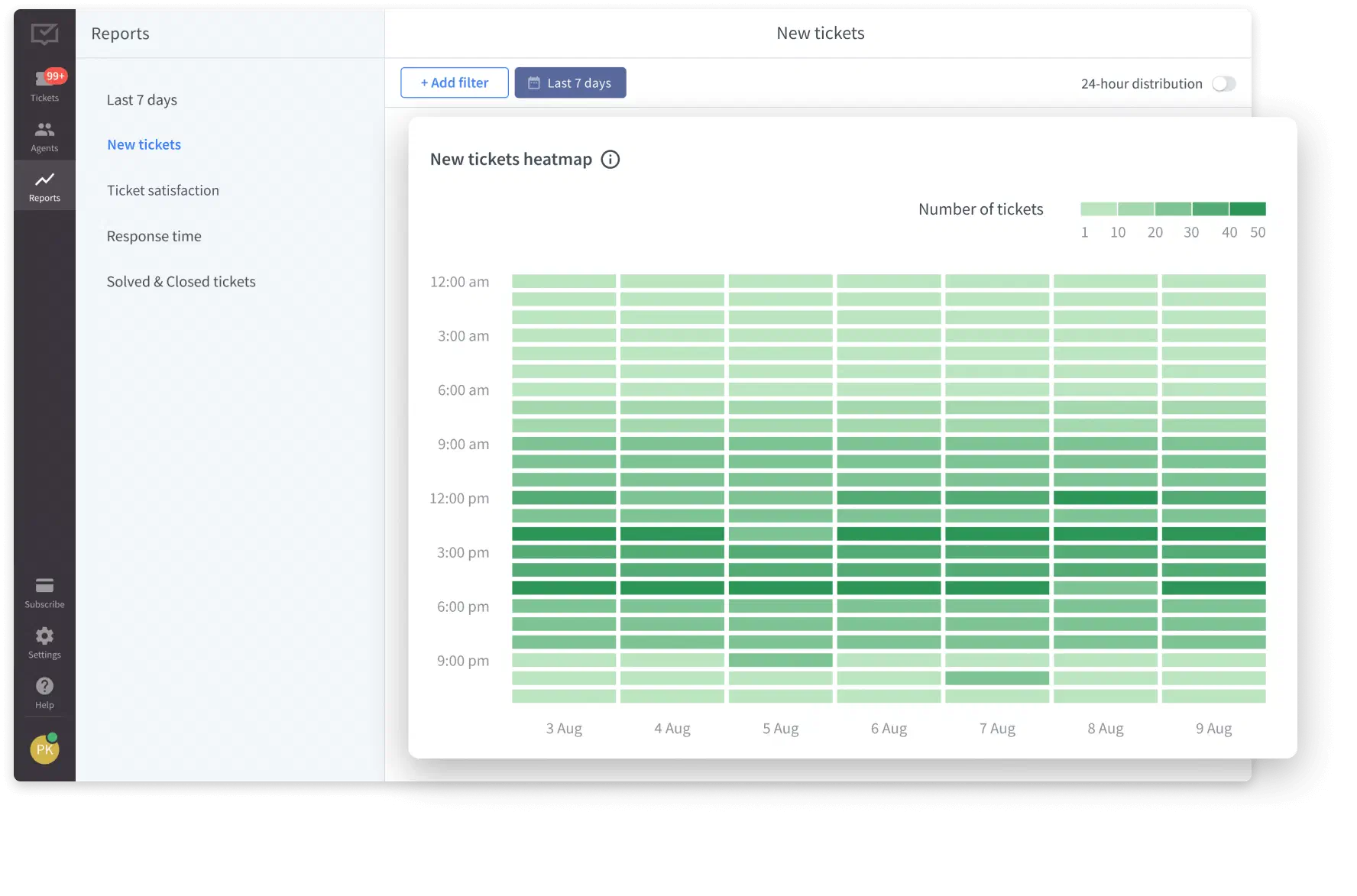
Explore the ticket heatmap
View the ticket heatmap that provides a seamless overview of your entire customer support week. Discover when you receive the most requests and modify your staffing.
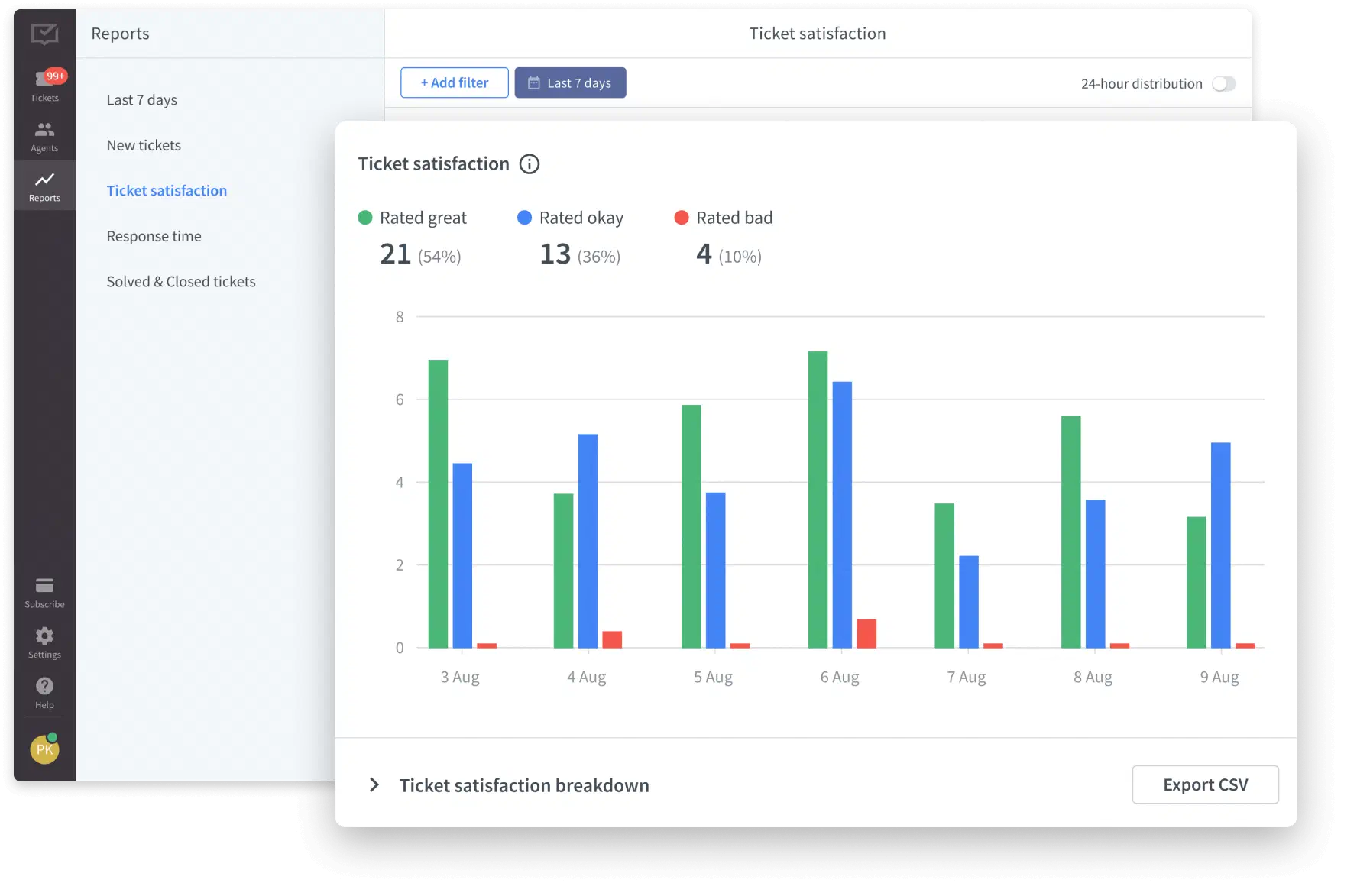
Master customer satisfaction
Give your customers space to share feedback on your support and the quality of your ticket responses. Then, analyze their comments and make the relevant adjustments.
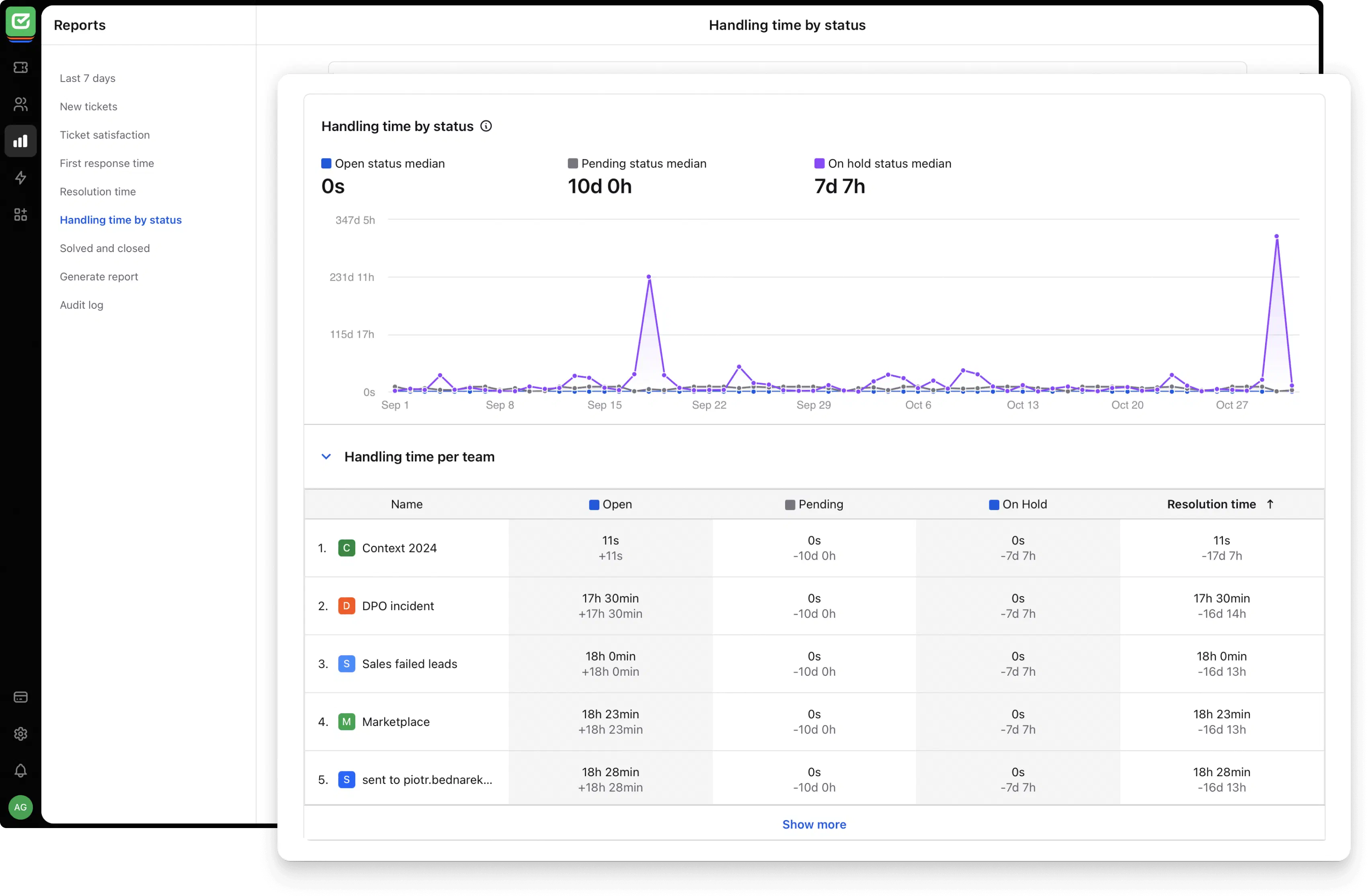
Speed up ticket flow
Check how long tickets spend in each stage. Spot any delays? Focus on those areas to speed things up and keep improving your support process.
Look at online reports to see how much time it takes you to manage tickets. Find cases that require more effort from your team and draw conclusions based on actual data.
View the ticket heatmap that provides a seamless overview of your entire customer support week. Discover when you receive the most requests and modify your staffing.
Give your customers space to share feedback on your support and the quality of your ticket responses. Then, analyze their comments and make the relevant adjustments.
Check how long tickets spend in each stage. Spot any delays? Focus on those areas to speed things up and keep improving your support process.
Remote help desk software gives support teams a shared, browser-based workspace for receiving, organizing, assigning, and resolving customer requests from any location. It supports remote customer service through ticket management, team collaboration, automation, and reporting.
Effective remote support depends on several factors:
- Technology and tools. A shared help desk and reliable communication tools keep requests and customer context organized.
- Security and privacy. Teams need clear access controls and processes for handling customer data.
- Connectivity. A reliable internet connection helps agents communicate and update tickets without interruption.
- User experience. The software should be easy to use for support teams and customers.
- Training and expertise. Agents need product knowledge and communication skills to diagnose and explain issues.
- Response time and availability. Clear ownership and priorities help teams respond consistently.
- Feedback and improvement. Customer feedback and support reports reveal where the process needs attention.
No. HelpDesk is remote help desk software for managing customer requests, ticket workflows, team collaboration, and support reports. It does not provide remote desktop access or control of a customer's device. If device control is required, use HelpDesk alongside a dedicated remote access tool.
Onsite IT support involves direct, in-person assistance for technical issues at the user's location, which is ideal for hardware problems and complex setups.
Remote IT support is provided over the internet, allowing technicians to address issues without being physically present, suitable for quick, software-related troubleshooting.
To streamline remote IT support services with a help desk:
- Centralize requests in one ticket queue.
- Automate repetitive tasks such as assigning cases and sending confirmations.
- Prioritize and categorize tickets by urgency and type.
- Collaborate in context with internal notes and clear ticket ownership.
- Monitor performance with reports for ticket volume, response time, resolution time, and customer satisfaction.
- Review the process regularly using ticket data and customer feedback.
Make remote support feel organized with HelpDesk
Free 14-day trial Web-based solution
You'll be in
good company