
 AI ticketing & automation
24/7/365 support
SOC 2 & GDPR
AI ticketing & automation
24/7/365 support
SOC 2 & GDPRHelpDesk.com is an email management tool built for customer support. Connect your support address in minutes, reply from your own domain, and work every email as a trackable ticket. For teams that run support through email and need it to scale.
Free 14-day trial No credit card required
Text products are trusted by 35,000+ leading brands





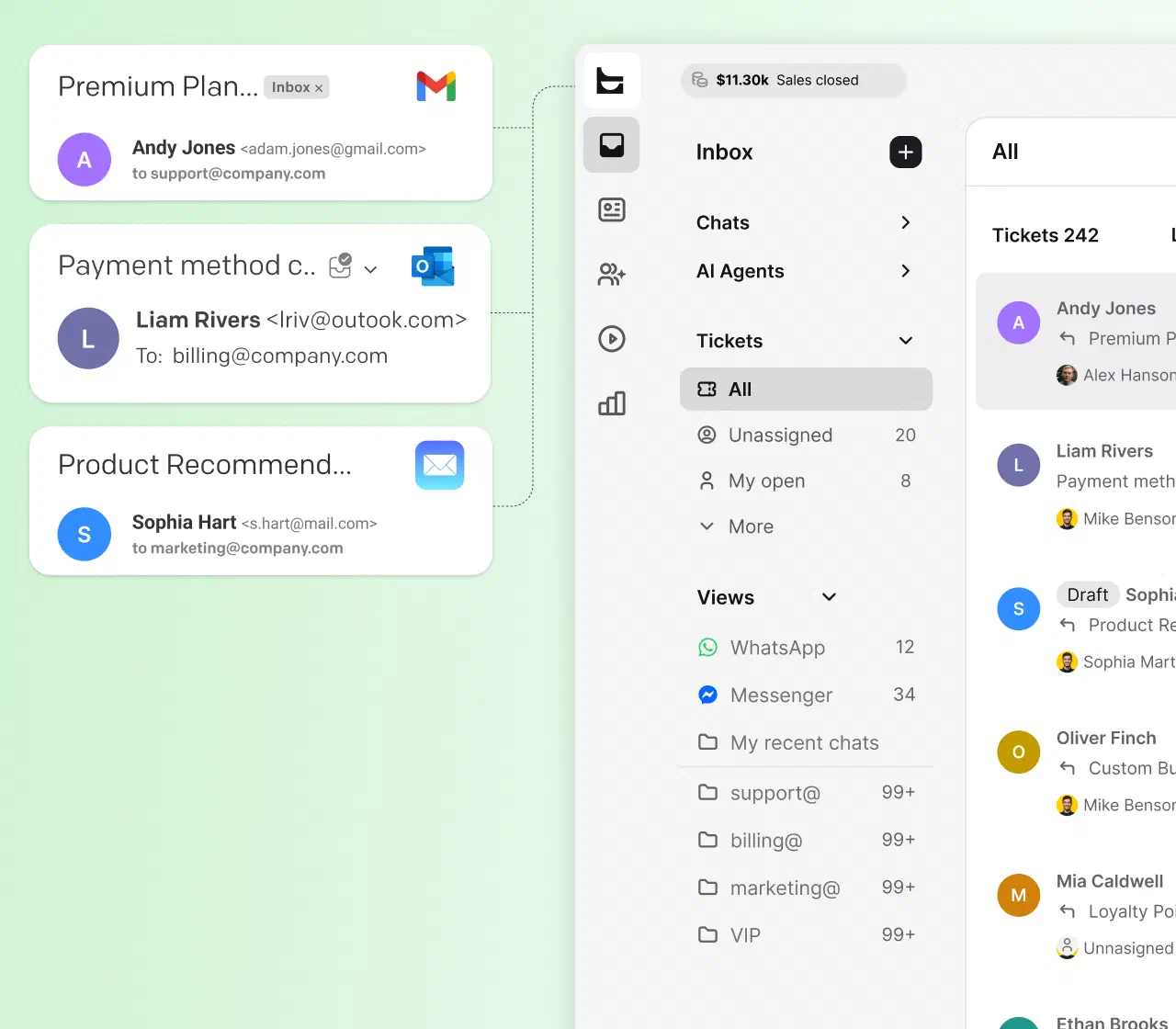
In a plain mailbox nobody knows who has the reply. Two agents answer the same customer, or nobody does. An email management system gives every message one owner and one status.
The context you need is buried in forwards and CC chains. With every email tracked as a ticket, the full conversation history stays attached to the case.
Fifty emails a day works in Gmail. Five hundred does not. Routing rules, prioritization, and automation keep response times flat while volume grows.
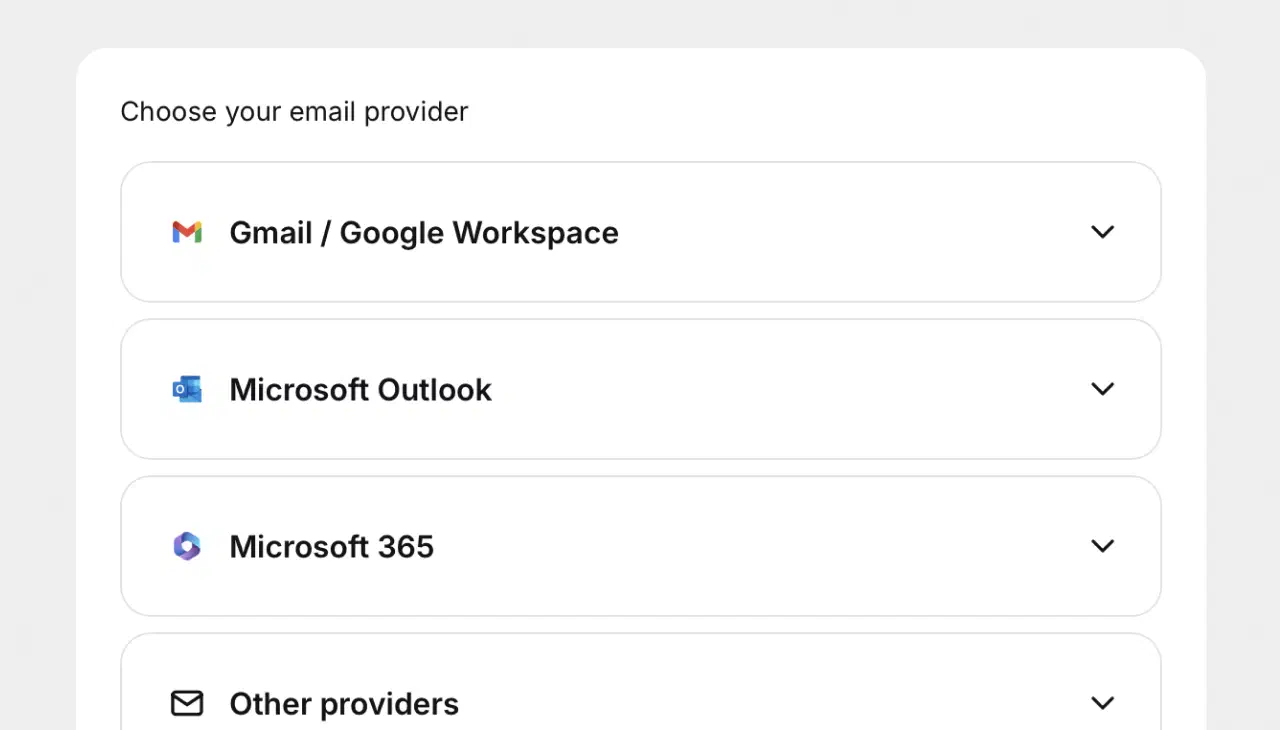
Forward support@yourcompany.com to HelpDesk.com and every incoming email becomes a ticket automatically. No migration project, no downtime for your customers.
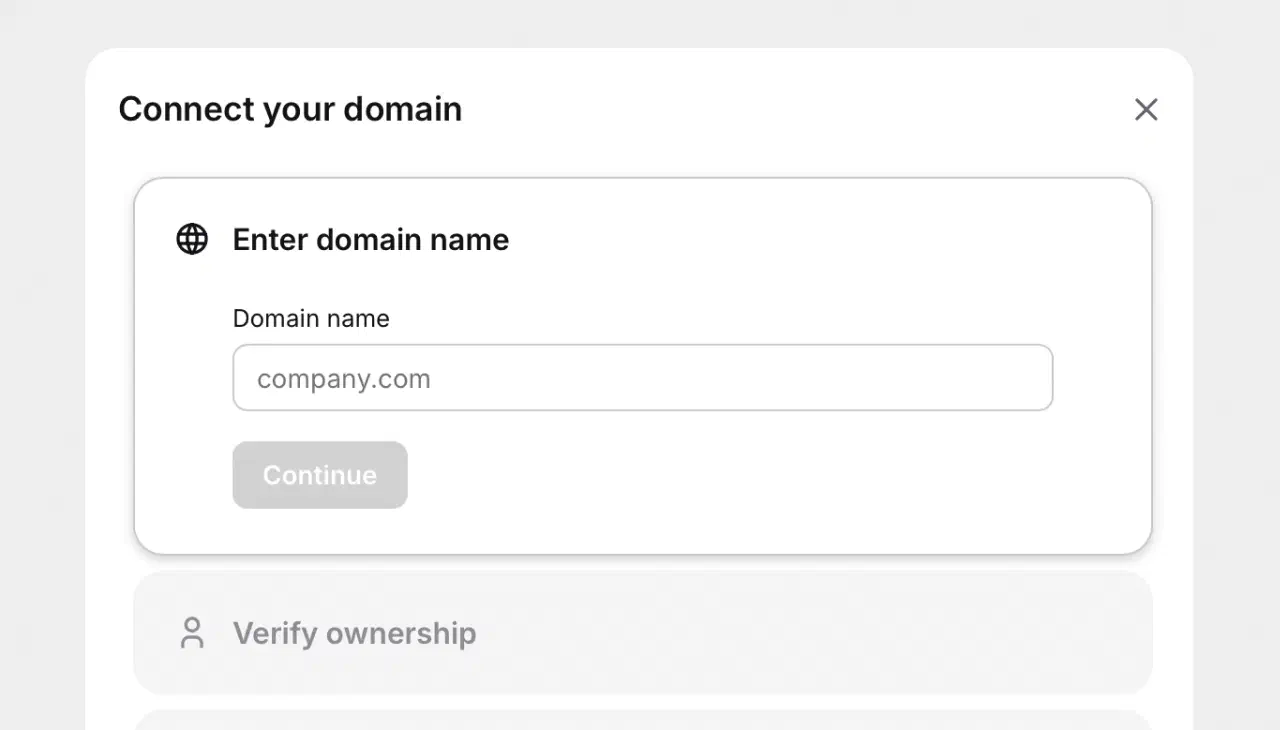
Customers see answers from your address, not a vendor's. Set up a custom domain so every reply looks exactly like it came from your company, because it did.
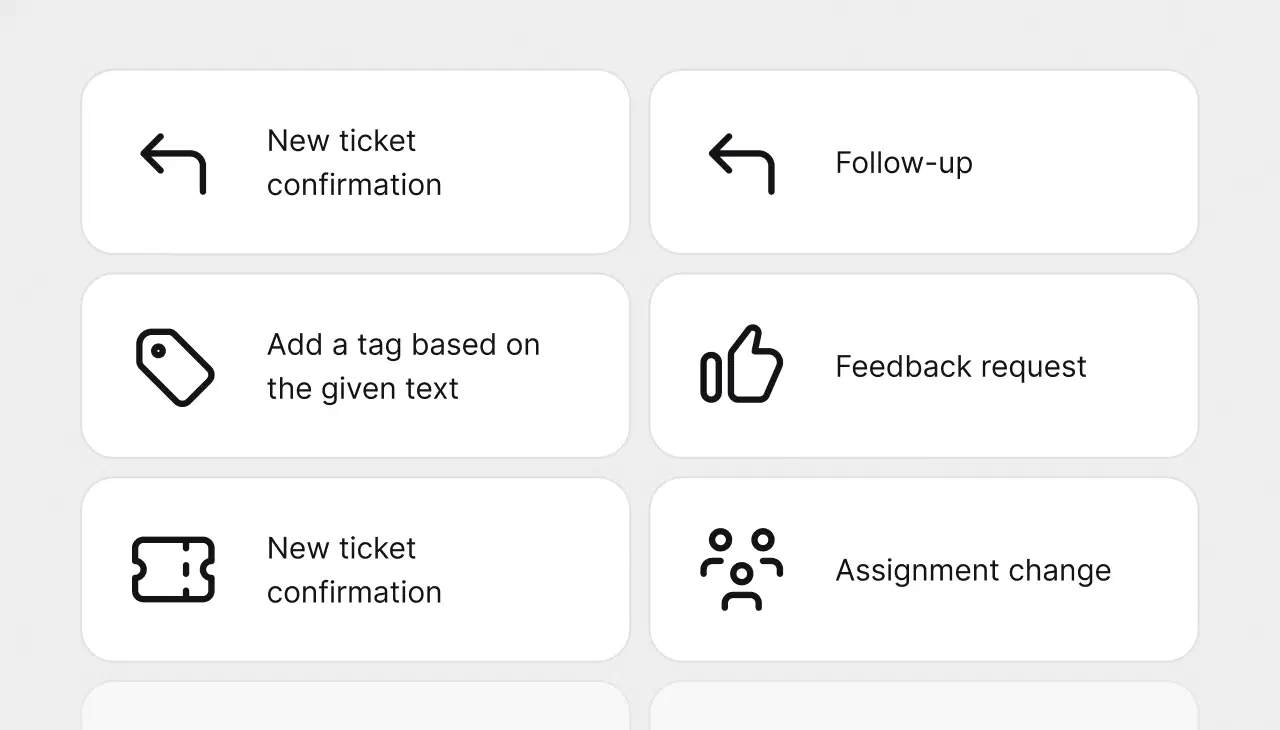
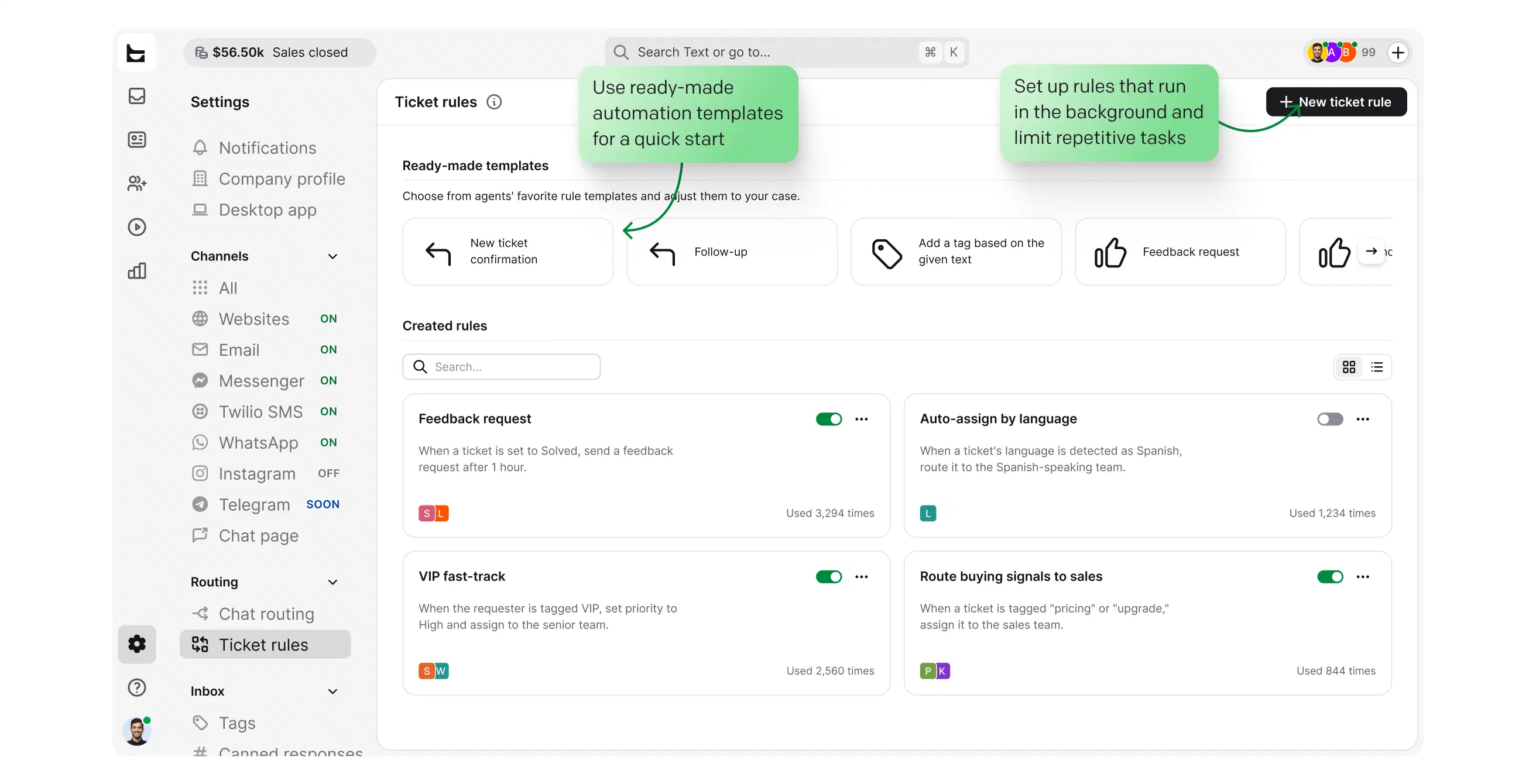
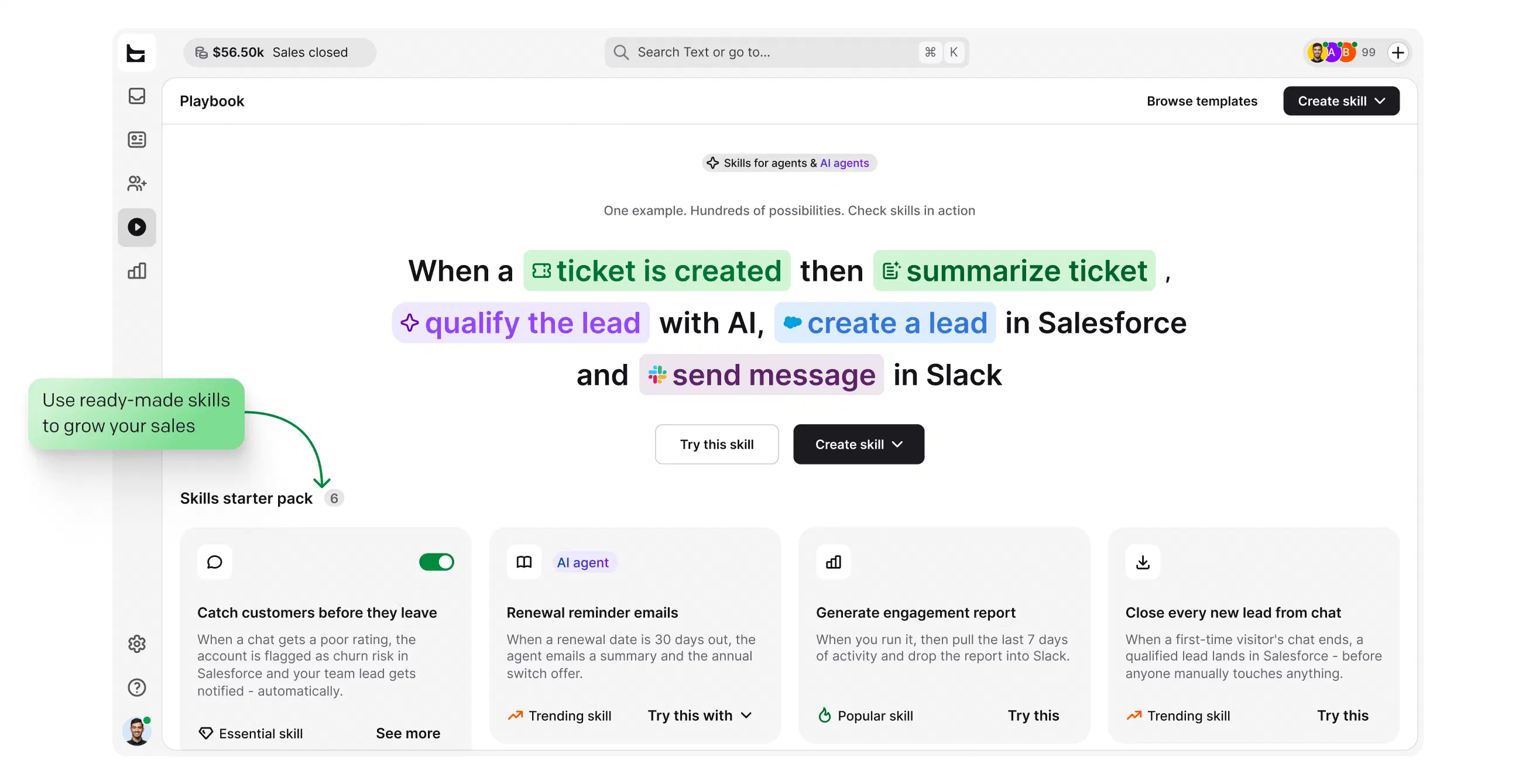
Set rules that tag, assign, and follow up on tickets automatically as they arrive. The repetitive triage runs itself, so your team spends its time on answers that need a person.
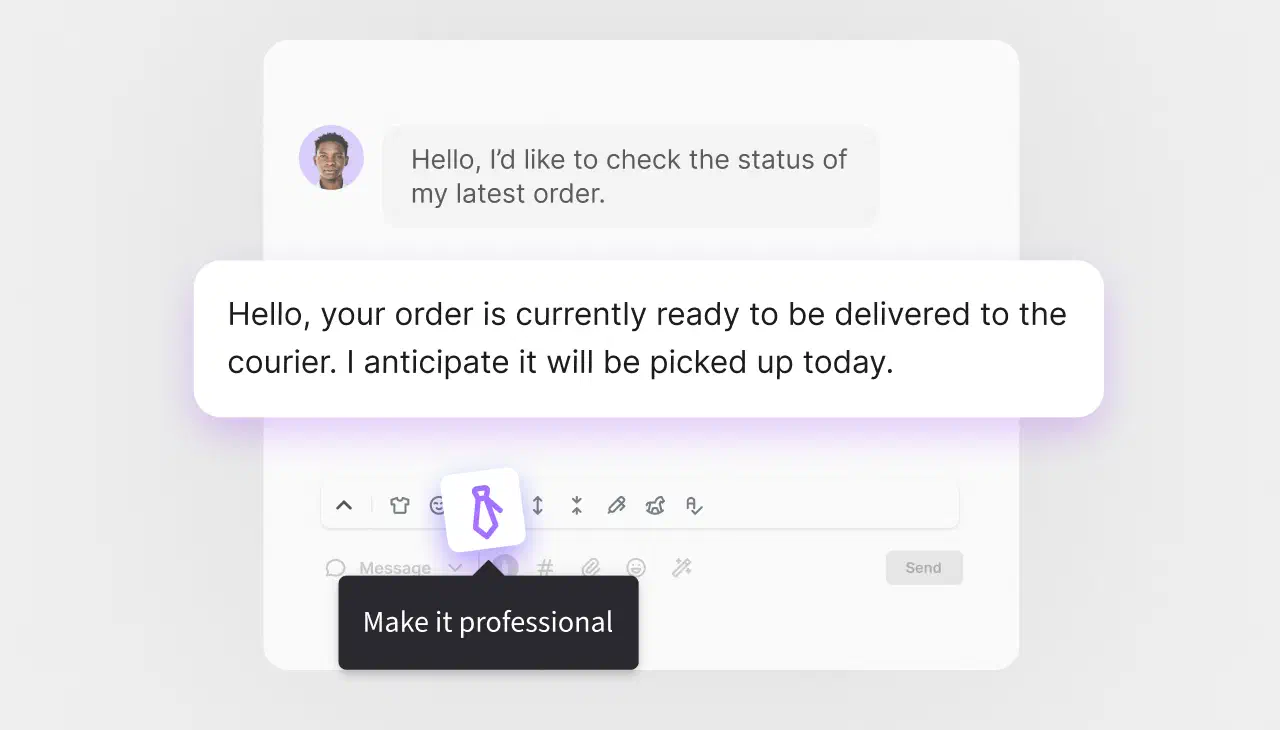
AI reply suggestions draft answers from the conversation context, and ticket summaries let anyone pick up a long thread in seconds. Your team edits and sends.
No credit card required
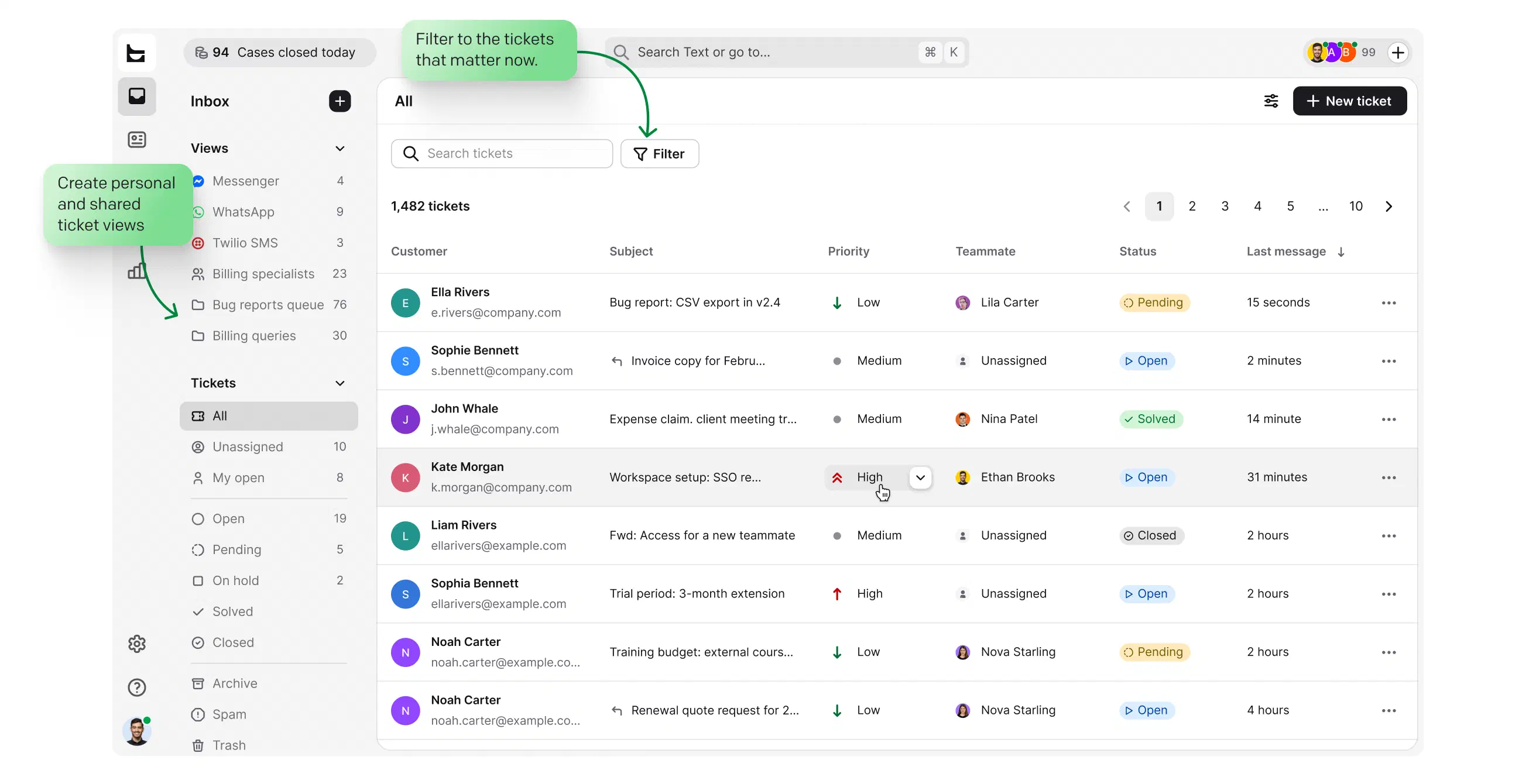
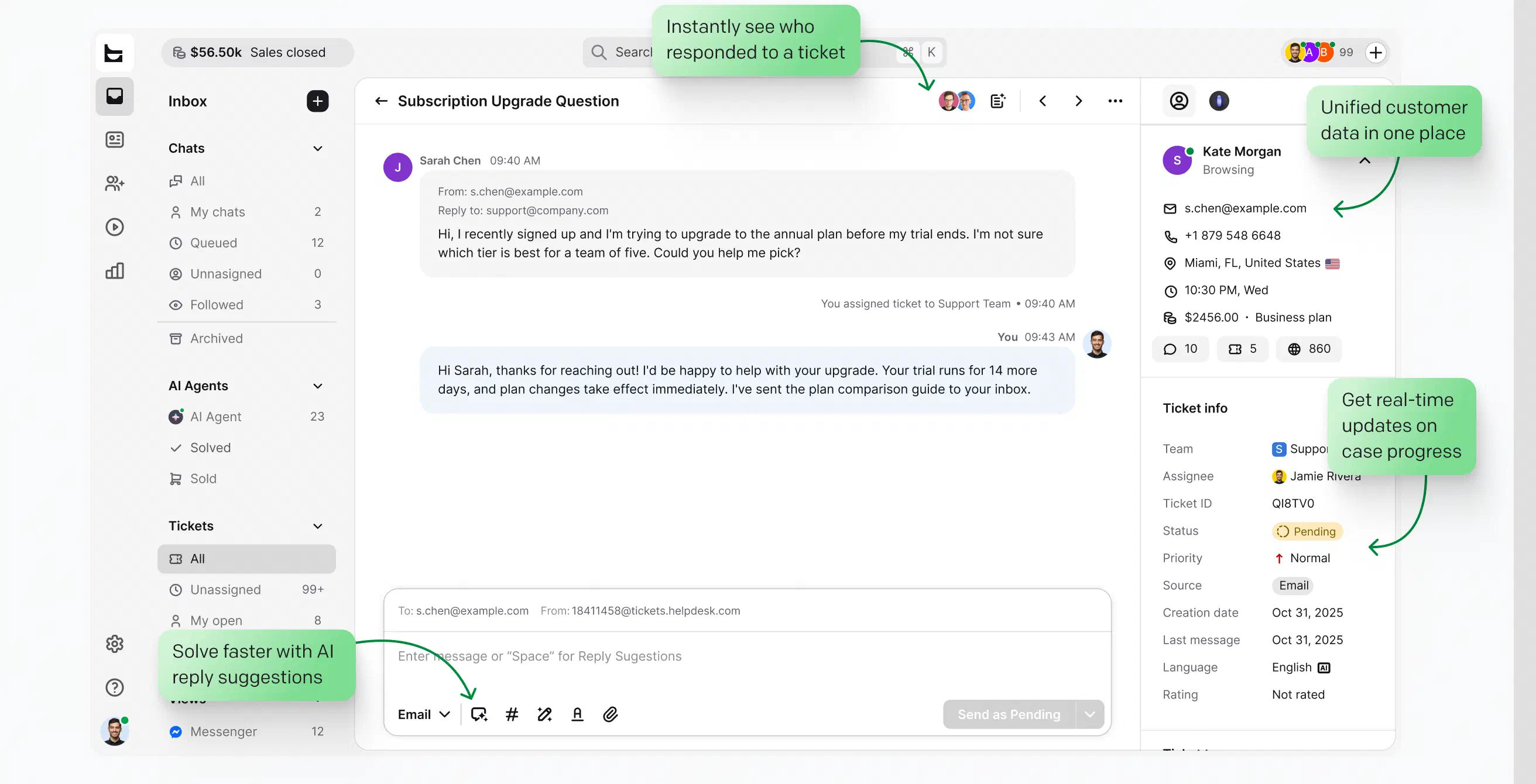
Every channel lands in one queue with clear statuses: open, pending, solved.
Build custom views around the queues your team actually watches.
Surface high-impact tickets and SLA risks first, so nothing urgent slips through.
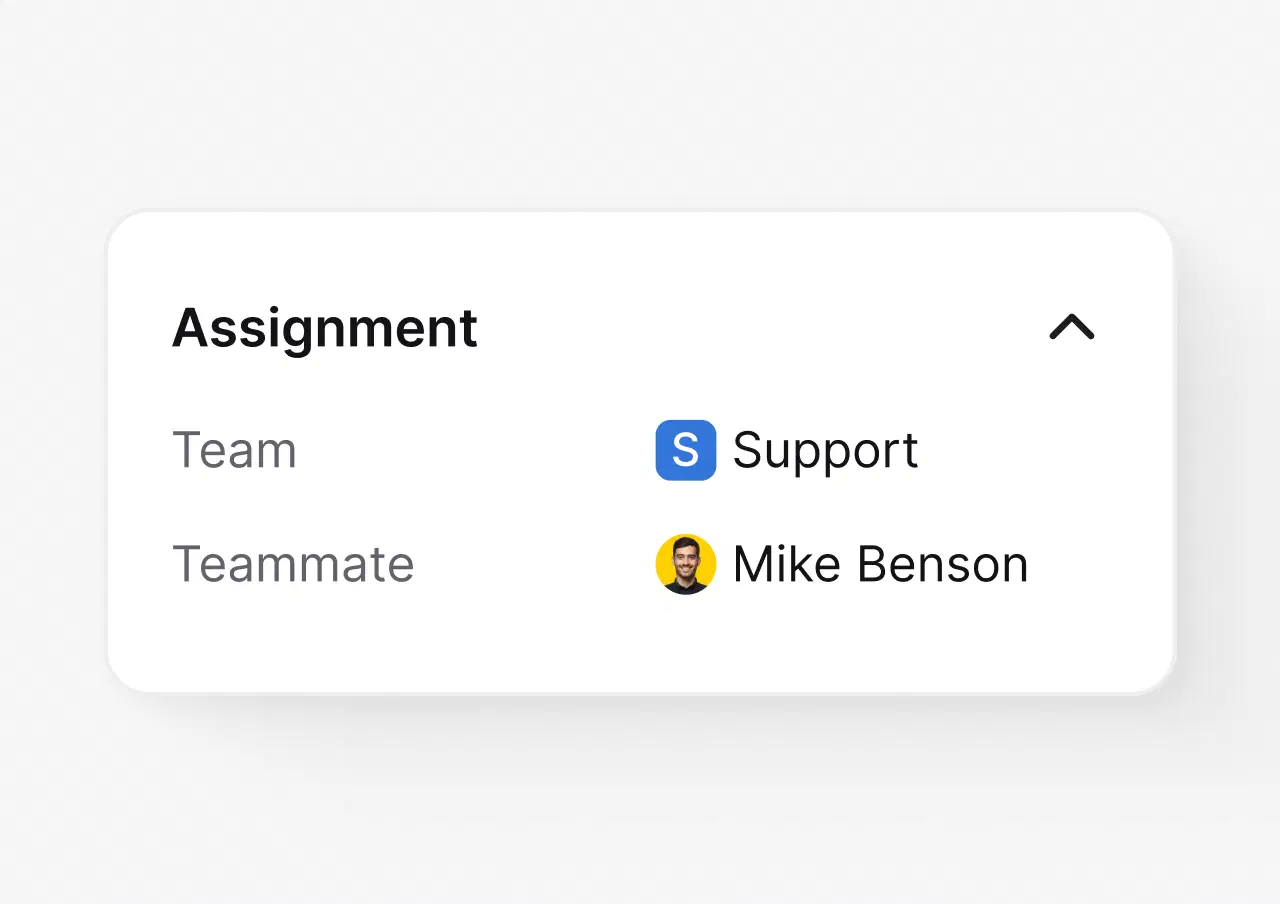
Route work by team, workload, and skills, so ownership is never unclear.
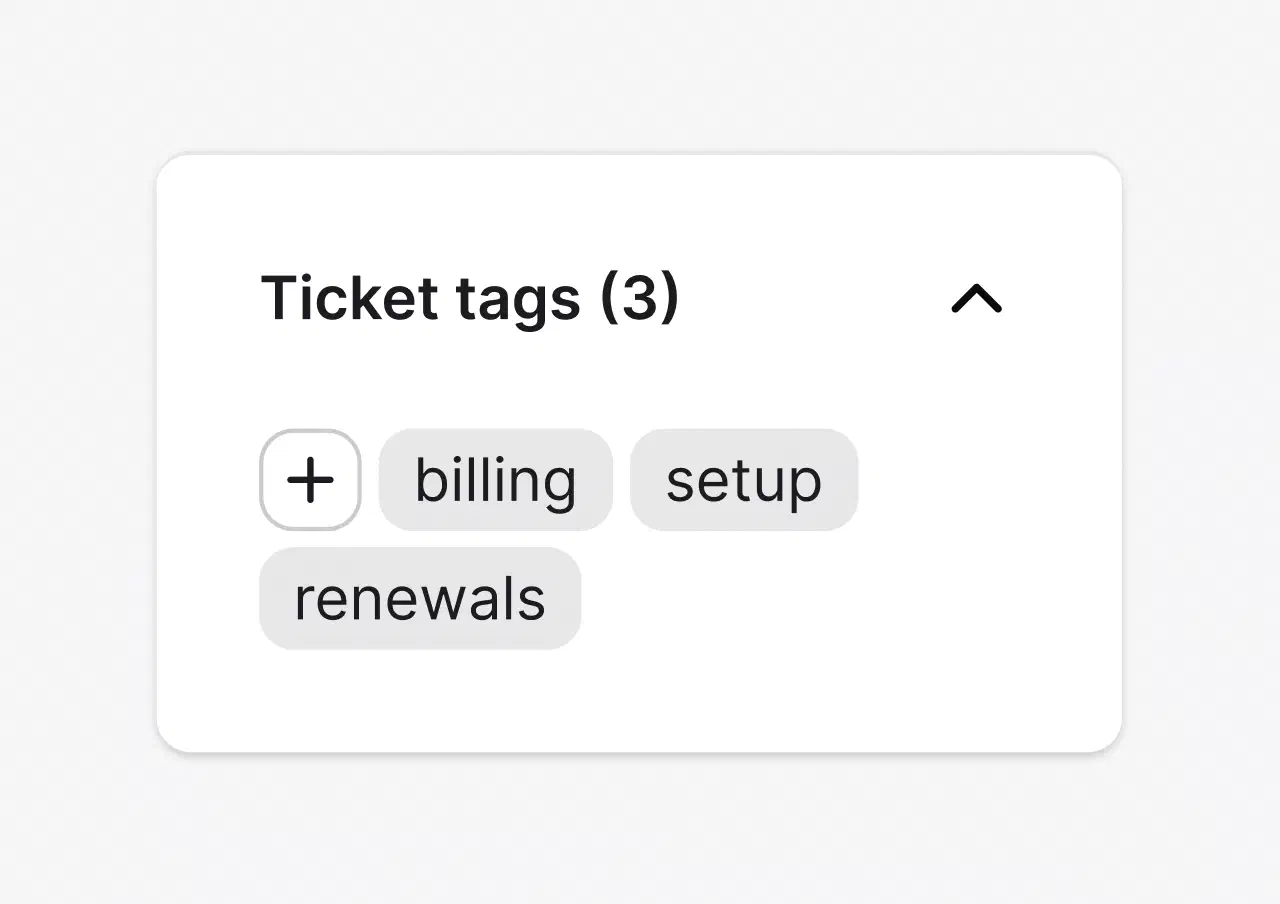
Keep the queue readable and reporting clean without manual triage.
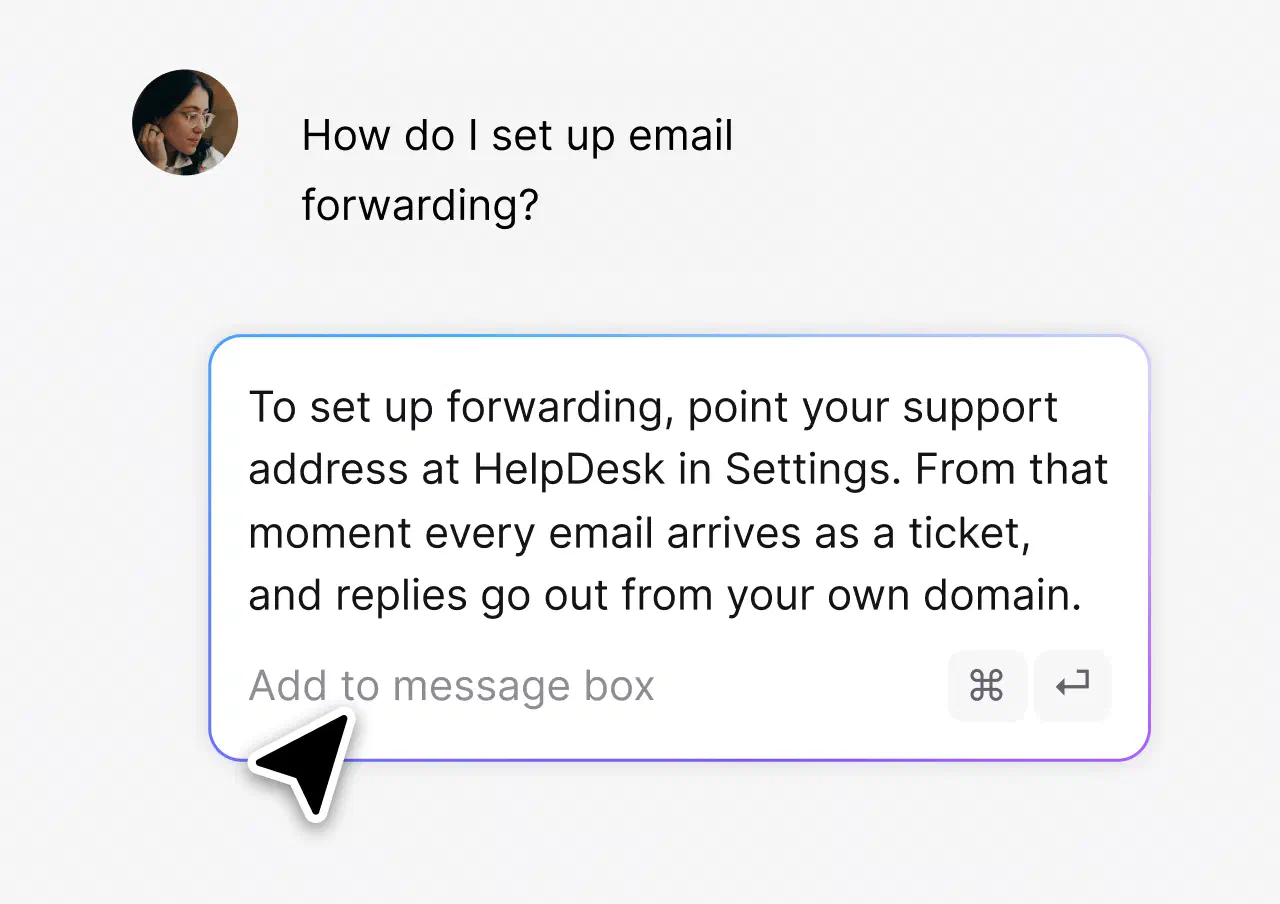
Answer the questions that repeat in one click, consistently.
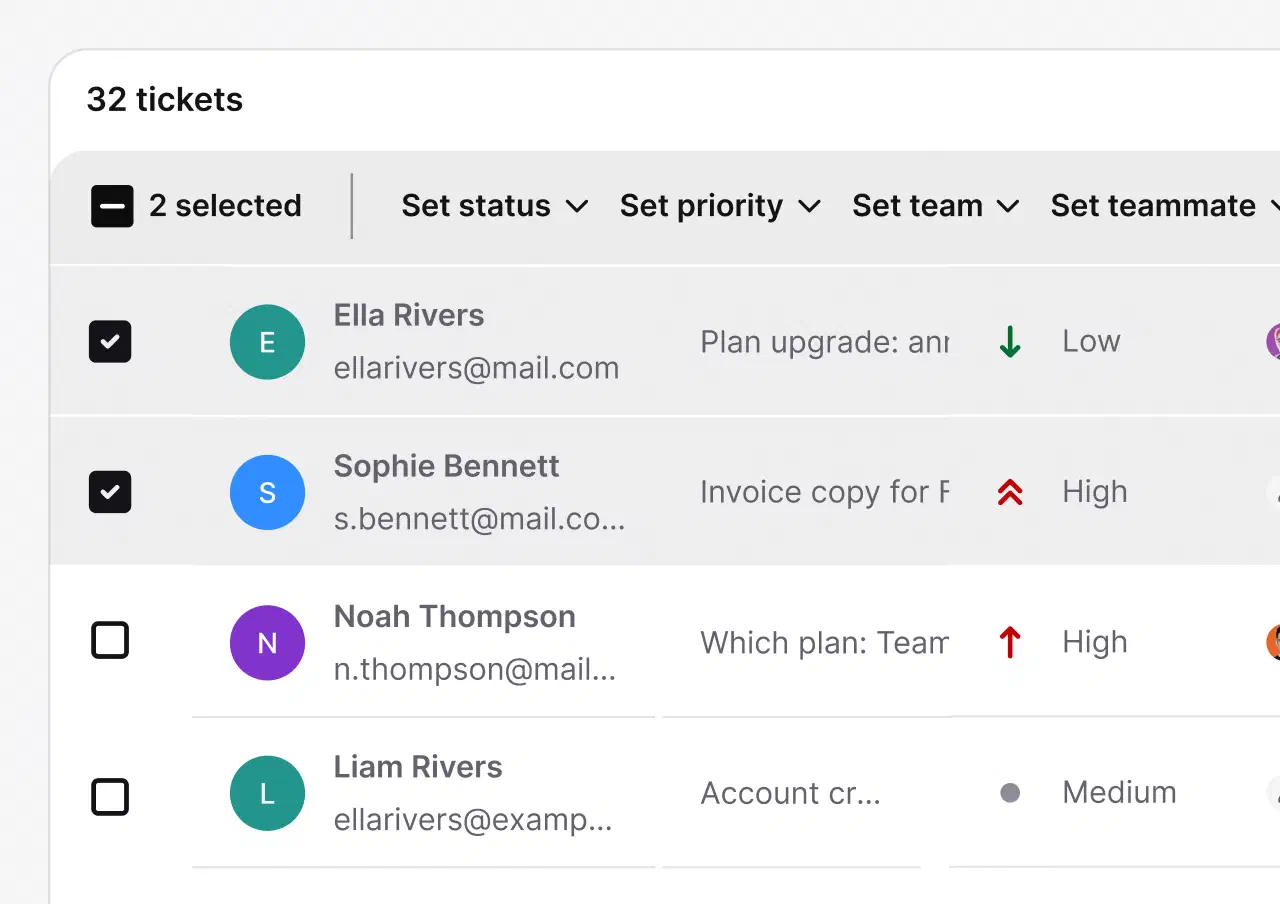
Handle daily actions at scale and see team performance in clear reports.
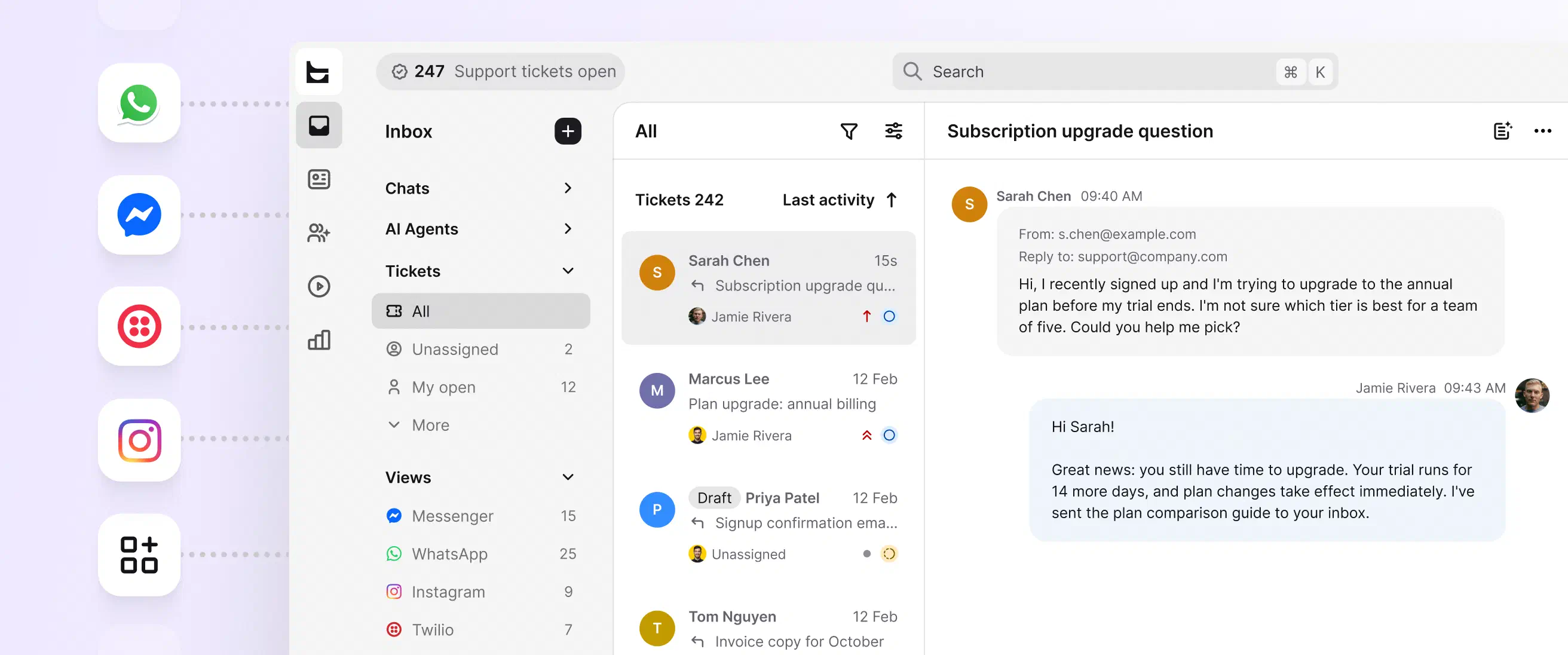
No credit card required
The AI Agent resolves up to 73% of routine cases in chat before they ever become a ticket. You stay in control: point it at the knowledge sources you trust and set the escalation paths.
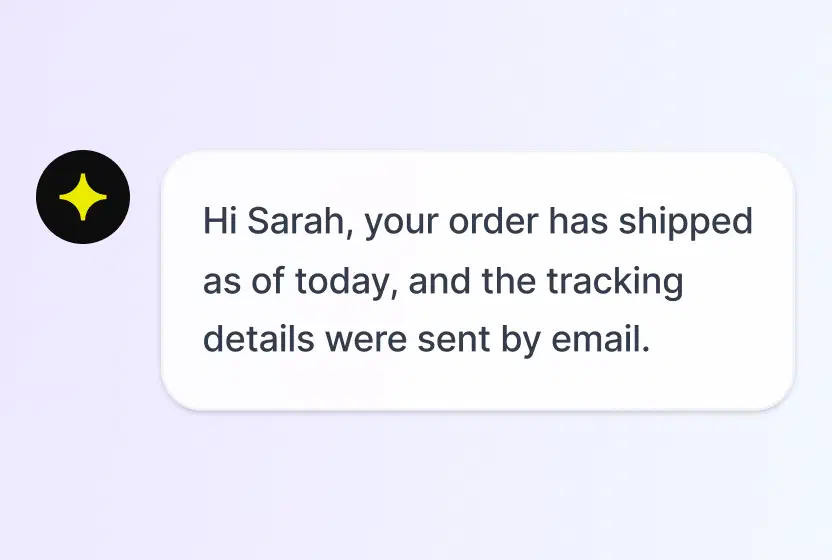
Answers routine questions in chat, hands the rest to your team with context.
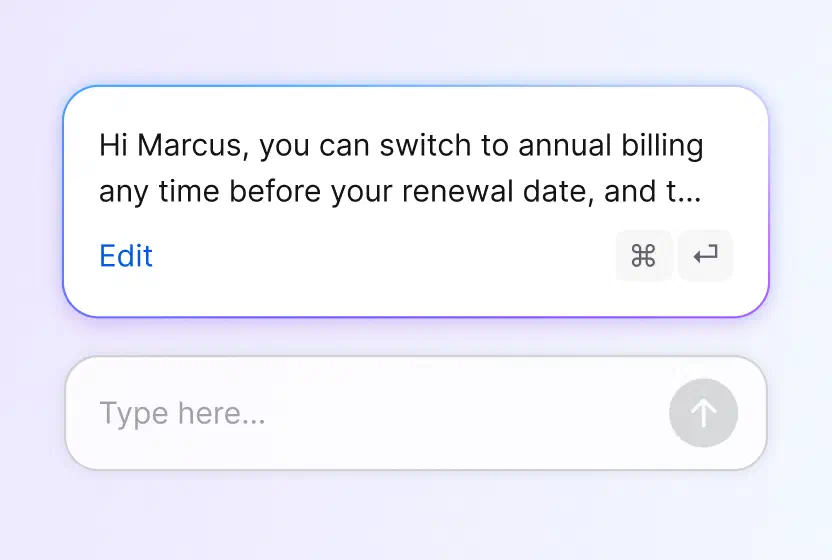
Drafts responses your agents can tune and send.
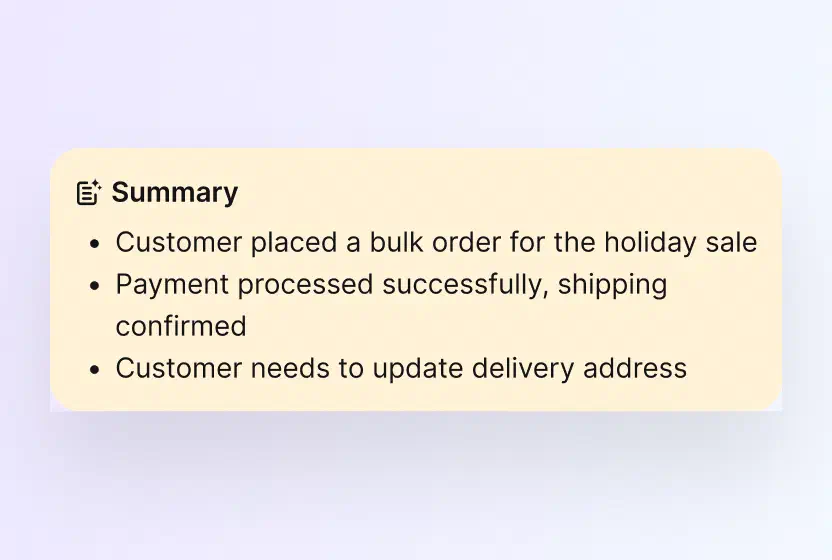
Catch up on any case in seconds.
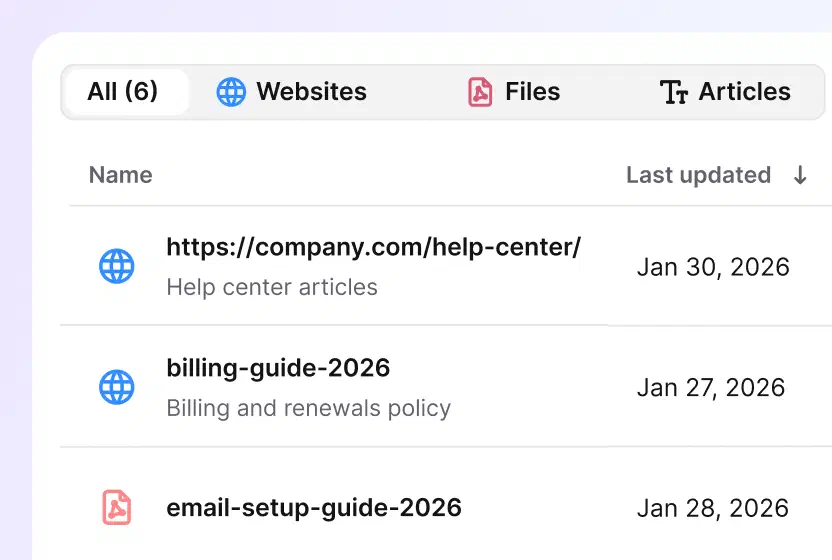
Point the AI at your help center, docs, and files, and nothing else.
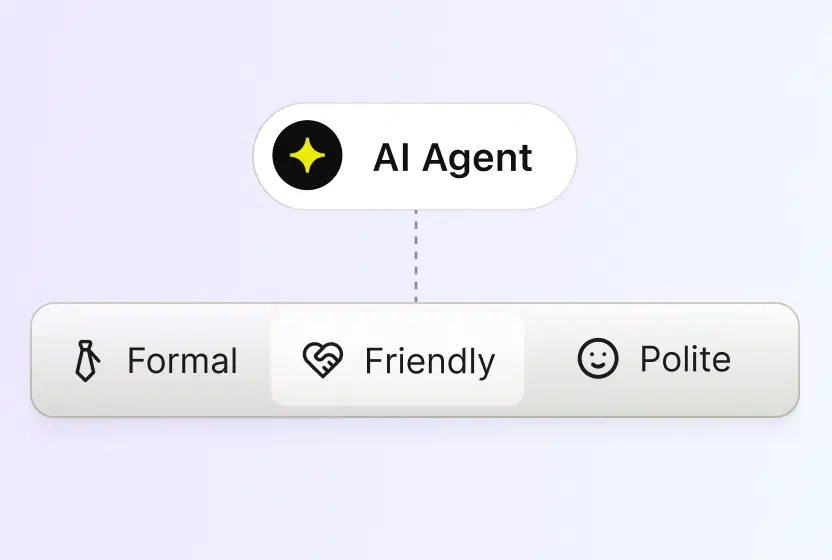
Pick a tone, professional, casual or friendly, and every reply sticks to it.
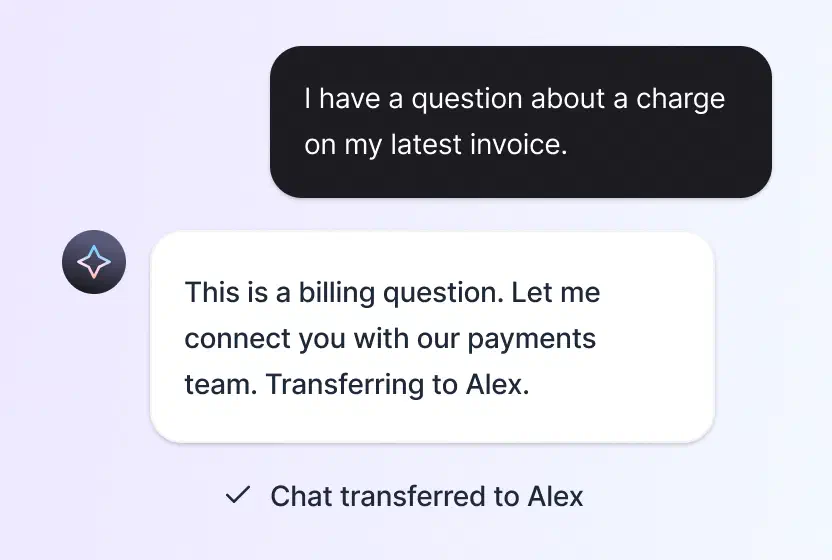
When a case needs human judgment, it reaches the right person with the history attached.
No credit card required
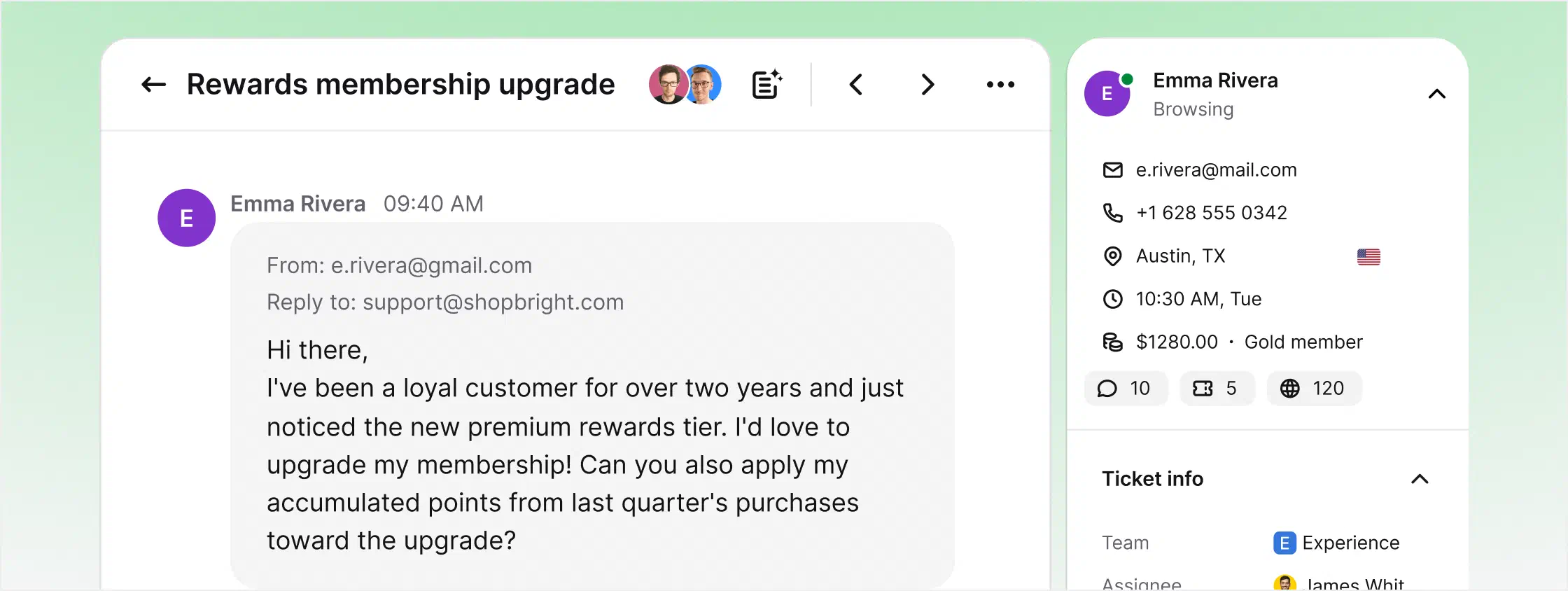
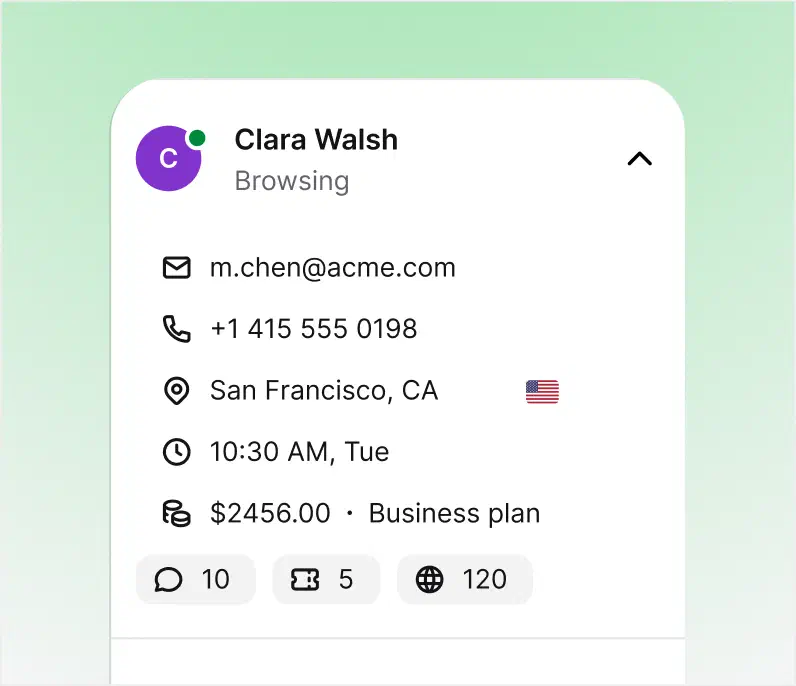
An email ticketing system converts incoming emails into tickets you can assign, prioritize, and track through to resolution. Email management software includes that ticketing core and adds the layer around it: sending from your own domain, branded templates, automation rules, AI assistance, and reporting. If you are searching for an email ticketing system, you are shopping in the same category.
HelpDesk.com is both. The email ticketing system handles capture, routing, and SLAs, while the management layer takes care of how your replies look, how repetitive work gets automated, and how you measure the team. One workspace instead of a mailbox plus a spreadsheet.
Free 14-day trial No credit card required
Customer emails are encrypted in transit and at rest, stored in certified AWS data centers, and available only to the agents you authorize.
 SOC 2
SOC 2
 GDPR
GDPR
 CCPA
CCPA
 PCI DSS
 DPF
DPF
 WCAG 2
 BBB
BBB
Resolving tickets is the baseline. Your help desk can also spot buying intent in a conversation and act on it.
Watch behavior and intent in real time, before a question even becomes a ticket.
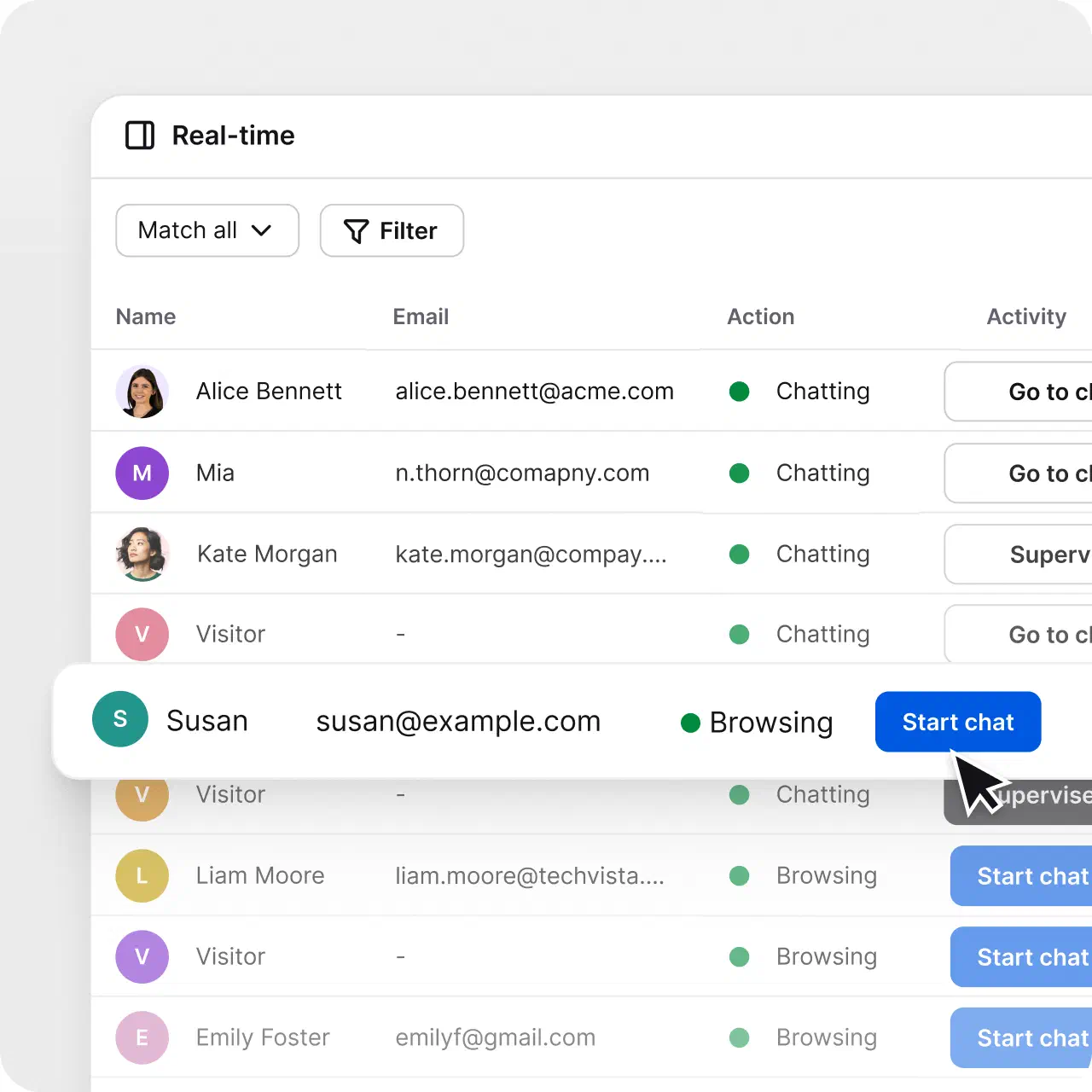
Start the conversation about the product a customer is looking at, at the right moment.
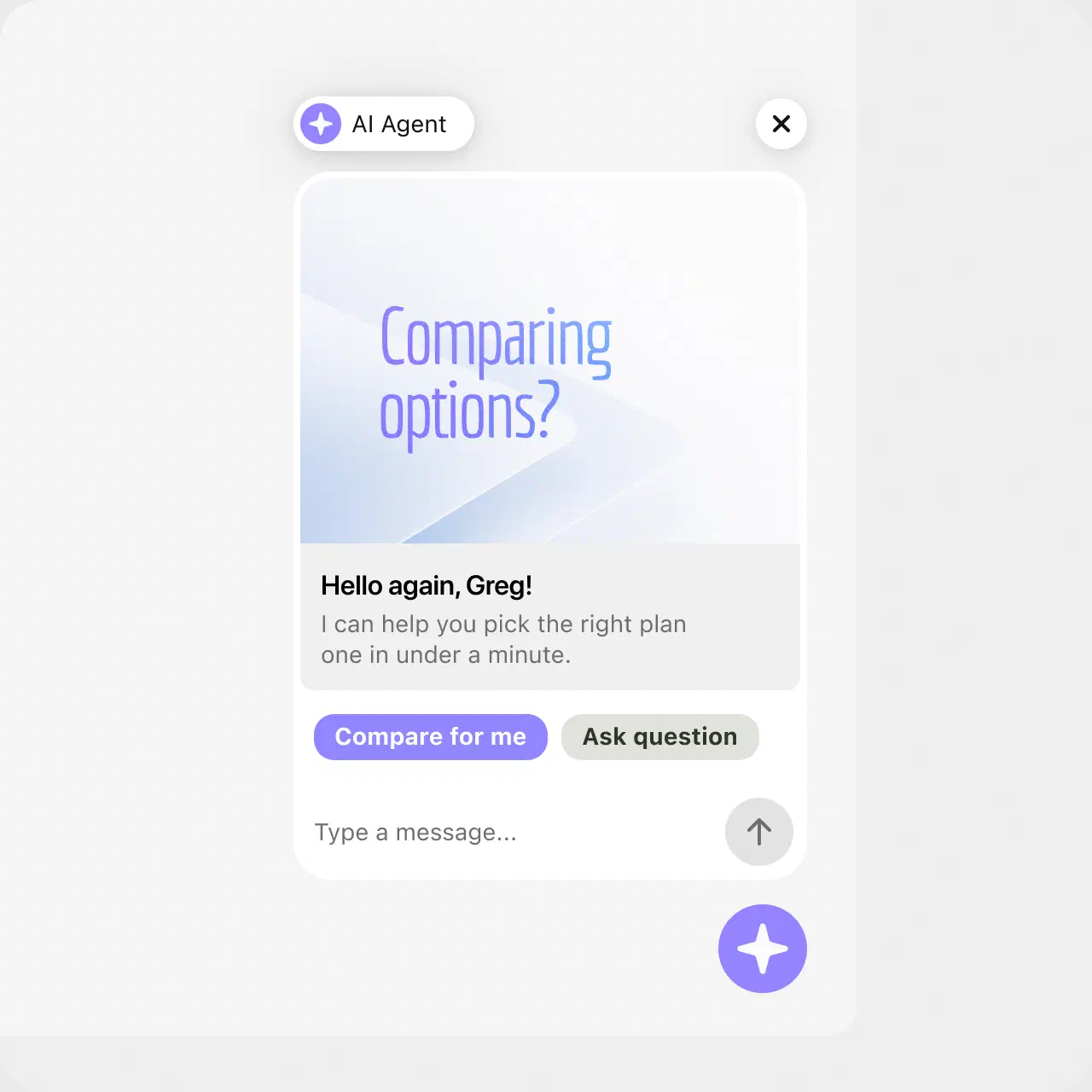
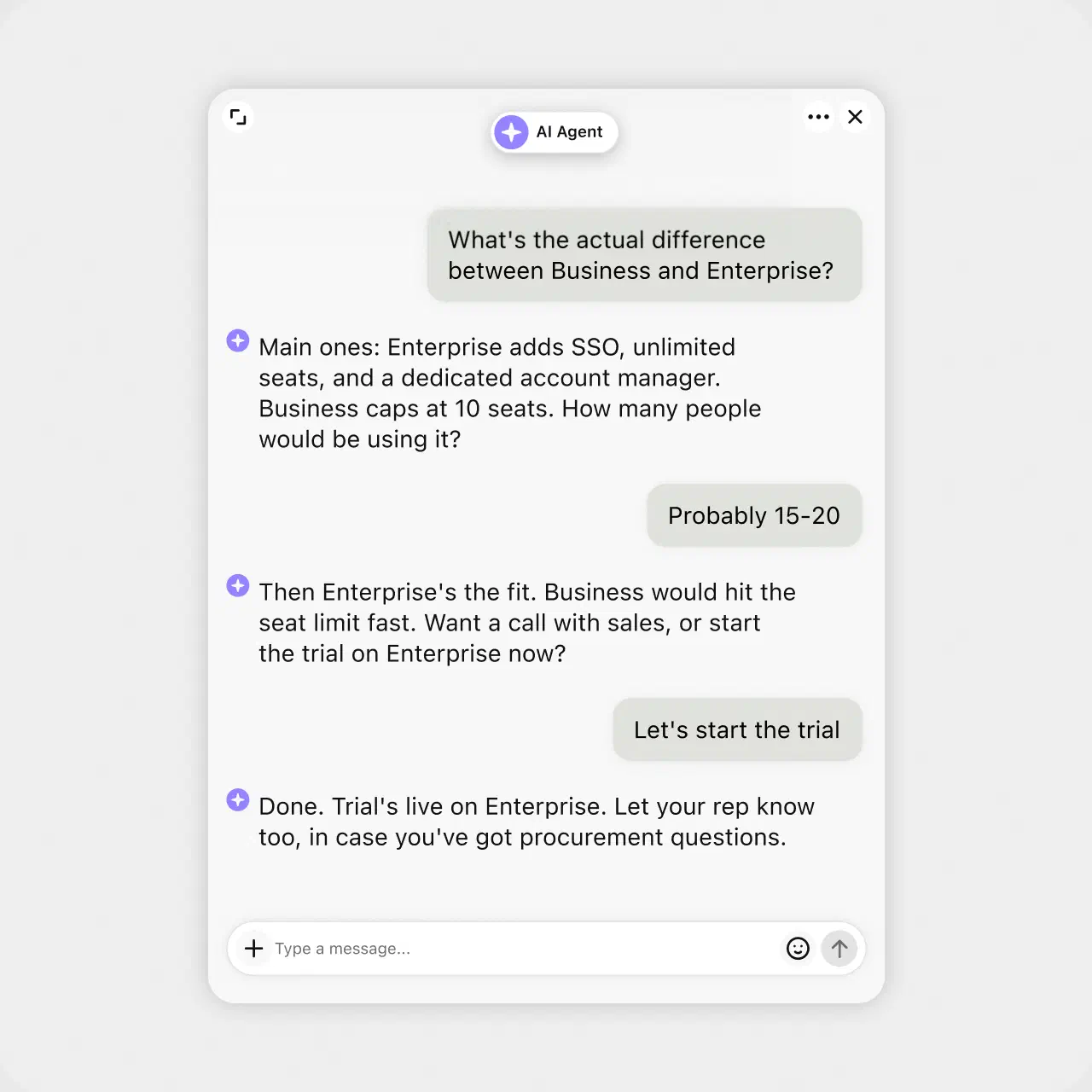
Recommend and help close, then hand off to a human with full context when it counts.
Track the dollars, leads, and repeat customers your conversations generate.
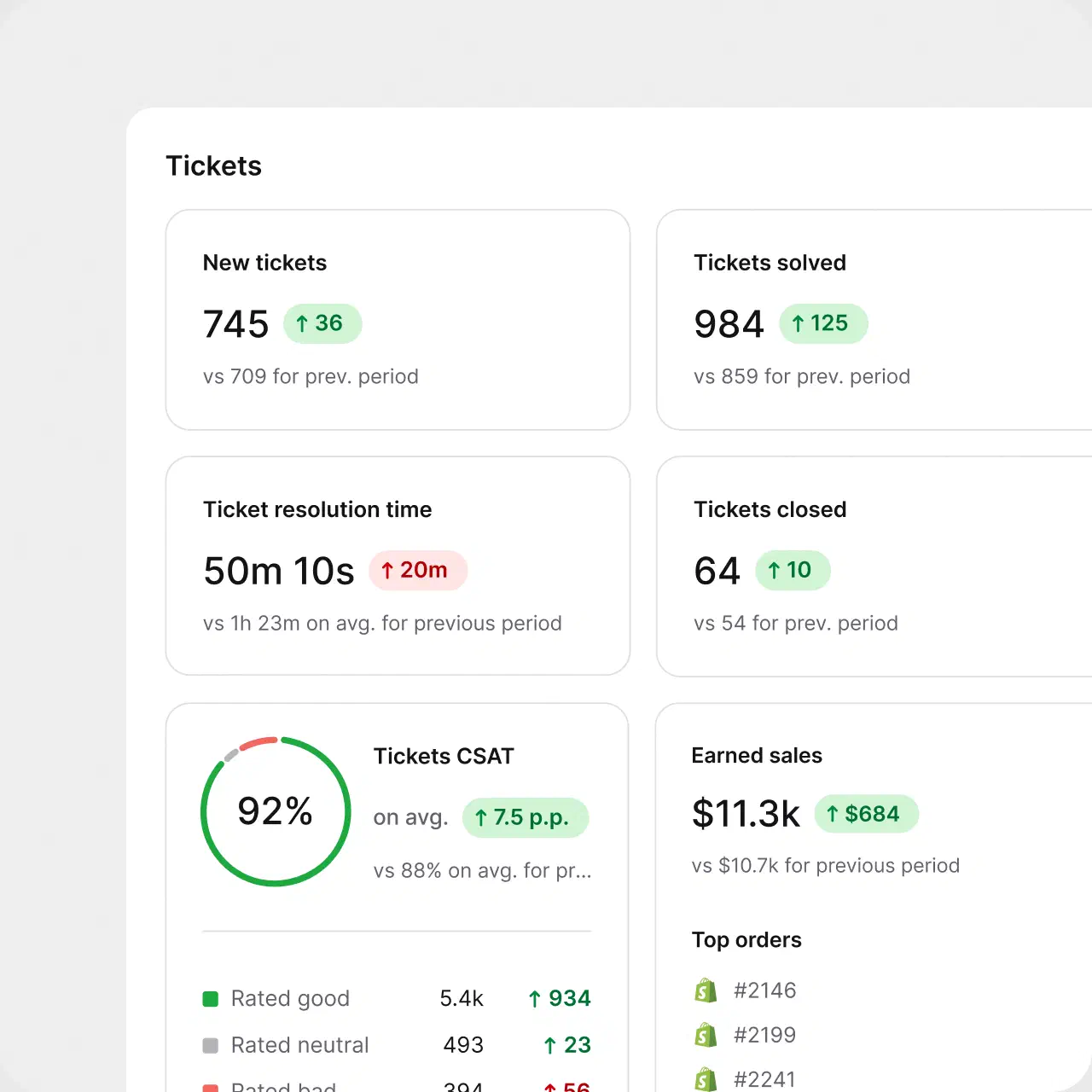
$1.5M
revenue from support chat in six months

+25%
revenue from support chat

No credit card required
“Each agent can spend more time resolving tickets and make our customers happier with an individual approach and better response time.”
Dalton Hasegawa, Manager, Brastel Co., Ltd.
Connect the tools you already use through predefined actions, webhooks, and the API. Build multi-step automations without engineering time.
Create your account. No credit card required.
Point your current support address at HelpDesk.com, then add chat, Messenger, WhatsApp, and SMS when you are ready.
Let the AI Agent take routine questions while your team handles the rest.
Email management software is a tool that organizes incoming email into a structured, trackable workflow. It converts messages into tickets, assigns each one an owner and a status, automates routine replies, and keeps the full conversation history in one shared workspace. Support teams use it to handle high email volumes without losing individual conversations.
The mechanism is simple: you forward your support address to the tool, and from that moment every email arrives as a ticket in a shared queue instead of a personal inbox. Routing rules assign it, SLA timers track it, and replies go out from your own domain so customers never see the tooling behind the answer. HelpDesk.com is email management software built on this model, with AI assistance and reporting in the same workspace.
Shared inbox software gives several people access to one email account, such as support@ or info@, so anyone on the team can read and reply. It solves visibility, but it stops there: there are no statuses, no ownership rules, and no way to tell which conversations are resolved, waiting, or forgotten.
Email management software starts from the same shared queue and adds structure: every email becomes a ticket with an assignee, a priority, and an SLA, and automation handles the repetitive steps. HelpDesk.com covers both needs. Your whole team sees the queue like a shared inbox, and every message is tracked like a ticket.
Forward your existing support address. Nothing changes for your customers, and there is nothing to install.
Each message arrives with an owner, a status, and the full thread attached. Nothing sits unread in a personal inbox.
Assignment rules, canned responses, and AI reply suggestions handle the routine flow, so people work only the cases that need them.
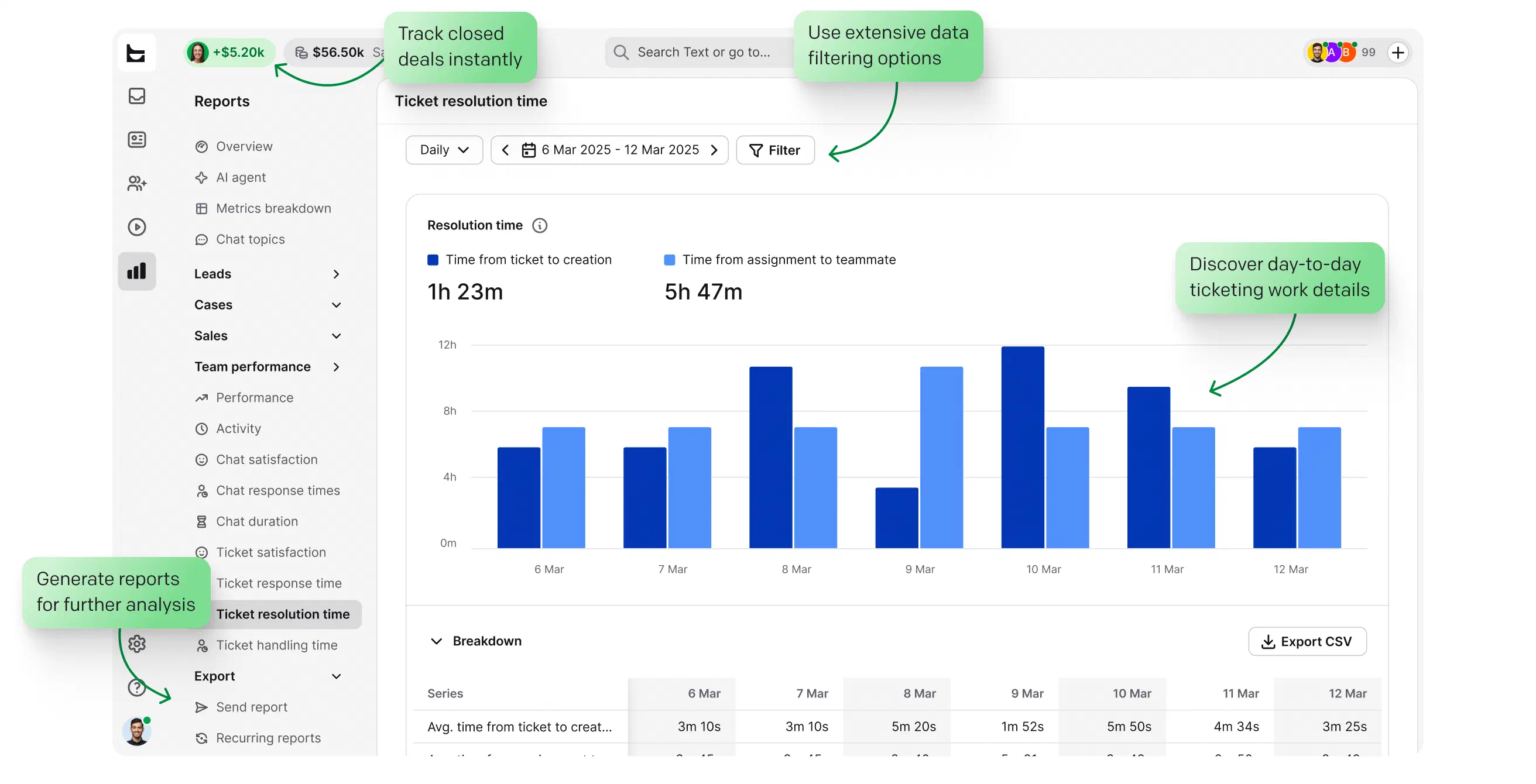
Reports show response times, resolution times, and team performance, so you can fix bottlenecks with data instead of guesswork.
When comparing email management tools, judge them on how well they handle email specifically, not just tickets in general:
Connecting your address should take minutes: simple forwarding, no migration, no IT project. HelpDesk.com works with the address you already have.
Answers should come from your company's address with your branding, not a vendor subdomain. Look for custom domain sending and branded templates.
Statuses, assignment, priorities, and SLAs are what separate an email management system from a prettier inbox.
Routing rules, canned responses, and AI that drafts replies and summarizes long threads. The volume you have next year should not need a bigger team.
Customer emails hold sensitive data. SOC 2, GDPR, and encryption in transit and at rest are the baseline. HelpDesk.com stores data in certified AWS data centers.
First response times, resolution times, and CSAT in clear reports, so you fix the real bottleneck instead of guessing where it is.
Email management software organizes incoming email into a trackable workflow: messages become tickets with owners and statuses, routine replies are automated, and the full history stays in one shared workspace. HelpDesk.com is email management software built for customer support teams.
The best email management software combines a real ticketing core, sending from your own domain, automation, AI assistance, and security certifications. HelpDesk.com covers all five: forwarding setup in minutes, custom domain replies, routing rules, AI reply suggestions and summaries, plus SOC 2 and GDPR compliance.
Yes. In HelpDesk.com, AI reply suggestions draft answers from the conversation context, ticket summaries condense long threads in seconds, and the AI Agent resolves up to 73% of routine cases in chat before they ever become a ticket.
Yes. HelpDesk.com offers a free 14-day trial on the Business plan. No credit card required, and connecting your support email takes about 5 minutes.
Sign up, forward your support address, and start resolving cases. There is no installation: create an account, point your existing email at HelpDesk.com, and your team can work from the shared queue the same day.
An email client like Gmail or Outlook shows messages to one person. Email management software turns those messages into tickets a whole team can assign, prioritize, and track, and adds automation, AI assistance, and reporting on top. The inbox stays familiar; the workflow behind it changes completely.
You forward your support address to HelpDesk.com, and every incoming email is converted into a ticket automatically: sender, subject, and full thread included. The ticket gets an owner and a status, and the reply goes back out as a normal email from your address.
If your team only needs to see one mailbox together, shared inbox software is enough. If you need to know who owns each conversation, track resolution, and automate repetitive replies, you need email management software. HelpDesk.com gives you both in one queue.
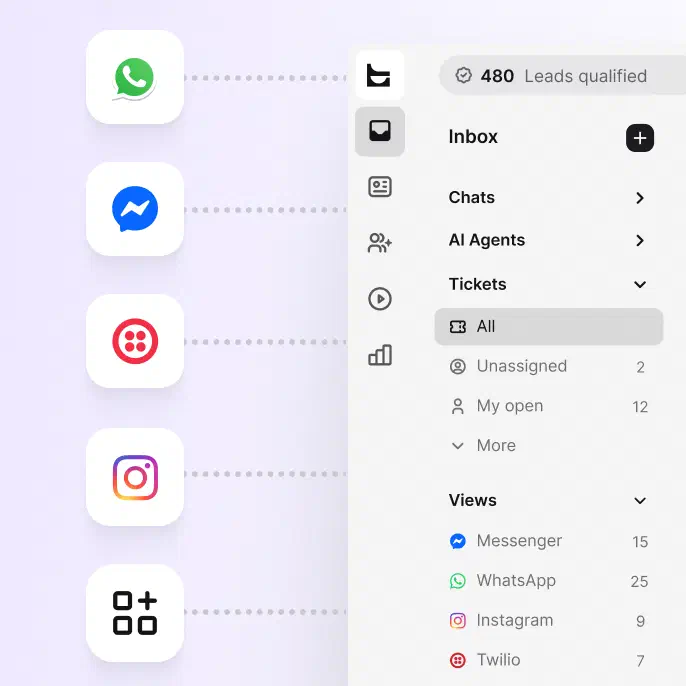
Email, native live chat, Messenger, WhatsApp, and SMS, all in a single queue. Every conversation becomes a trackable ticket regardless of where it started.