 AI ticketing & automation
24/7/365 support
SOC 2 & GDPR
AI ticketing & automation
24/7/365 support
SOC 2 & GDPRHelpDesk.com pairs AI-assisted ticketing with the controls large teams answer for: SSO, audit log, SLA management, and skills-based routing.
Free 14-day trial No credit card required
Text products are trusted by 35,000+ leading brands





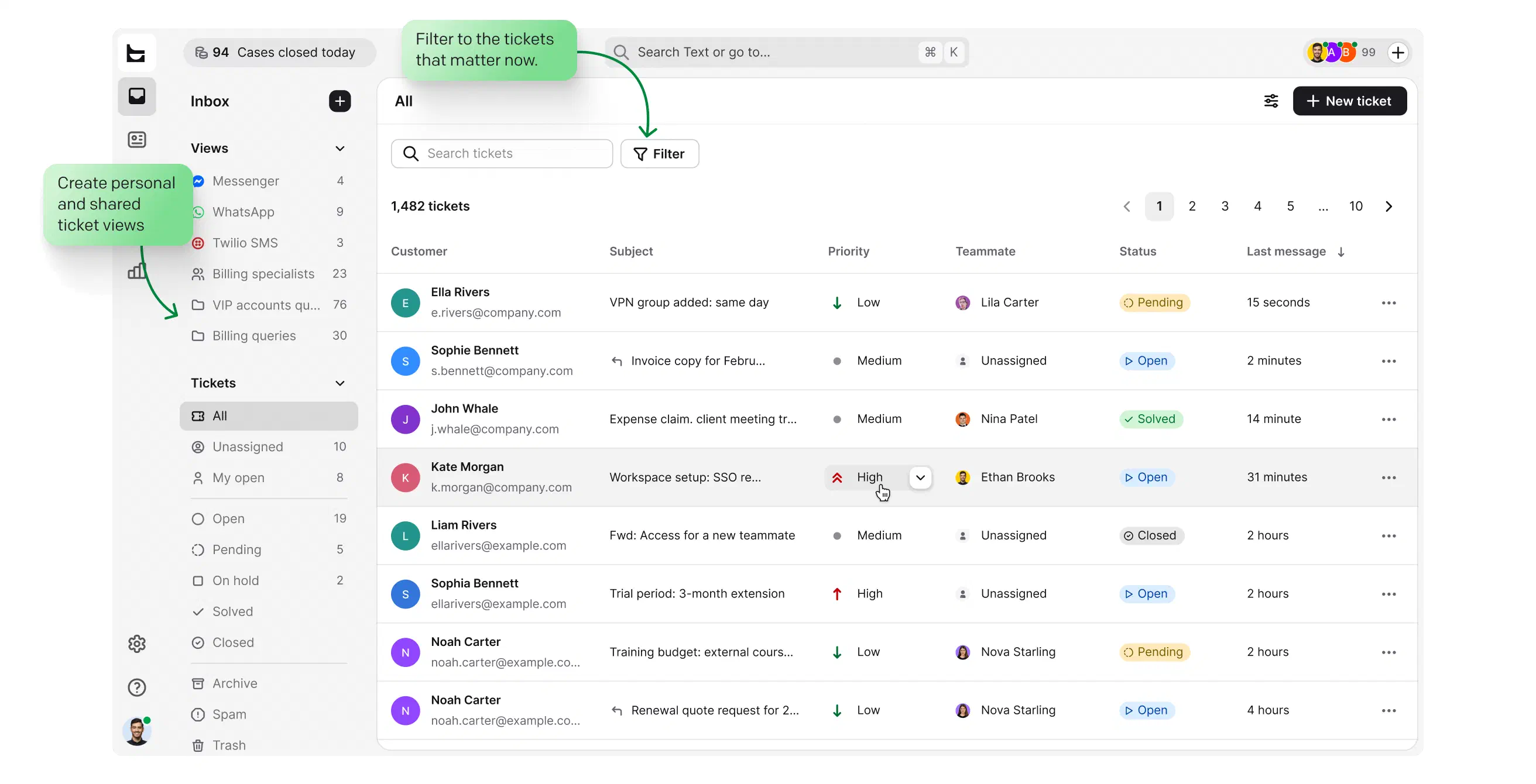
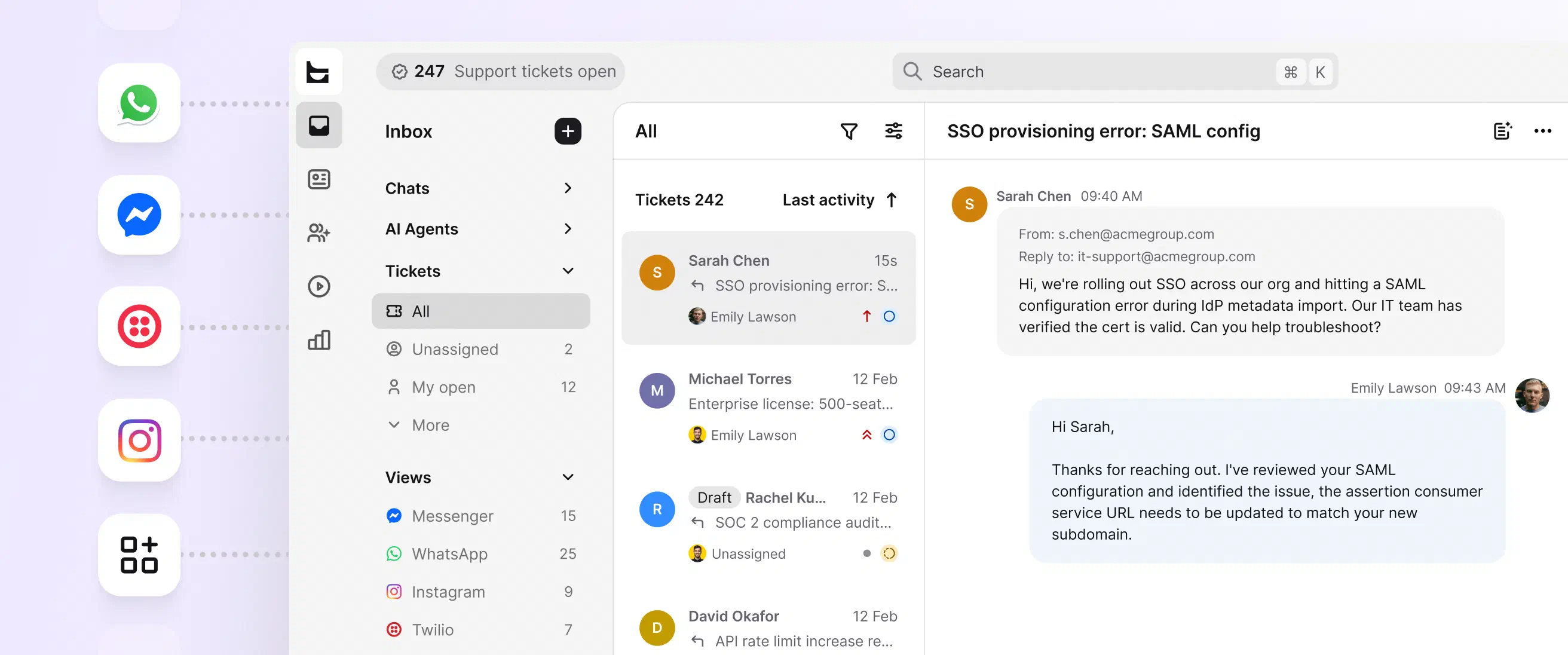
Every channel lands in one queue with clear statuses: open, pending, solved.
Build custom views around the queues each team actually watches, by priority, region, or product line.
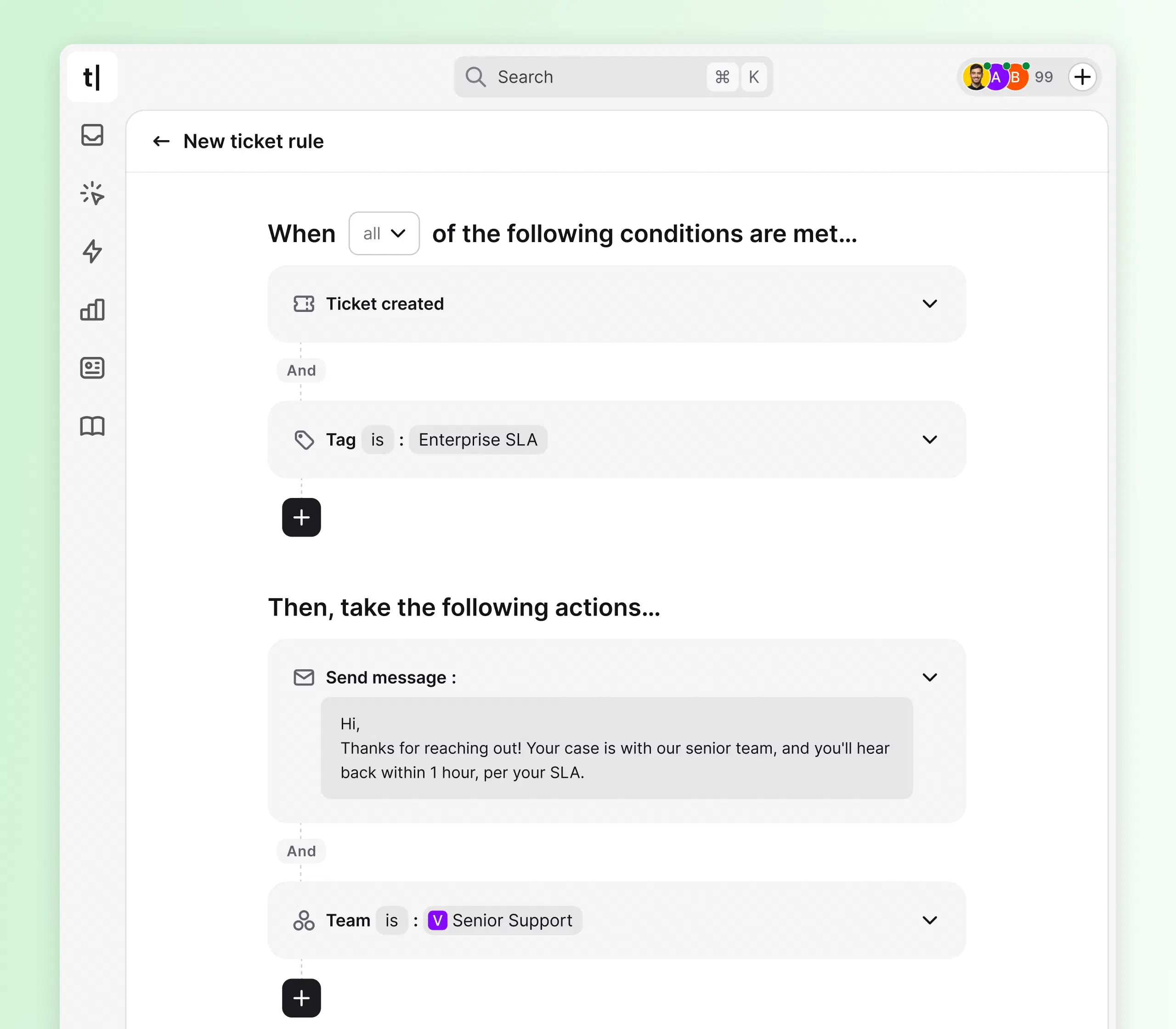
SLA risks surface first, so commitments to your biggest accounts are kept.
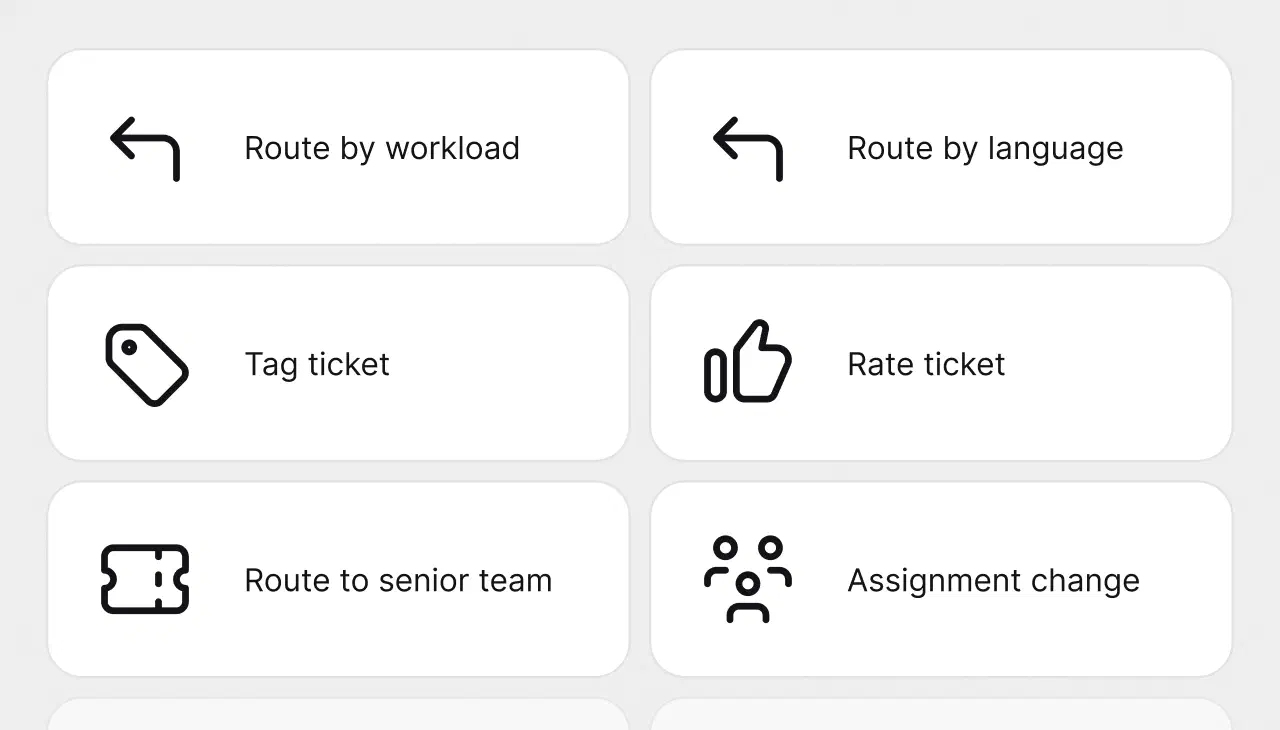
Tickets route by workload, language, and skills, so every case lands with the right specialist.
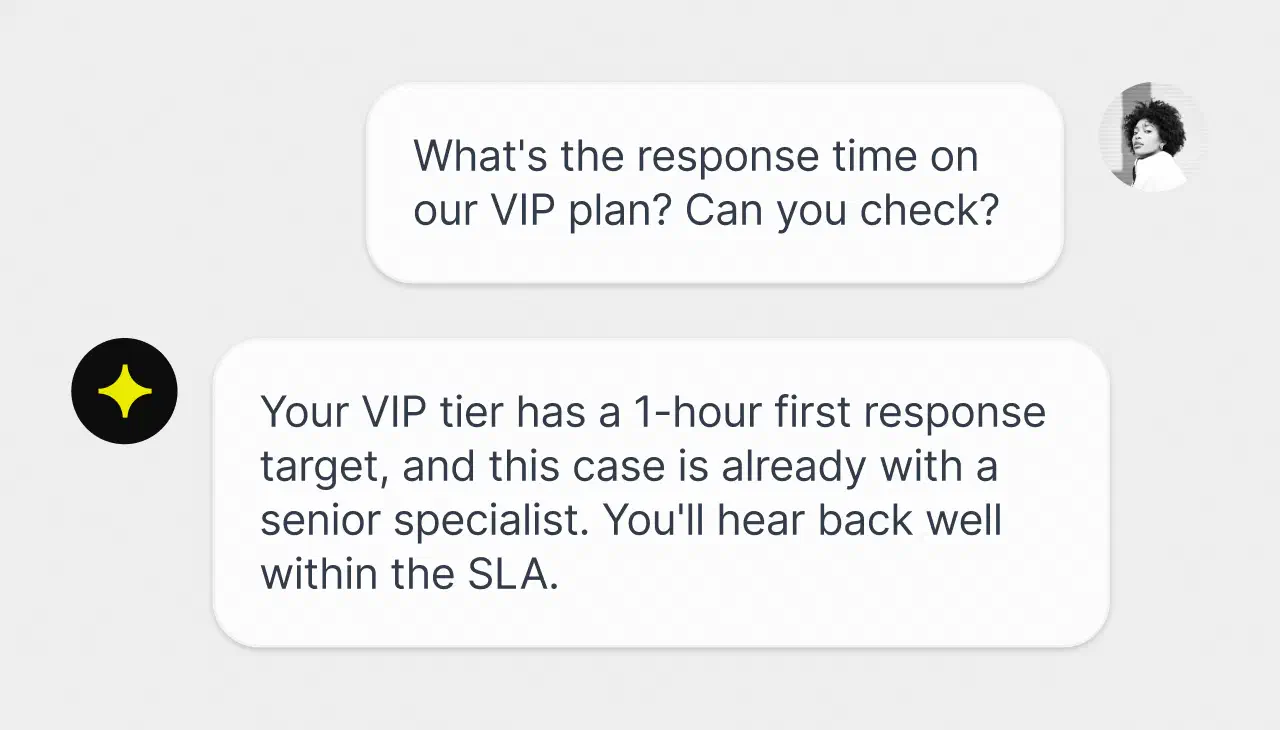
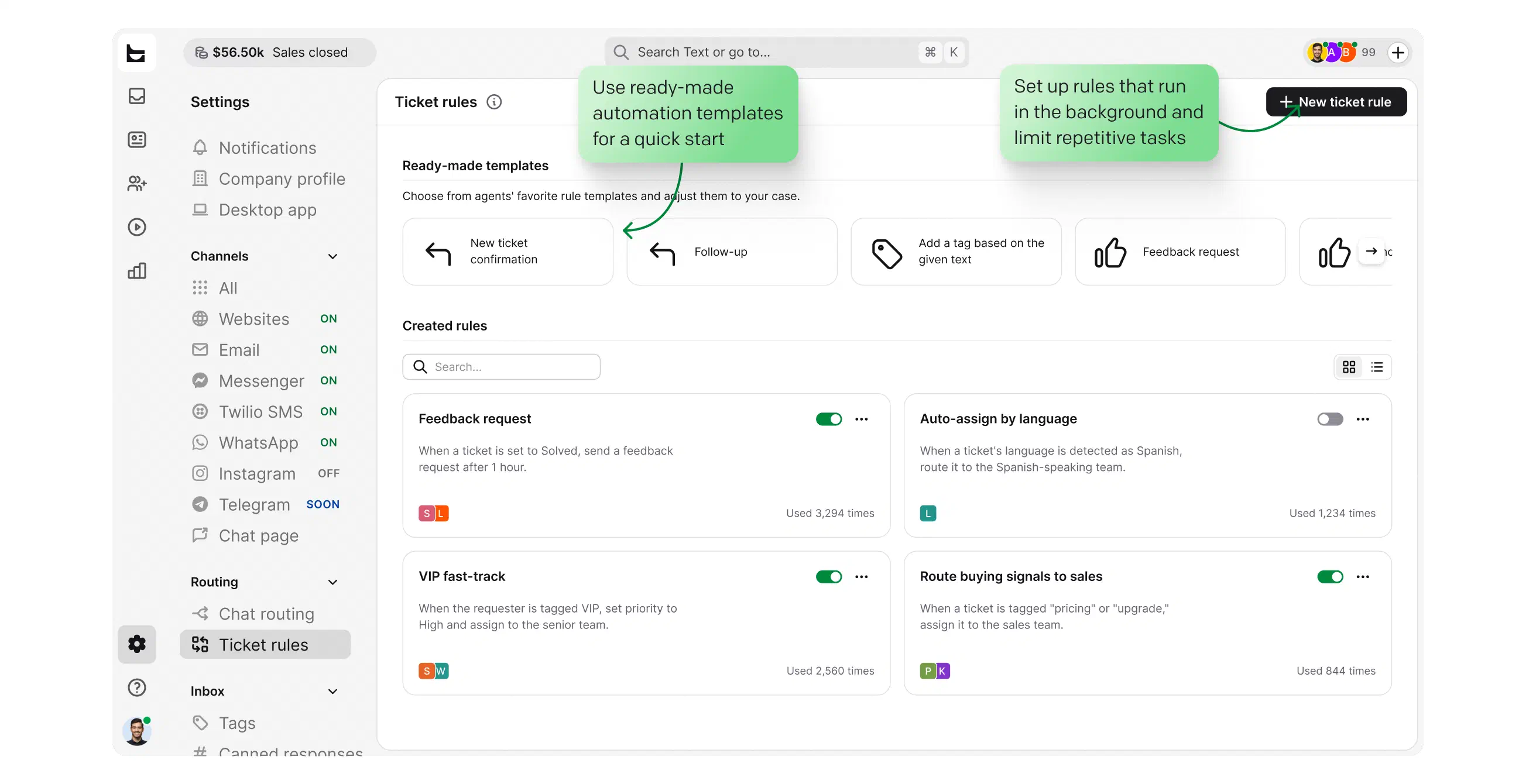
VIP accounts flagged, deadlines tracked, follow-ups sent automatically, with SLA rules configured in Workflows.
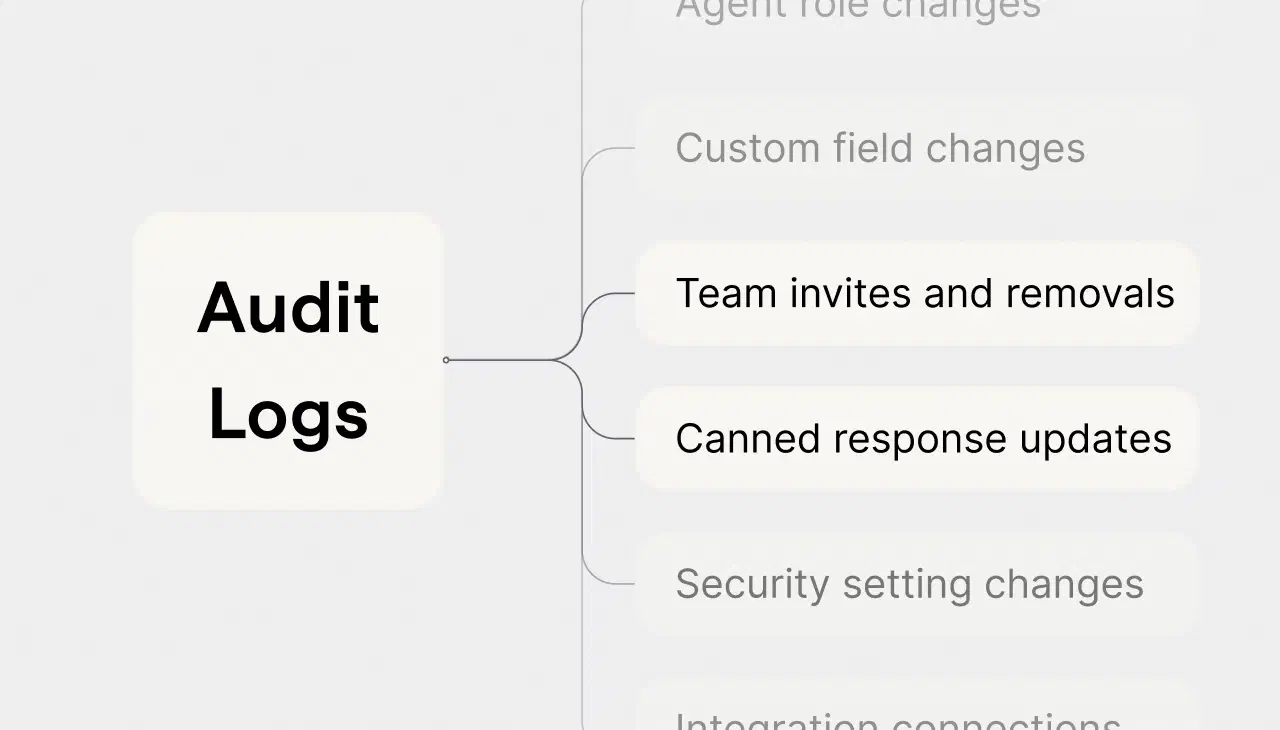
Every account action recorded, so security and compliance reviews take hours, not weeks.
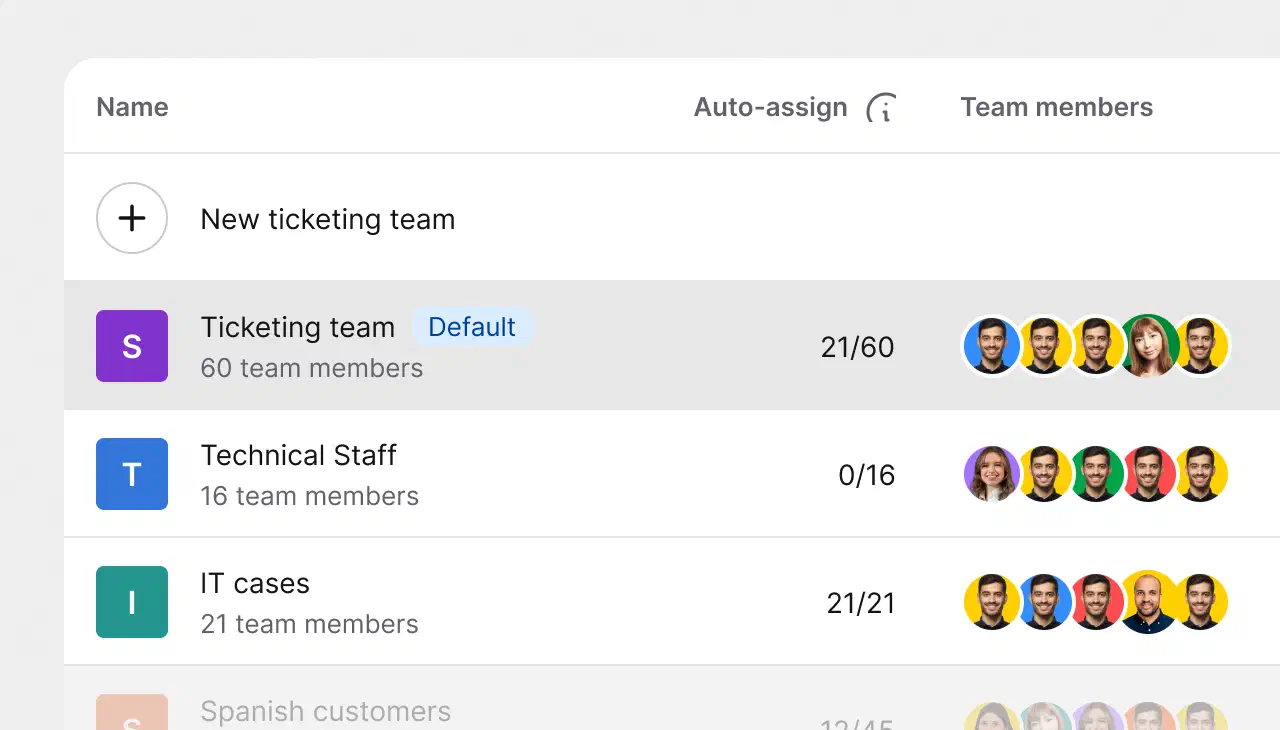
AI detects the customer's language and routes to a team member who can help, without manual triage.
Custom SSO via SAML 2.0 on the Enterprise plan, enforced two-factor authentication, and a full audit log, with SOC 2, GDPR, CCPA, and PCI DSS (SAQ A) compliance behind it.
 SOC 2
SOC 2
 GDPR
GDPR
 CCPA
CCPA
 PCI DSS
 DPF
DPF
 WCAG 2
 BBB
BBB
Free 14-day trial No credit card required
Start a chat with us about the Enterprise plan.
Every request becomes a trackable ticket with an owner, a status, and a deadline. Owner, Admin, and Member roles keep large organizations tidy, and admins can enforce two-factor authentication org-wide.
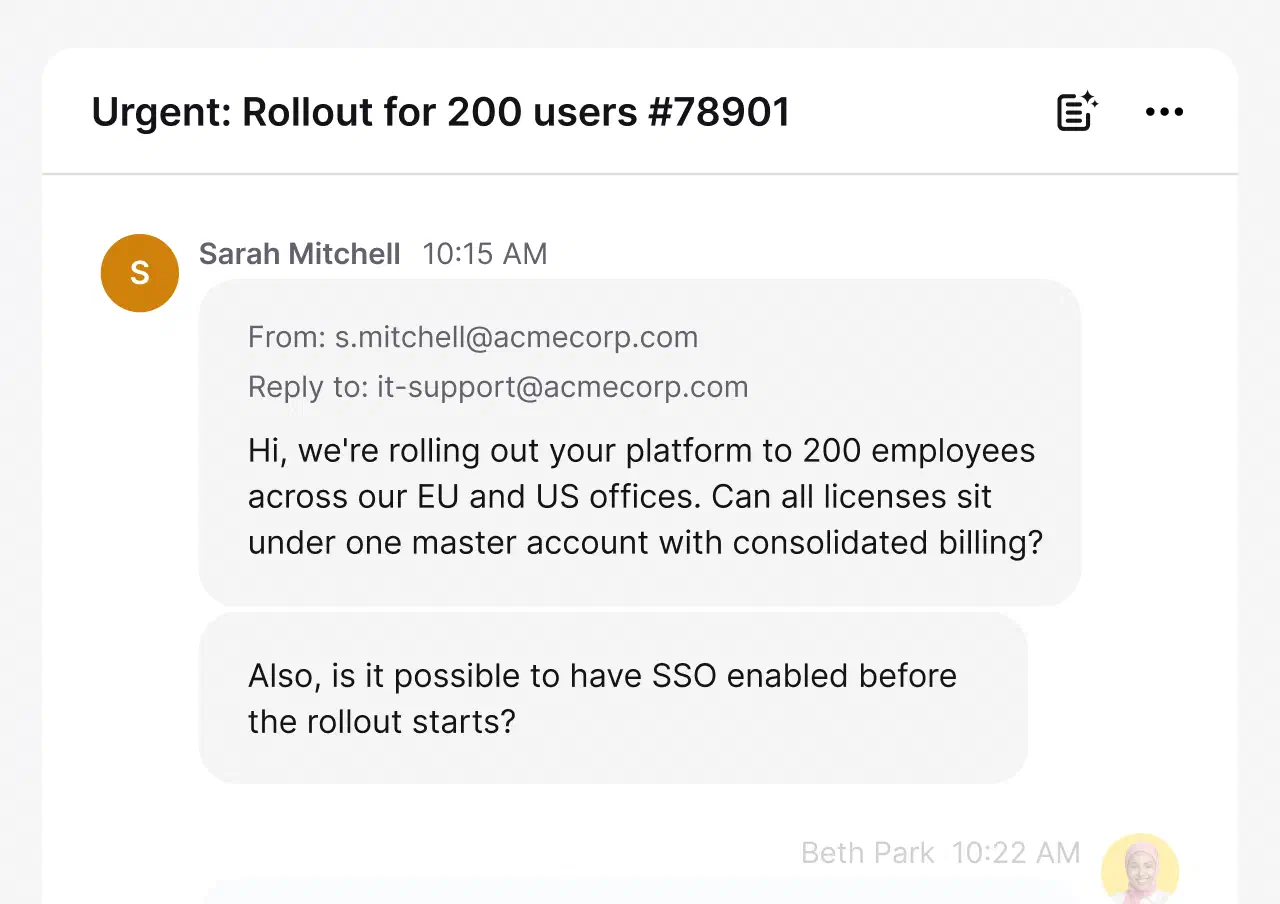
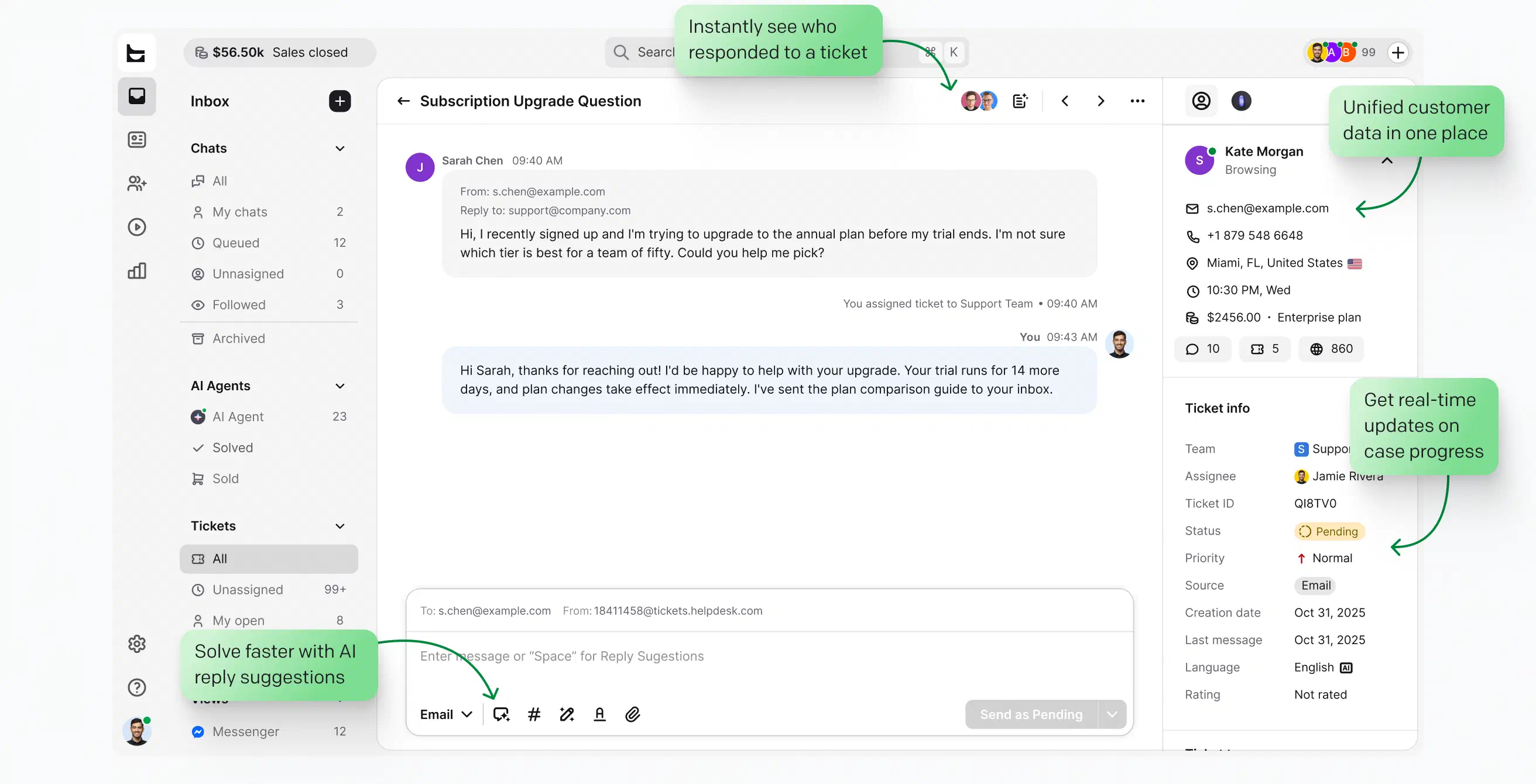
Every message, sender, and reply in one thread, with full context so agents never reconstruct a case from scratch.
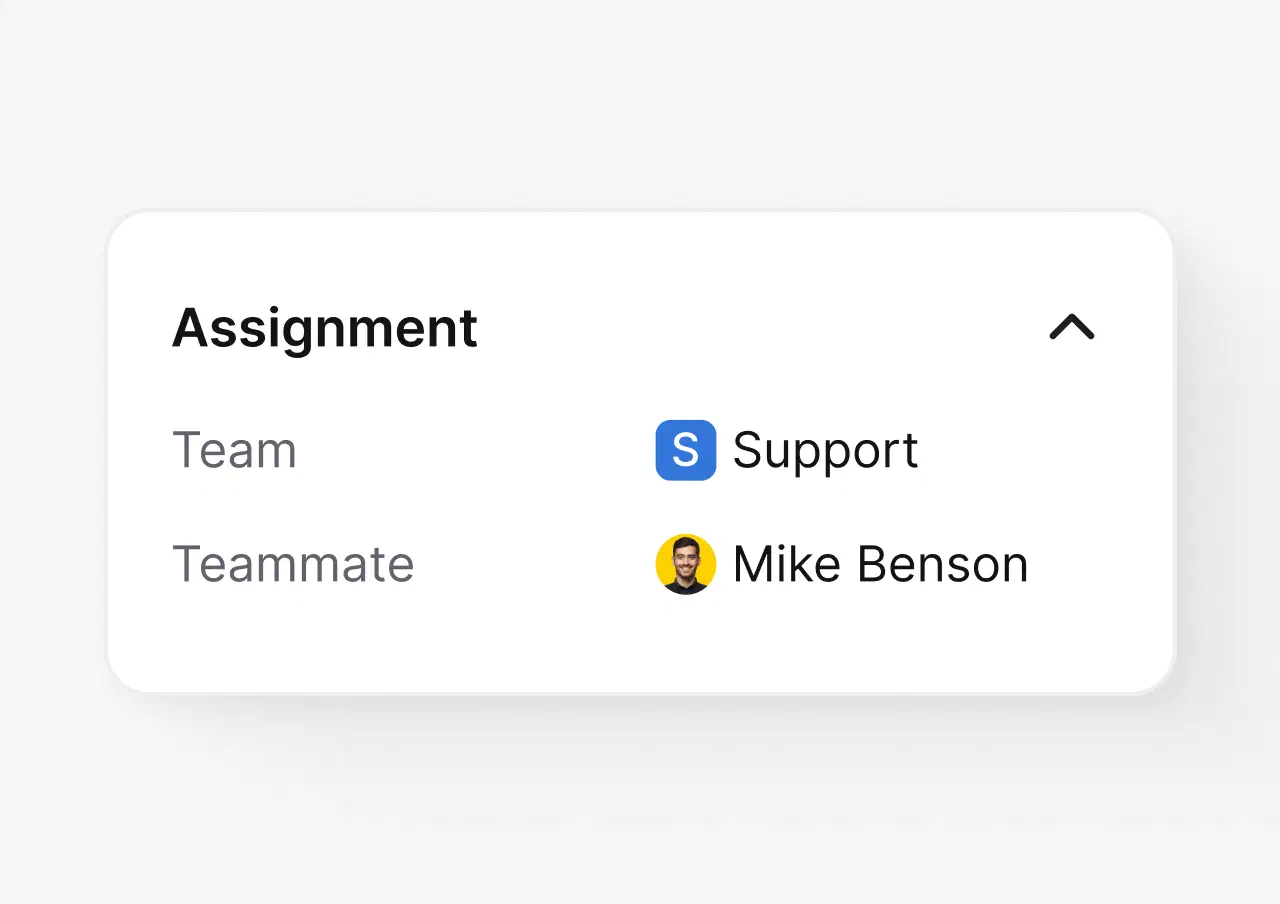
Route work by team, workload, and skills, so ownership is never unclear.
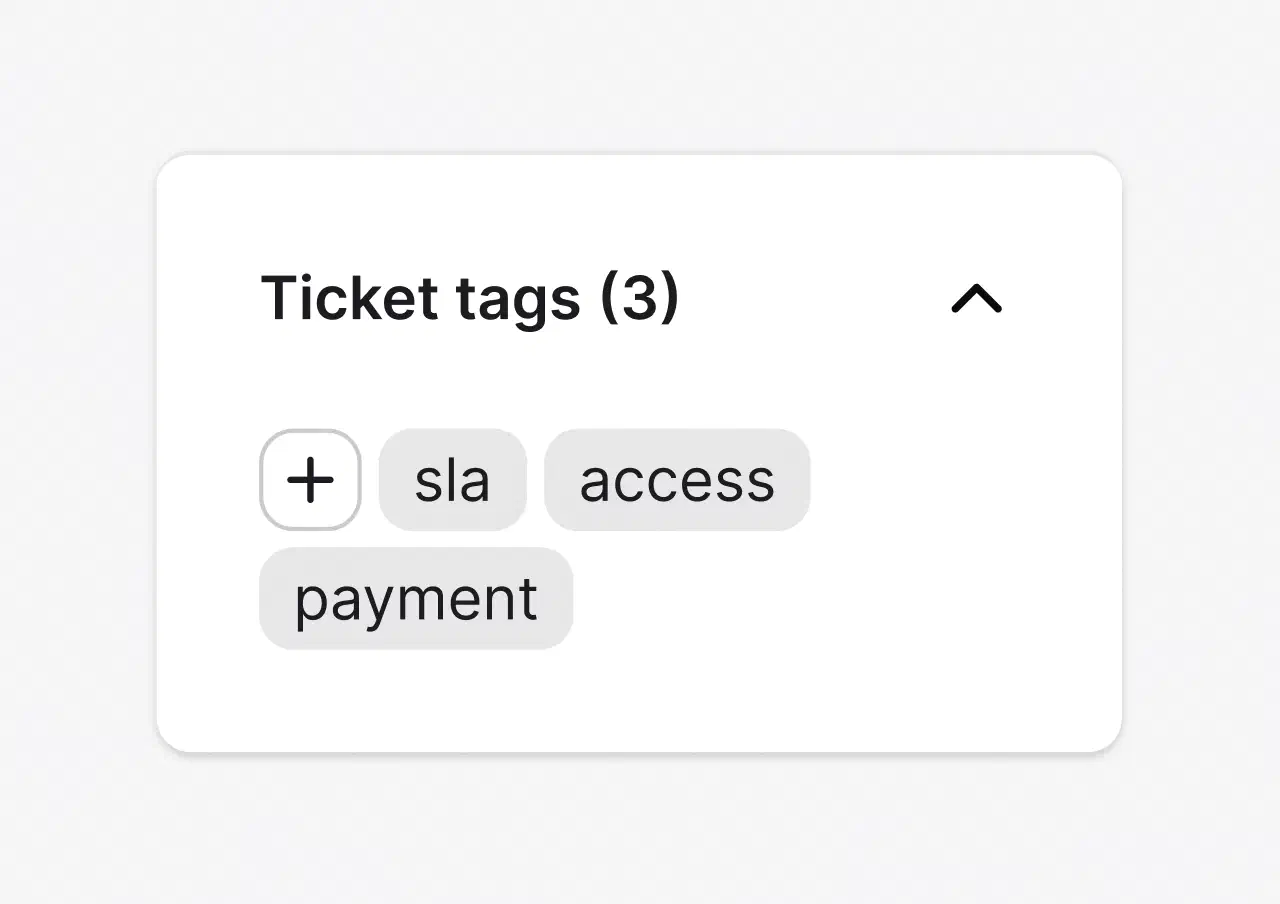
Keep the queue readable and reporting clean without manual triage.
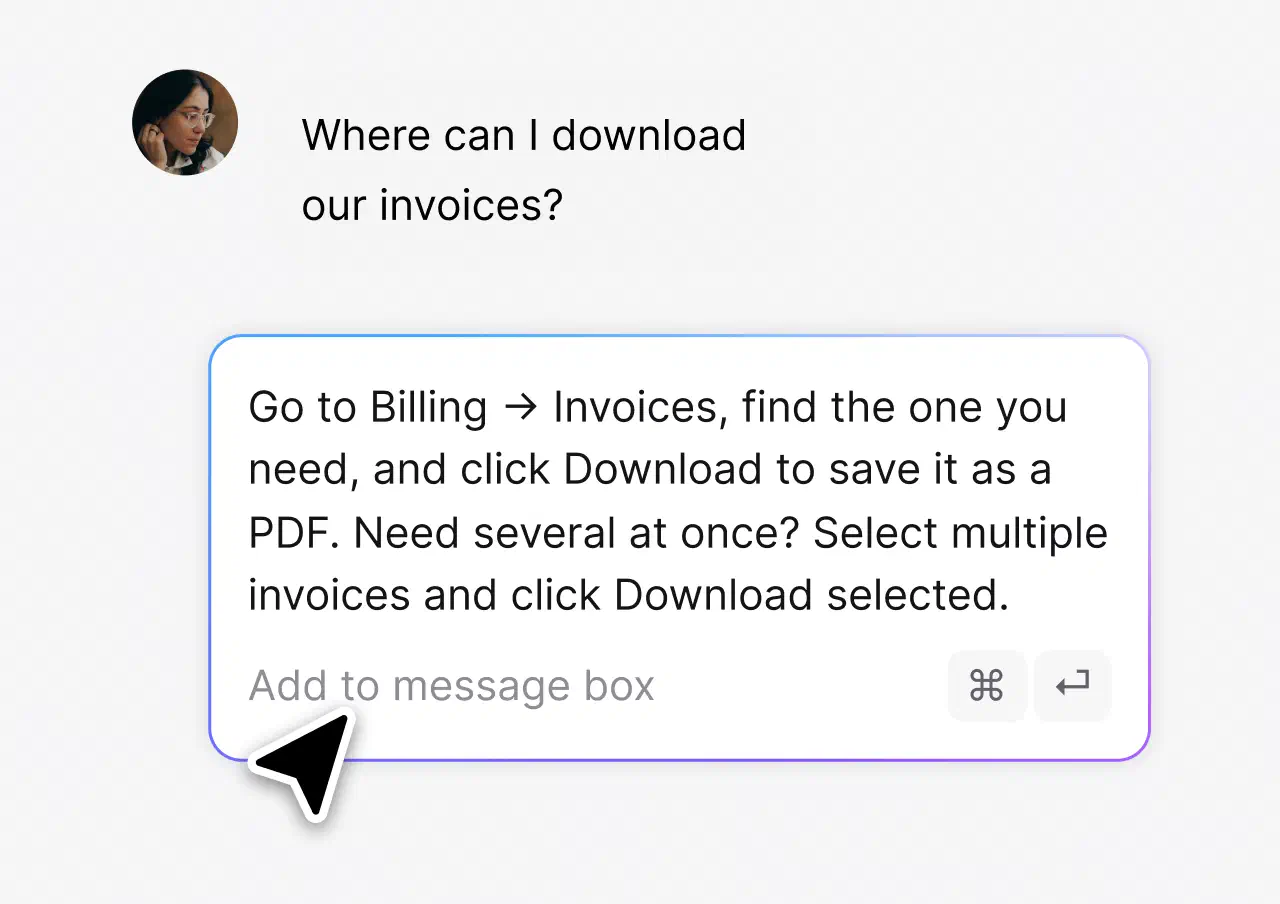
Answer the questions that repeat in one click, consistently.
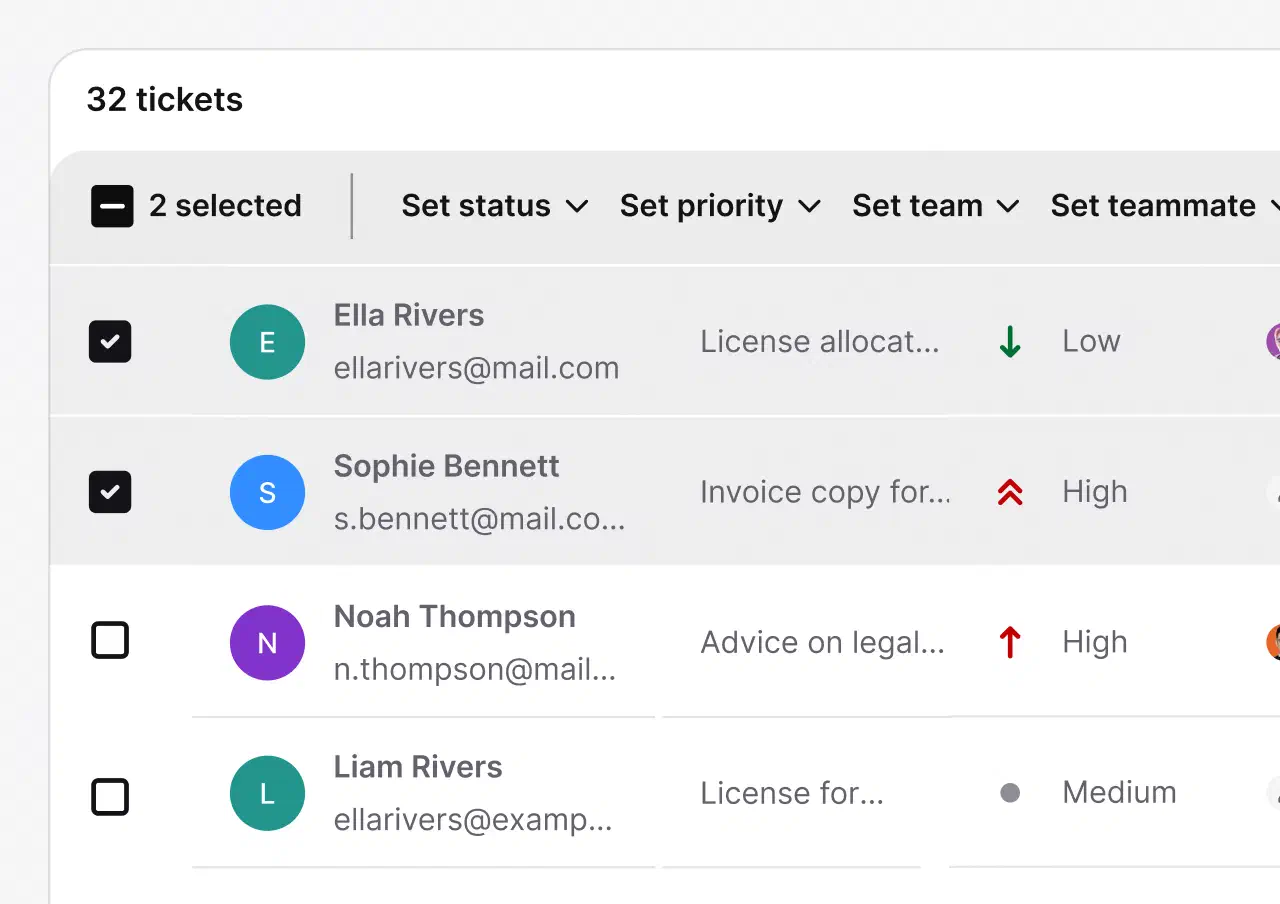
Update status, priority, and team across dozens of tickets in one move.
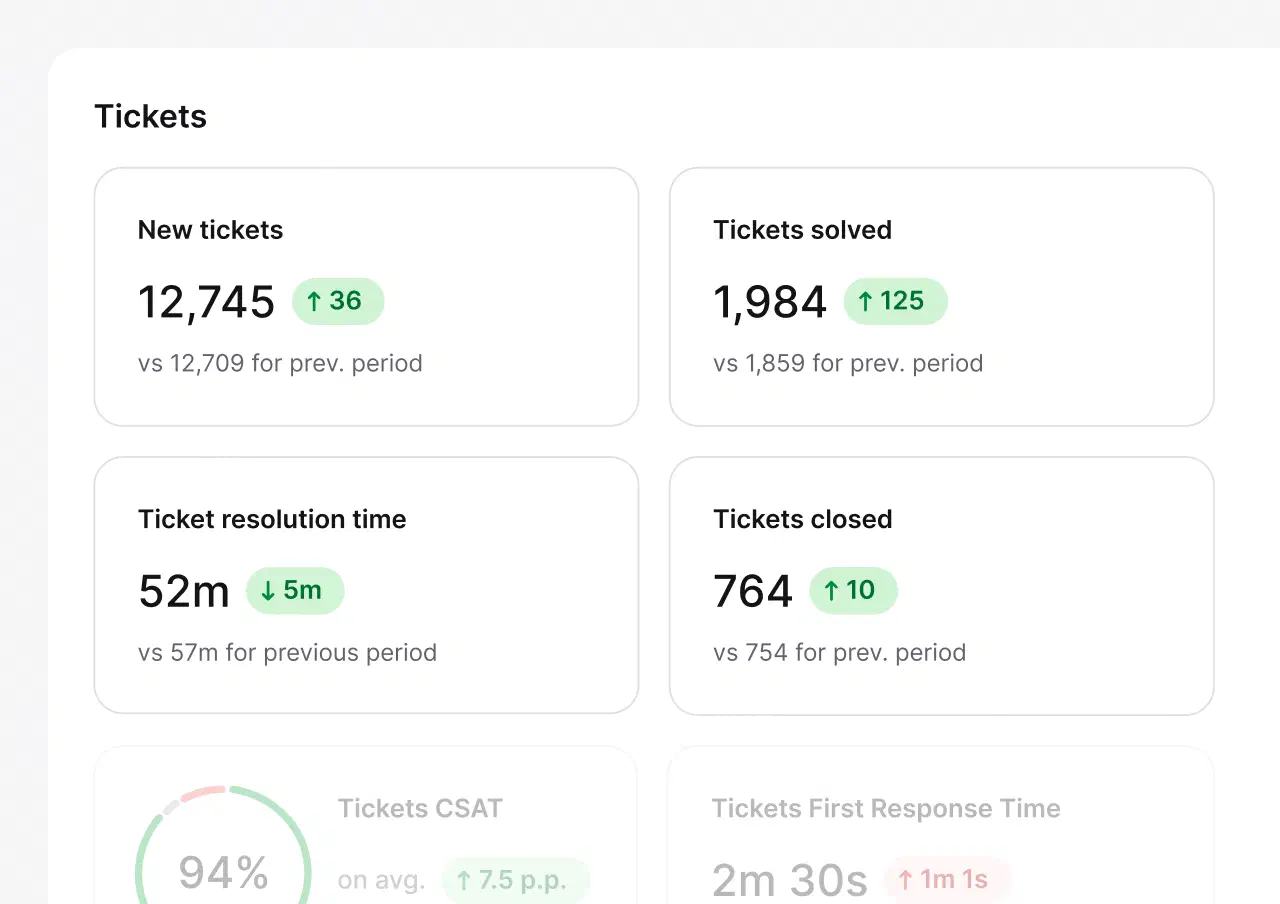
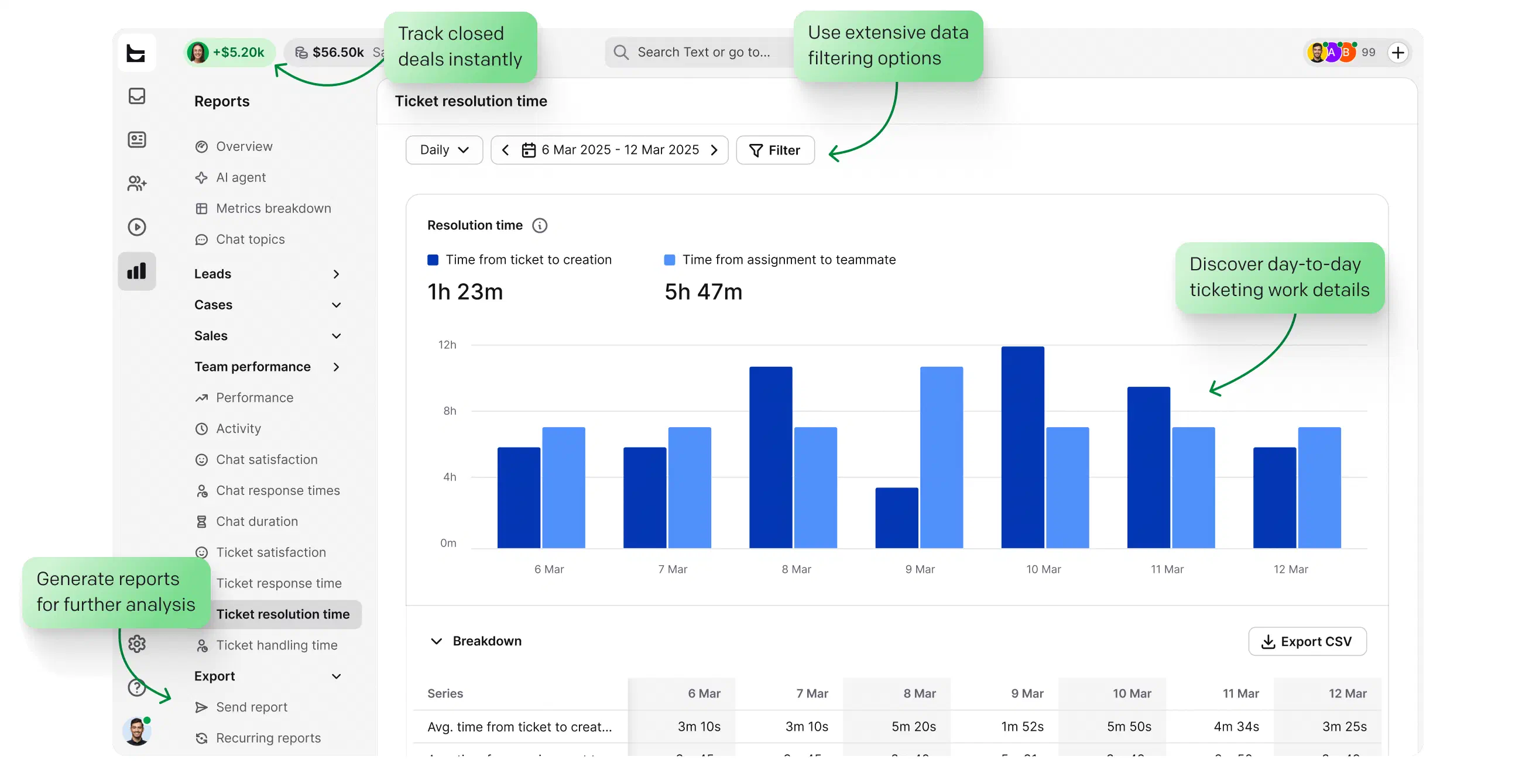
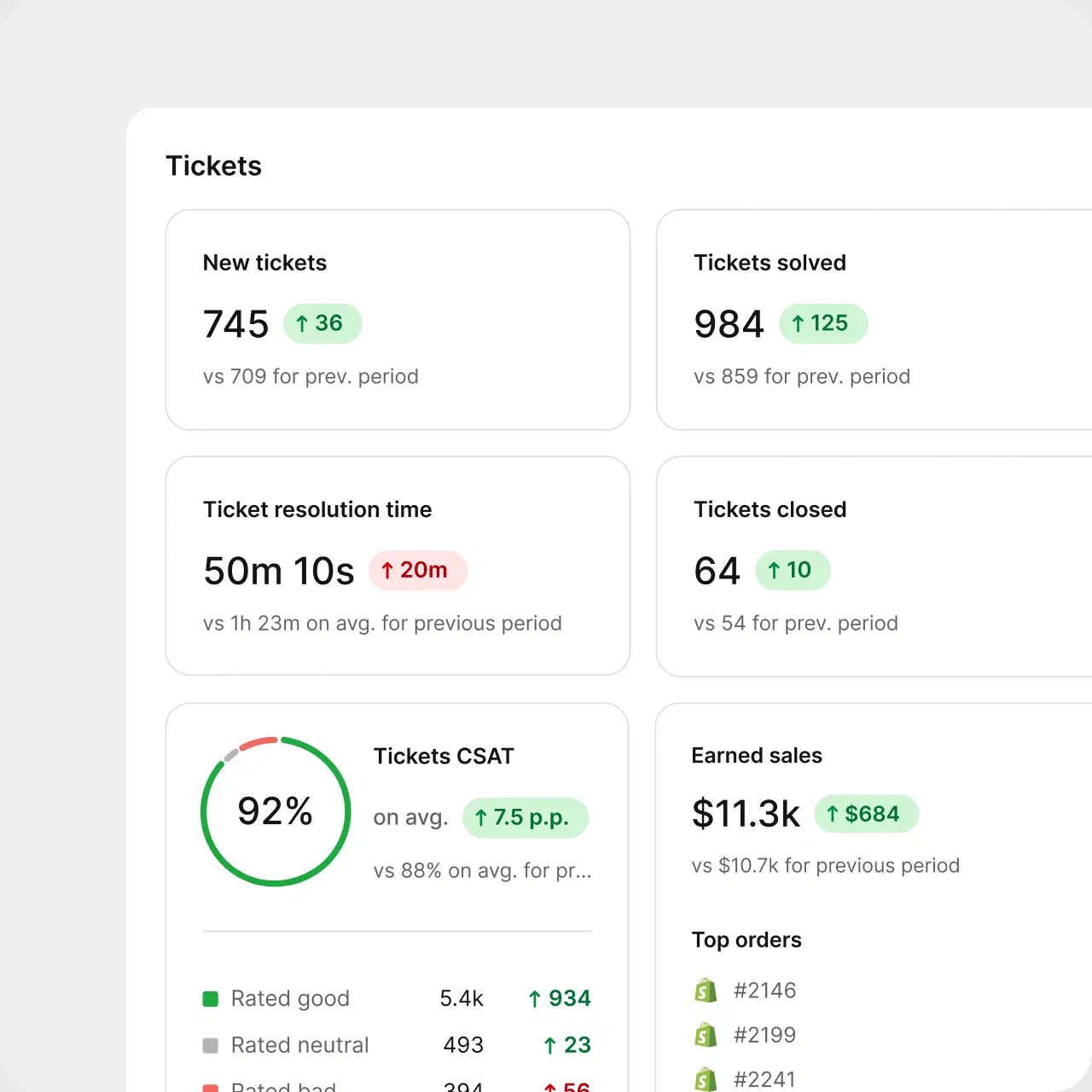
New, solved, and closed tickets, resolution time, CSAT, and first response time, tracked against the previous period.
No credit card required
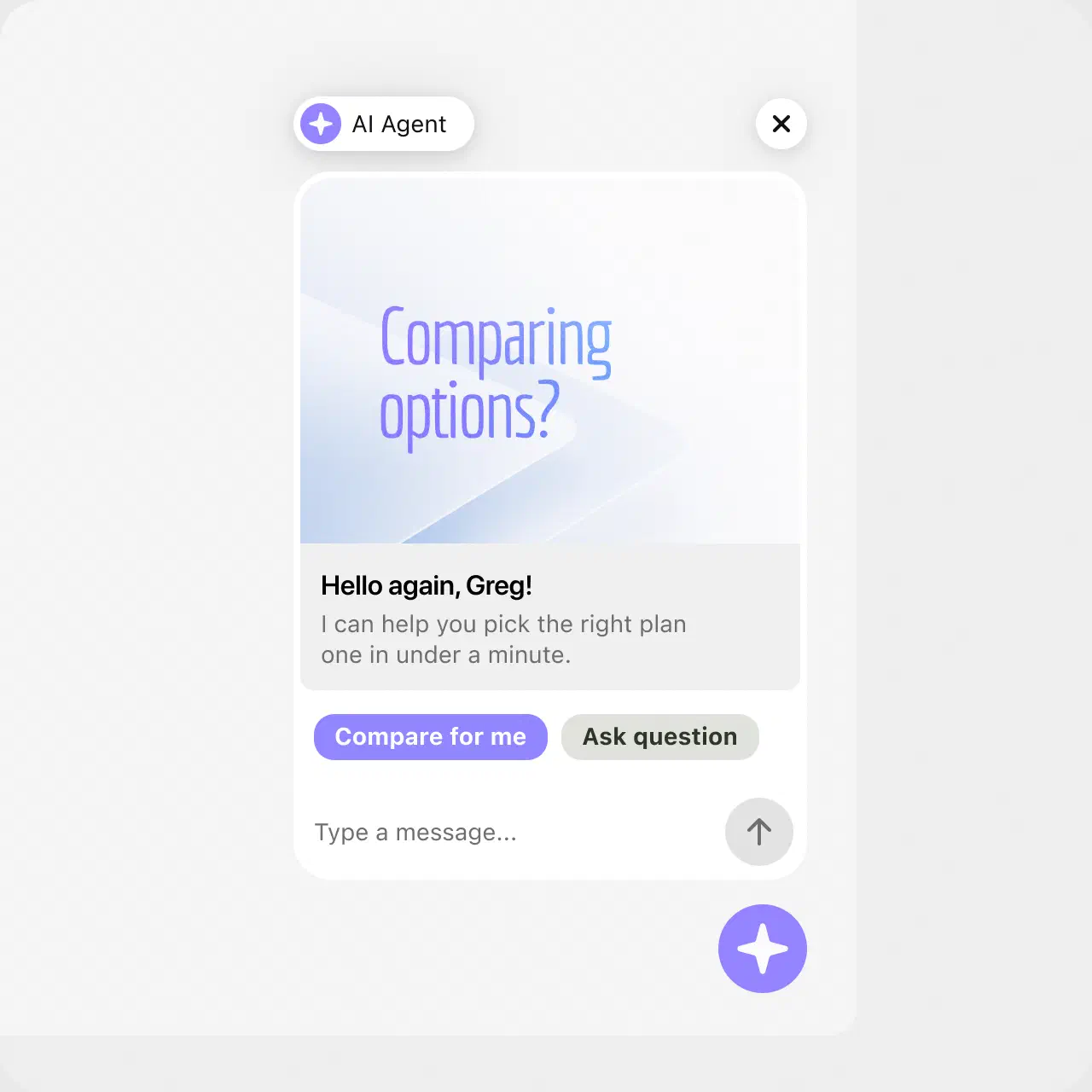
The AI Agent resolves up to 73% of routine cases in chat before they ever become a ticket, backed by the platform's AI helpdesk features. You set the rules, and the AI plays by them: point it at the knowledge sources you trust and define the escalation paths.
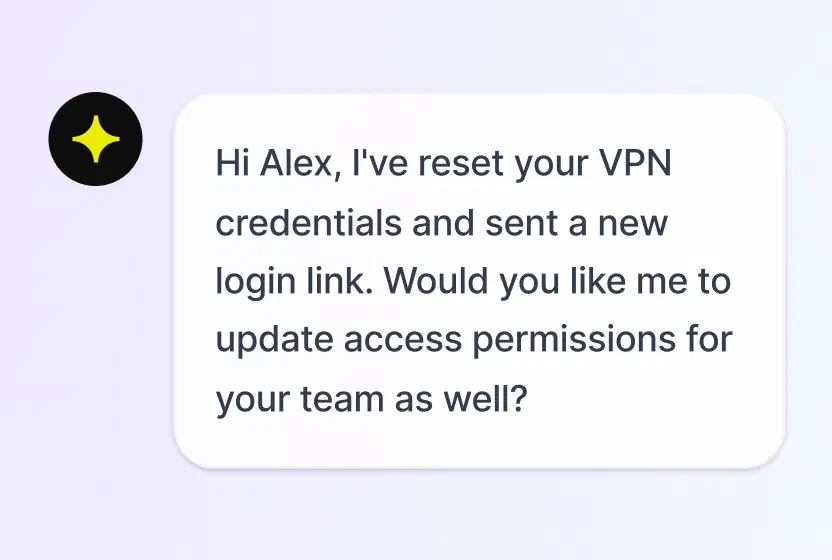
Answers routine questions in chat, hands the rest to your team with context.
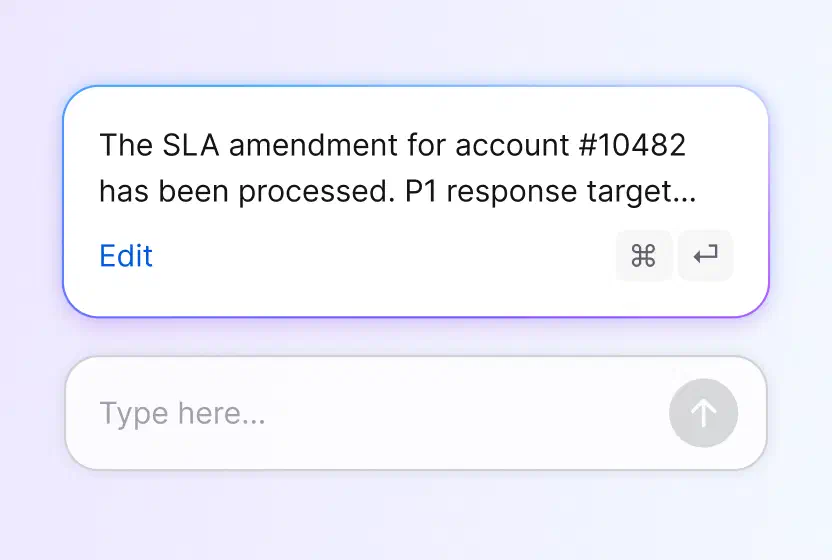
Drafts responses your agents can tune and send.
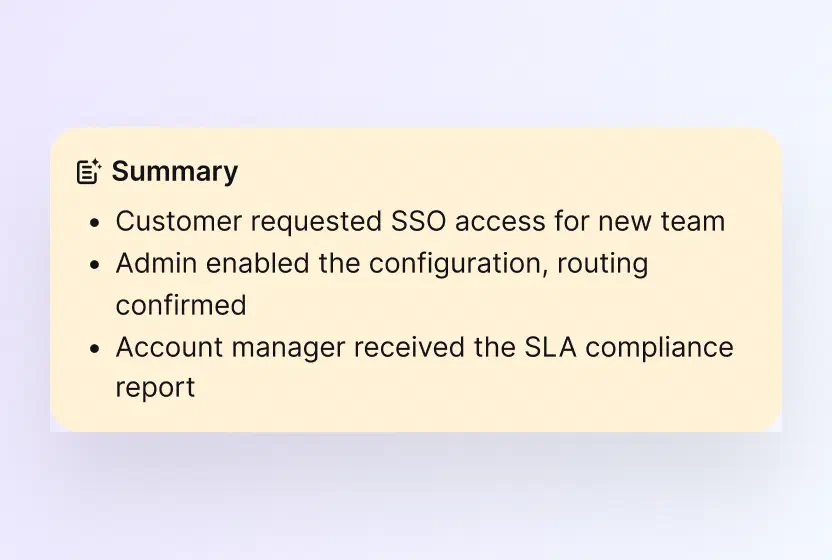
Catch up on any case in seconds.
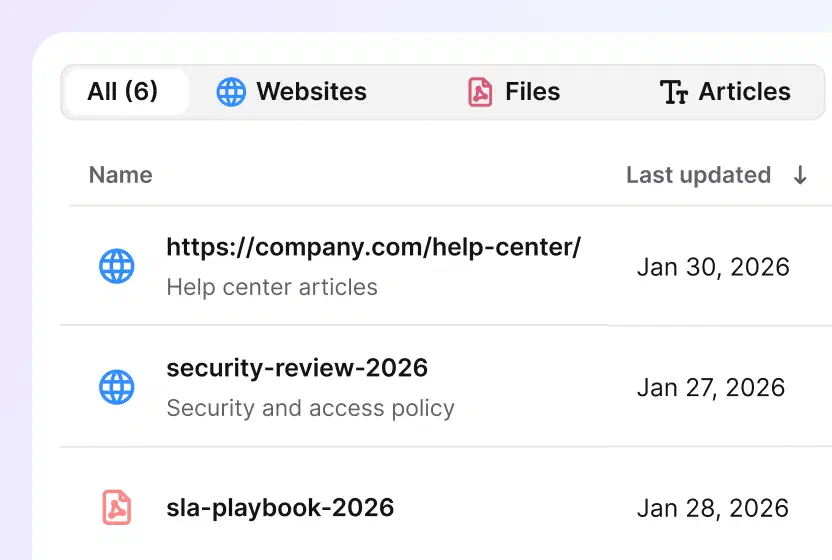
Point the AI at your help center, docs, and files, and nothing else.
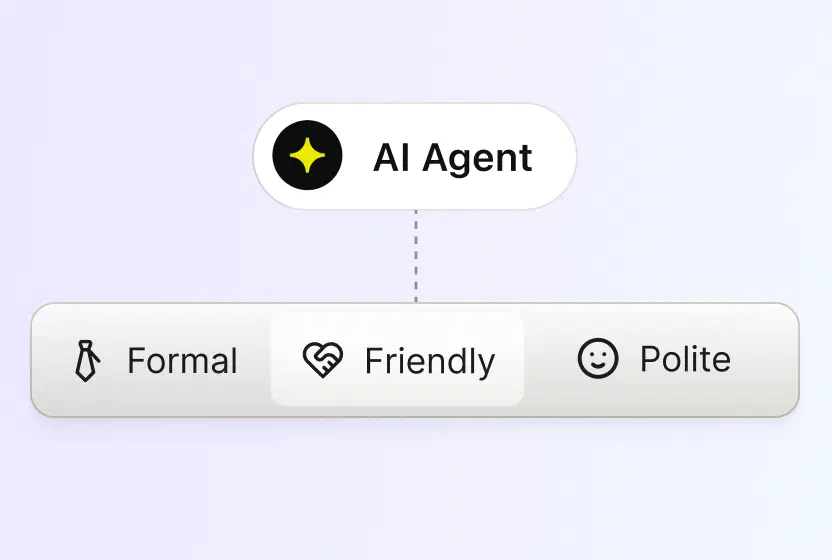
Pick a tone, professional, casual or friendly, and every reply sticks to it.
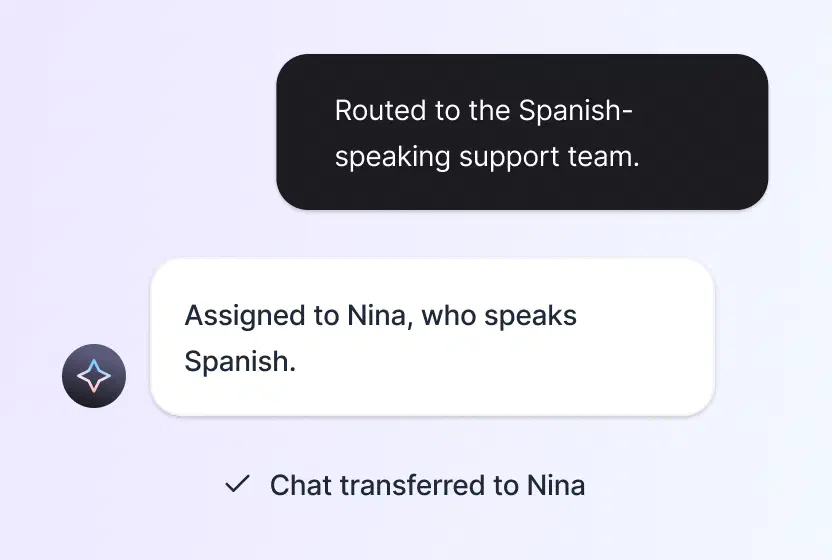
Spots the customer's language and routes the case to a teammate who speaks it.
No credit card required
At thousands of tickets a month, shared mailboxes and improvised queues stop scaling long before your team does.
Security reviews ask for SSO, audit trails, and access control, not promises.
Without SLA tracking and team-level reporting, leaders find out about problems from customers.
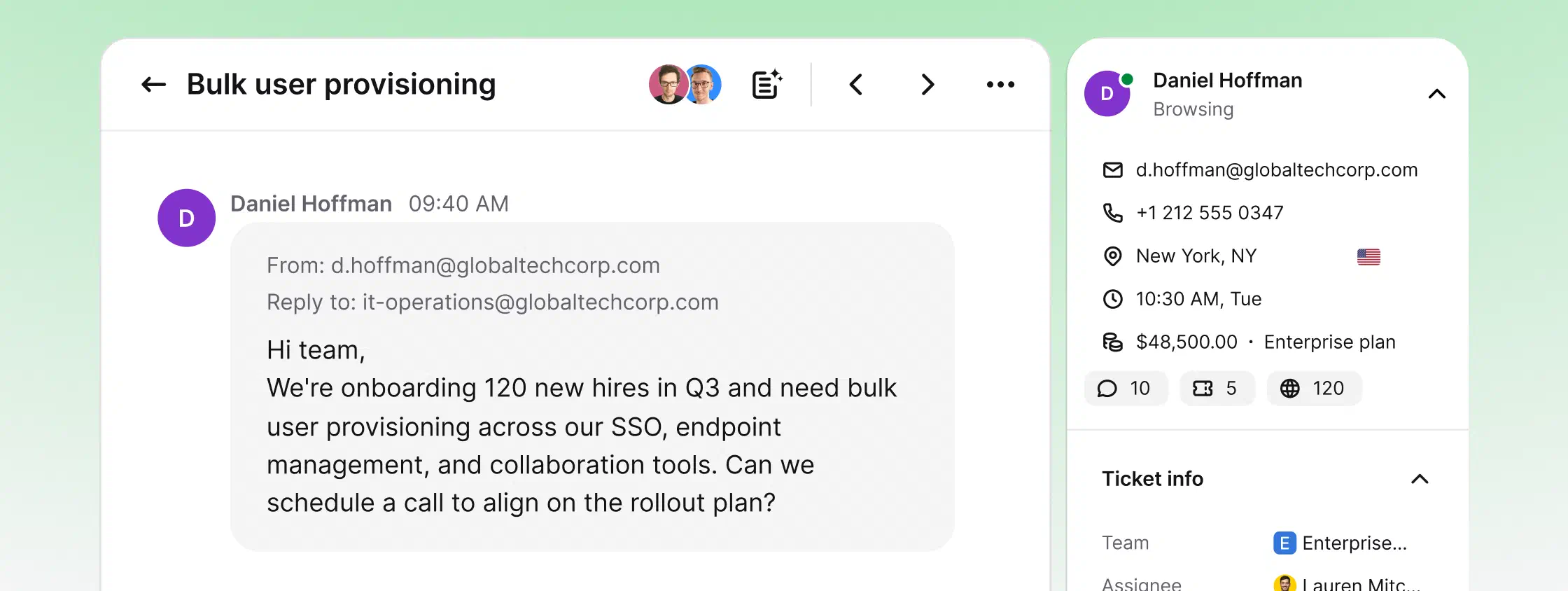
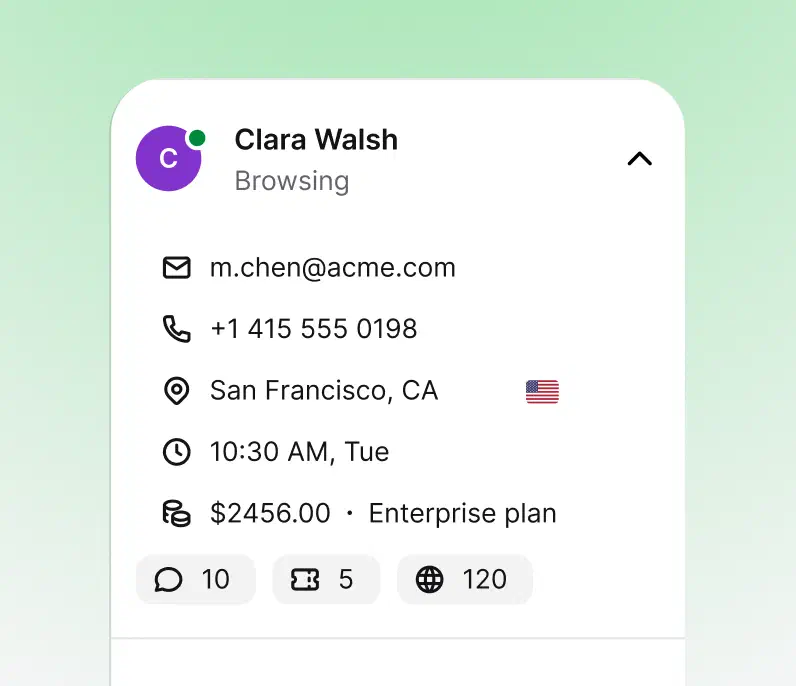
An enterprise help desk manages customer conversations: it turns every email, chat, or message into a ticket, routes it to the right team, and tracks it against your SLAs. An enterprise service desk is the internal counterpart, built around employee requests and enterprise IT support: access, incidents, equipment, and services.
Most large organizations need both patterns, not two products. HelpDesk.com runs customer queues and internal IT queues side by side: separate teams, views, and routing rules in one workspace, so a help desk for enterprise scale doesn't mean another tool to govern.
Free 14-day trial No credit card required
Start a chat with us about the Enterprise plan.
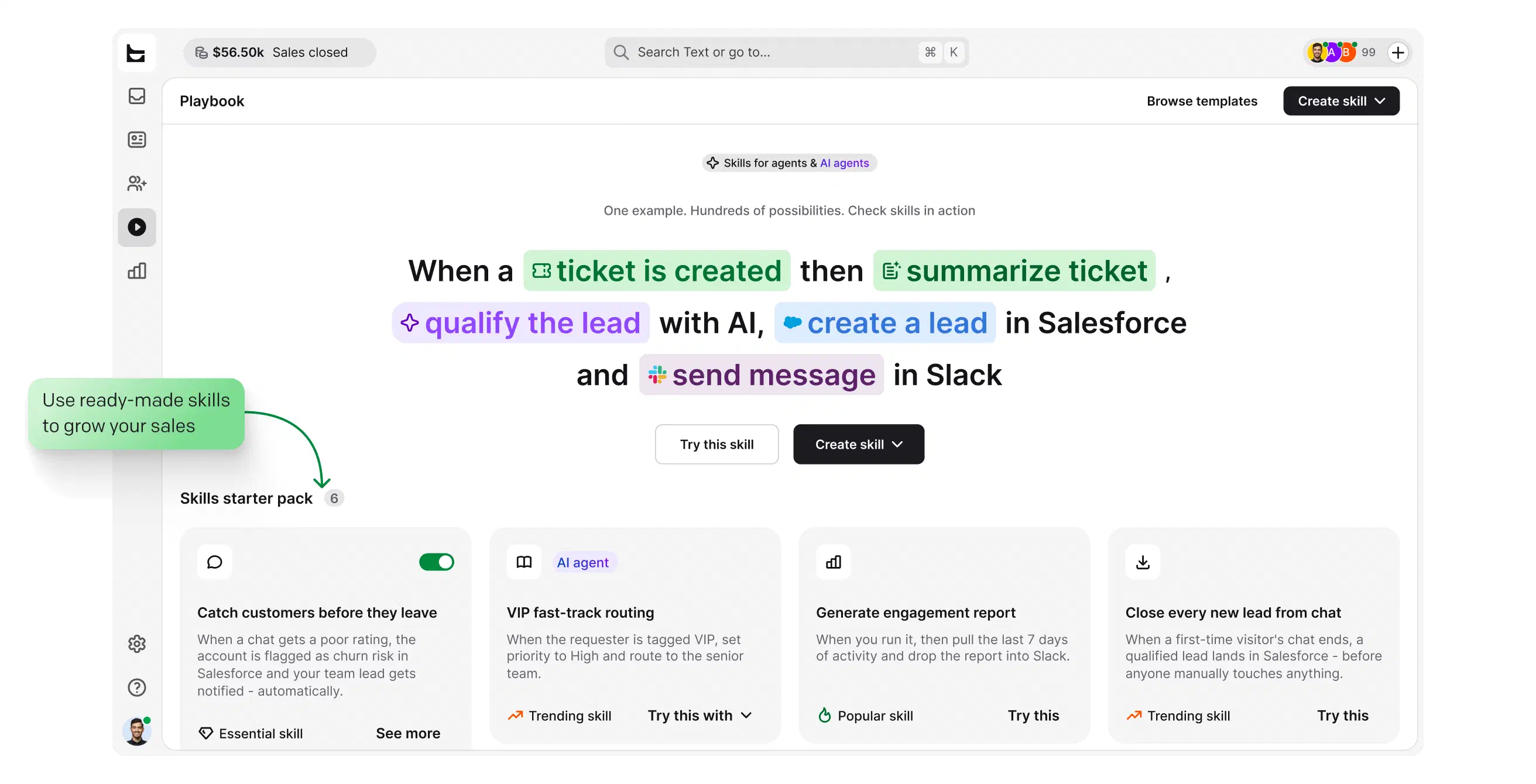
Resolving tickets is the baseline. Your help desk can also spot buying intent in a conversation and act on it, and at enterprise volume, small conversion gains compound.
Watch behavior and intent in real time, before a question even becomes a ticket.
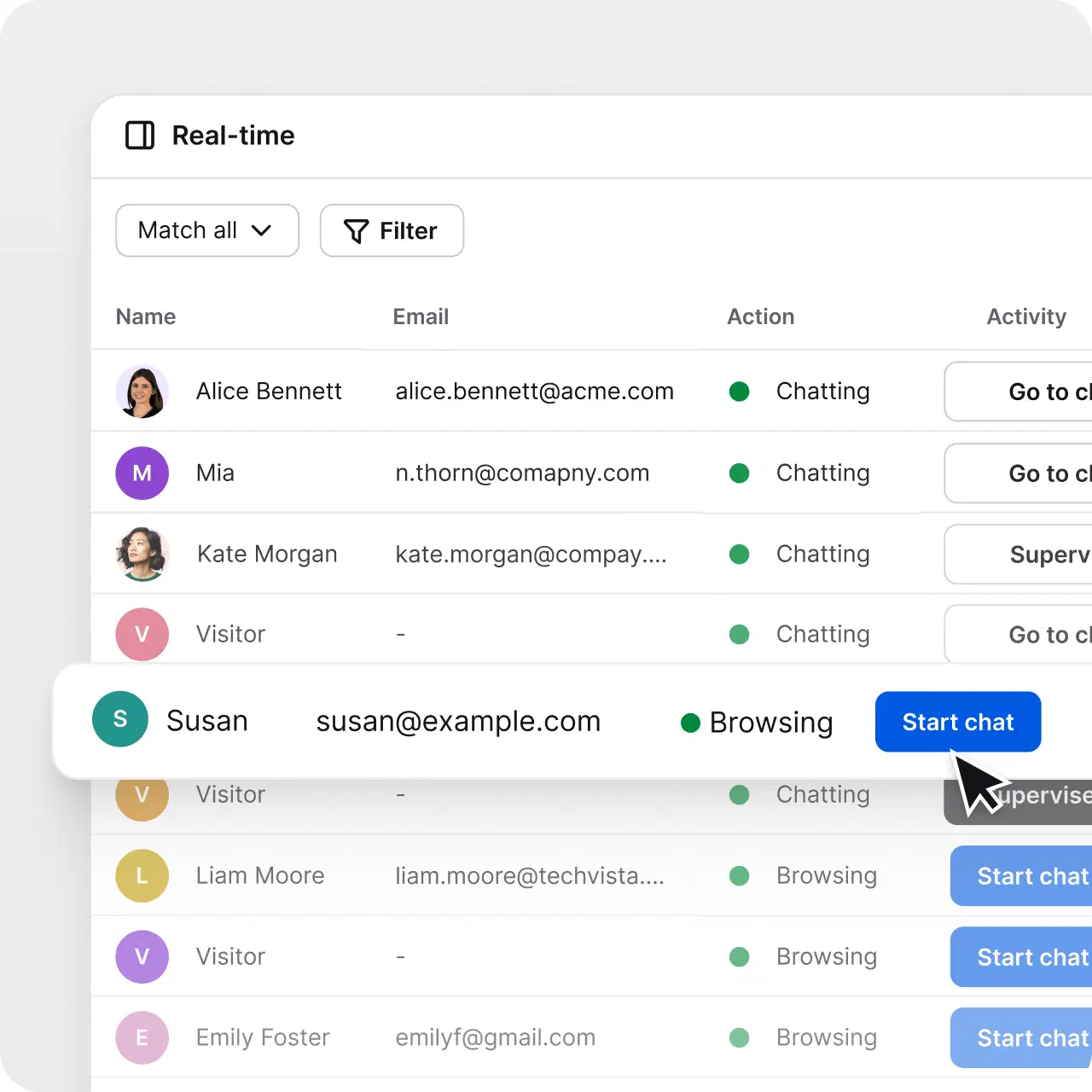
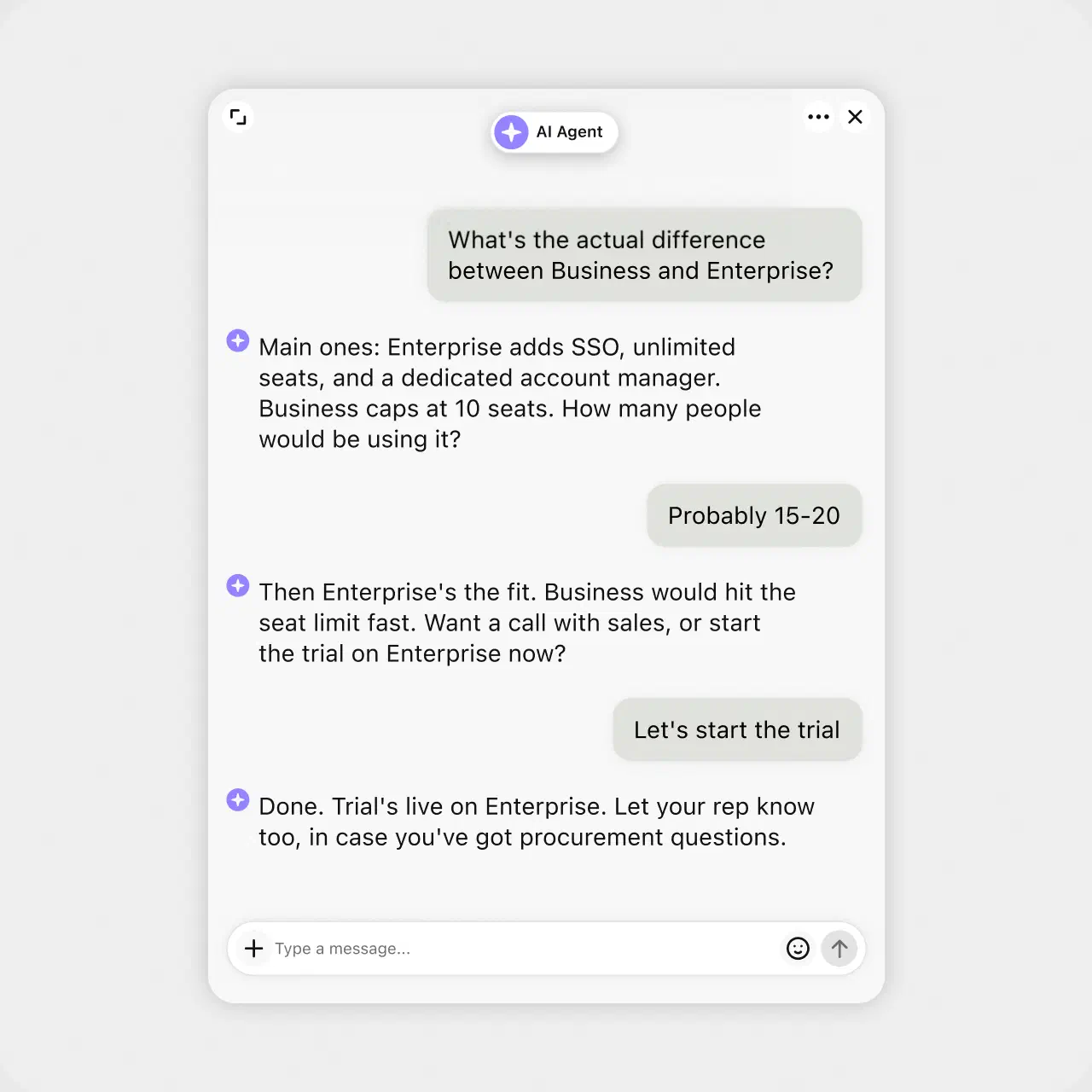
Start the conversation about the plan a customer is looking at, at the right moment.
Recommend and help close, then hand off to a human with full context when it counts.
Track the dollars, leads, and repeat customers your conversations generate.
$1.5M
revenue from support chat in six months

+25%
revenue from support chat in six months

No credit card required
“Each agent can spend more time resolving tickets and make our customers happier with an individual approach and better response time.”
Dalton Hasegawa, Manager, Brastel Co., Ltd.
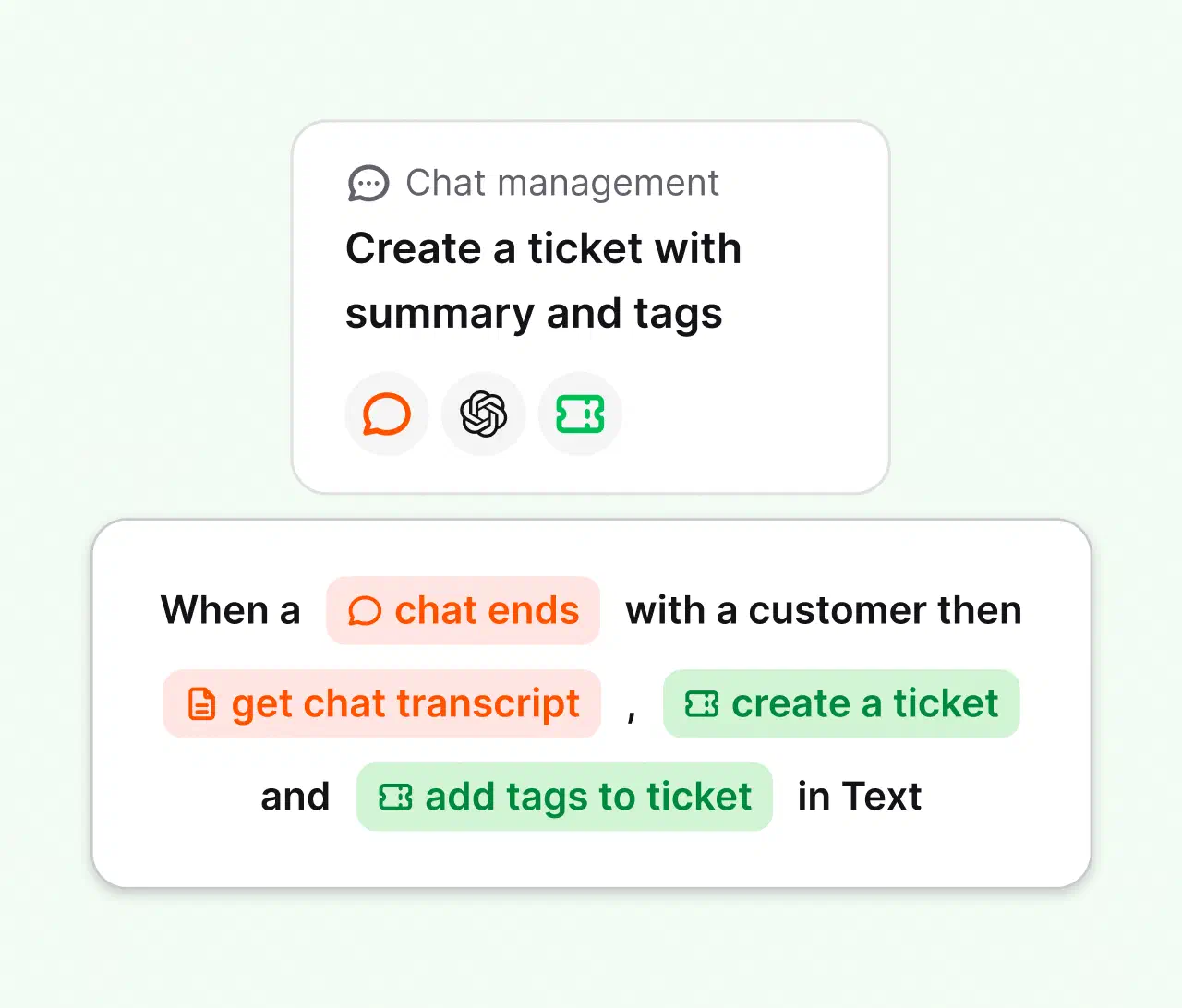
Connect the tools you already use through predefined actions, webhooks, and the API. Build multi-step automations without engineering time, with integrations for Salesforce, HubSpot, Slack, and Zapier, and webhooks for your internal systems.
Create your account. No credit card required.
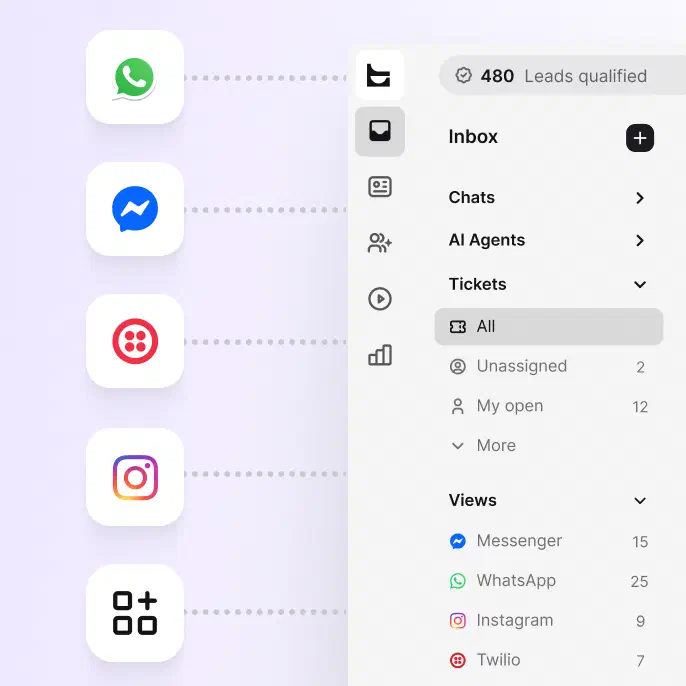
Bring in email, chat, Messenger, WhatsApp, and SMS.
Let the AI Agent take routine questions in chat while your team handles the tickets.
Enterprise help desk software is a ticketing system built to handle high support volume across many teams, with the governance large organizations require: access control, audit trails, SLA tracking, and reporting. It gives every customer request one trackable path from arrival to resolution.
Yes. Route IT requests to a dedicated team with its own views, SLAs, and routing rules. Language detection and skills-based assignment get each case to the right specialist automatically.
Yes. Custom SSO via SAML 2.0 is available on the Enterprise plan, admins can enforce two-factor authentication across the organization, and the audit log records account activity. HelpDesk.com is SOC 2 compliant and GDPR ready.
A help desk manages customer-facing support requests. A service desk usually covers internal IT incidents and requests from employees. HelpDesk.com handles both patterns in one workspace, separated by teams and routing rules.
Yes. The AI Agent resolves up to 73% of routine cases in chat before they ever become a ticket, and hands the rest to your team with full context. You define its knowledge sources, escalation paths, and response limits.
Yes. Every HelpDesk.com plan starts with a free 14-day trial, no credit card required. For enterprise pricing, custom limits, and SSO, talk to sales.