
 Data security and SOC2
24/7/365 support
Text products are trusted by 35,000+ leading brands





Free 14-day trial No credit card required
You'll be in
good company


The minute you create the automation rules, you can mark it ready to go live, and it immediately starts working for you.Nate Johnson
100+
tickets handled within four hours through prioritization and tagging.
7,000
actions performed by automation instead of agents.
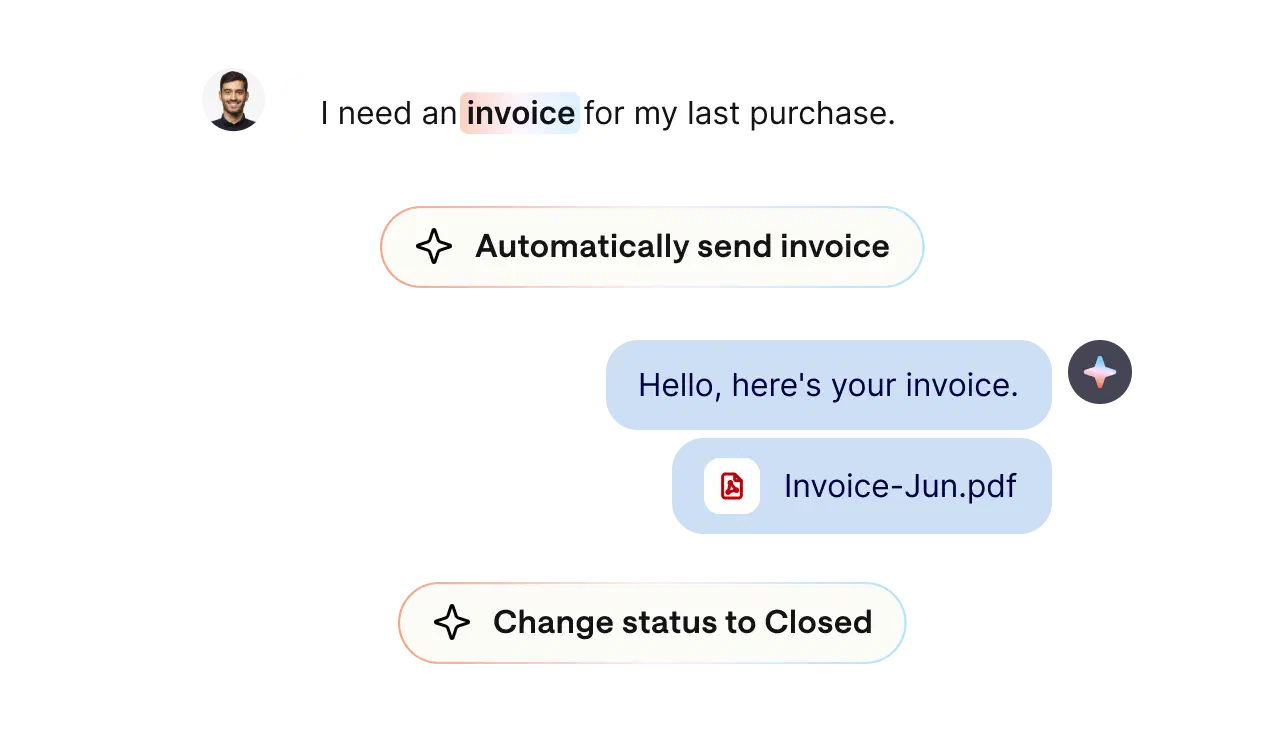
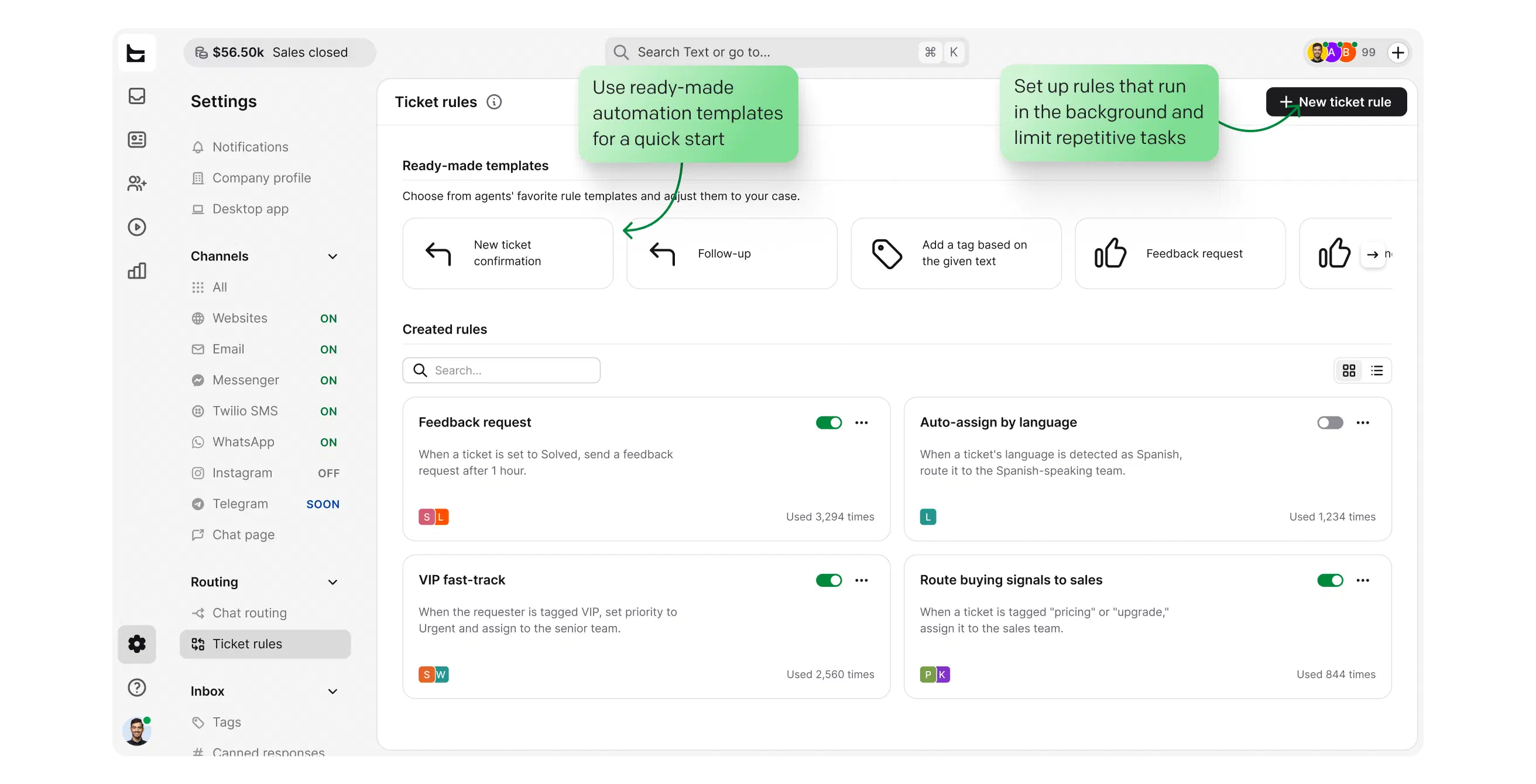
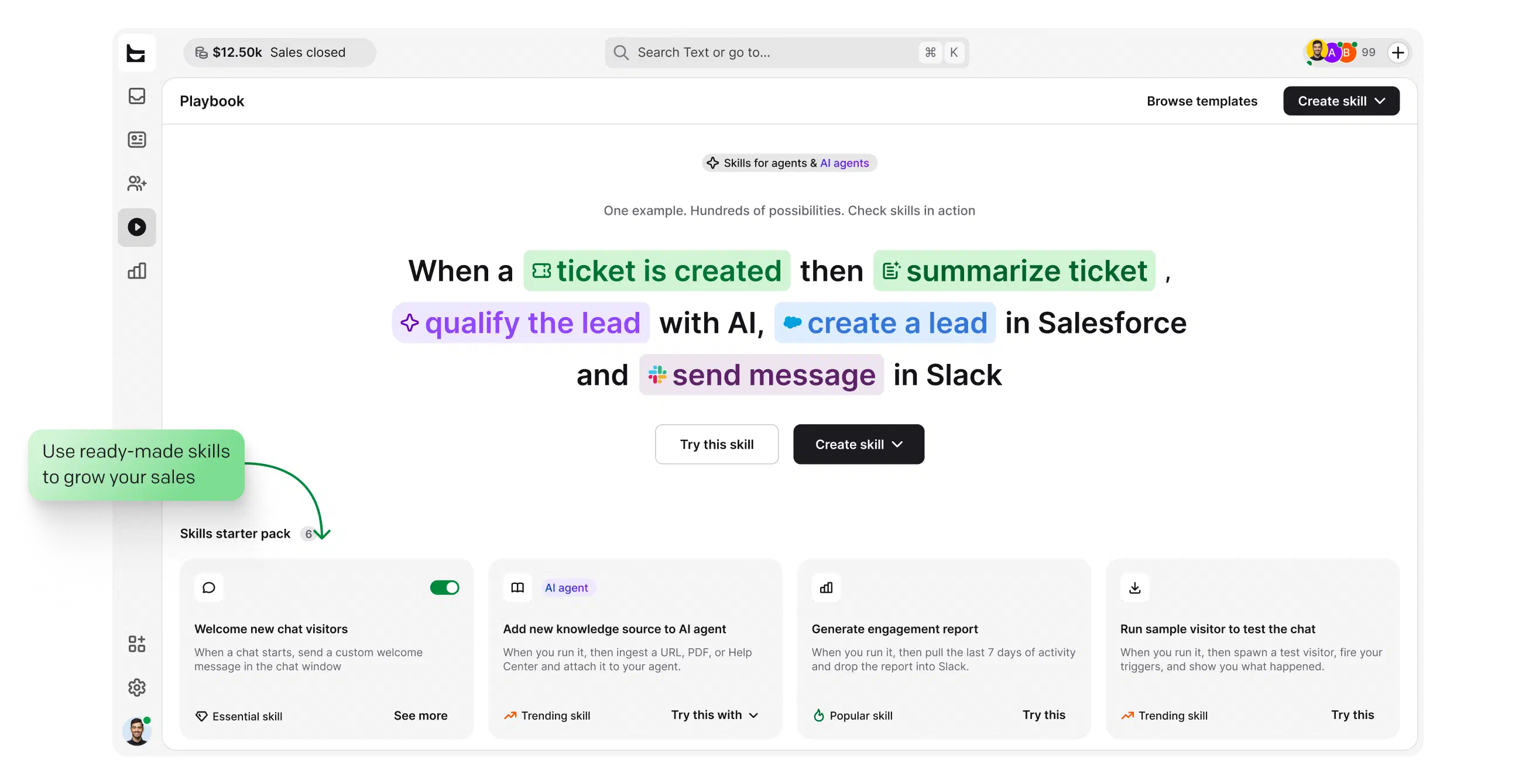
Cut out repetitive, manual tasks. Get a real boost from easy-to-configure automation and workflows: route chats and tickets, push leads to your CRM, and follow up automatically, all without code.
View automation features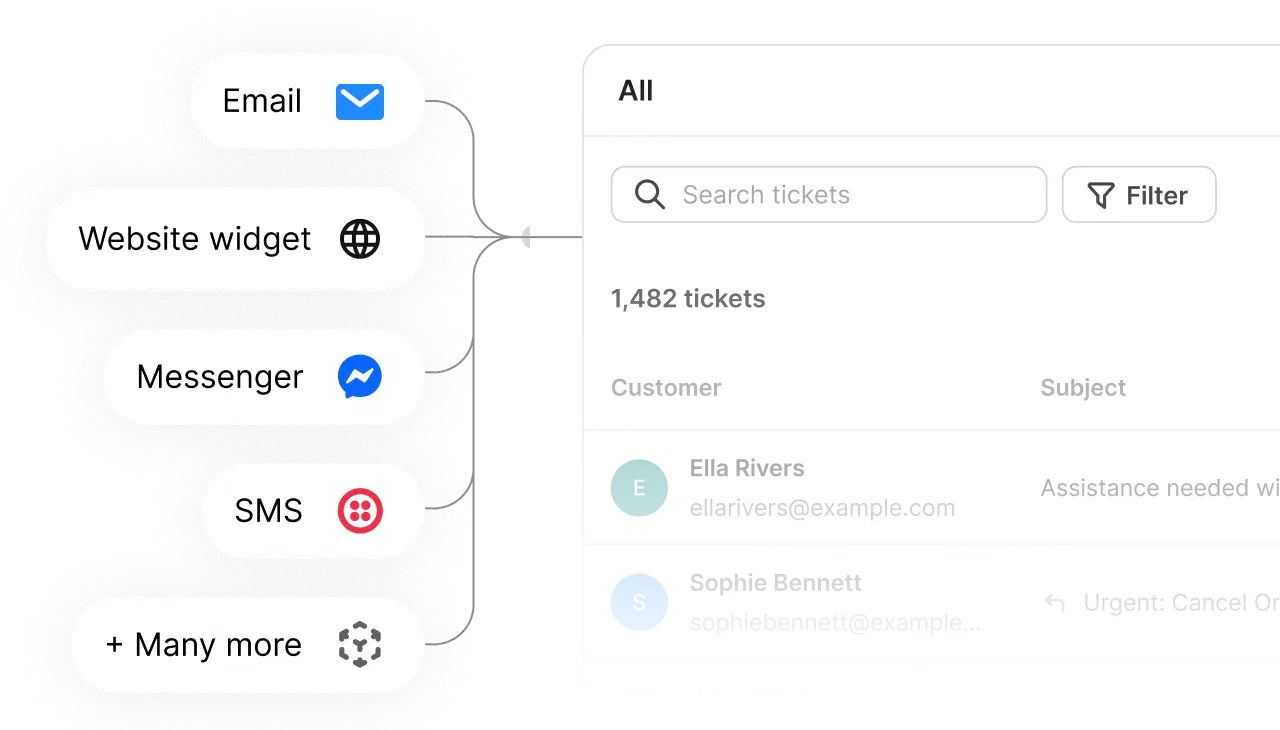
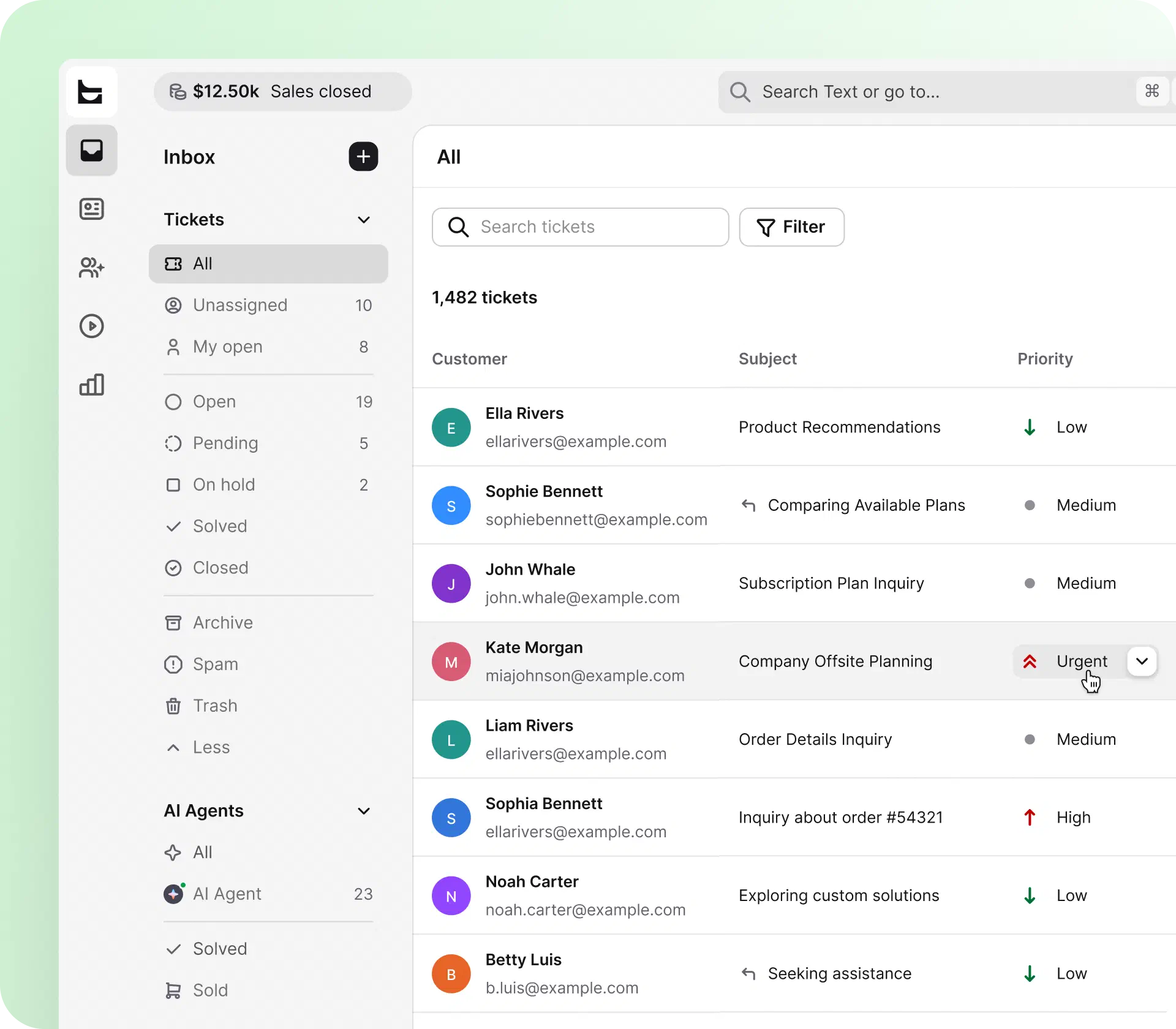
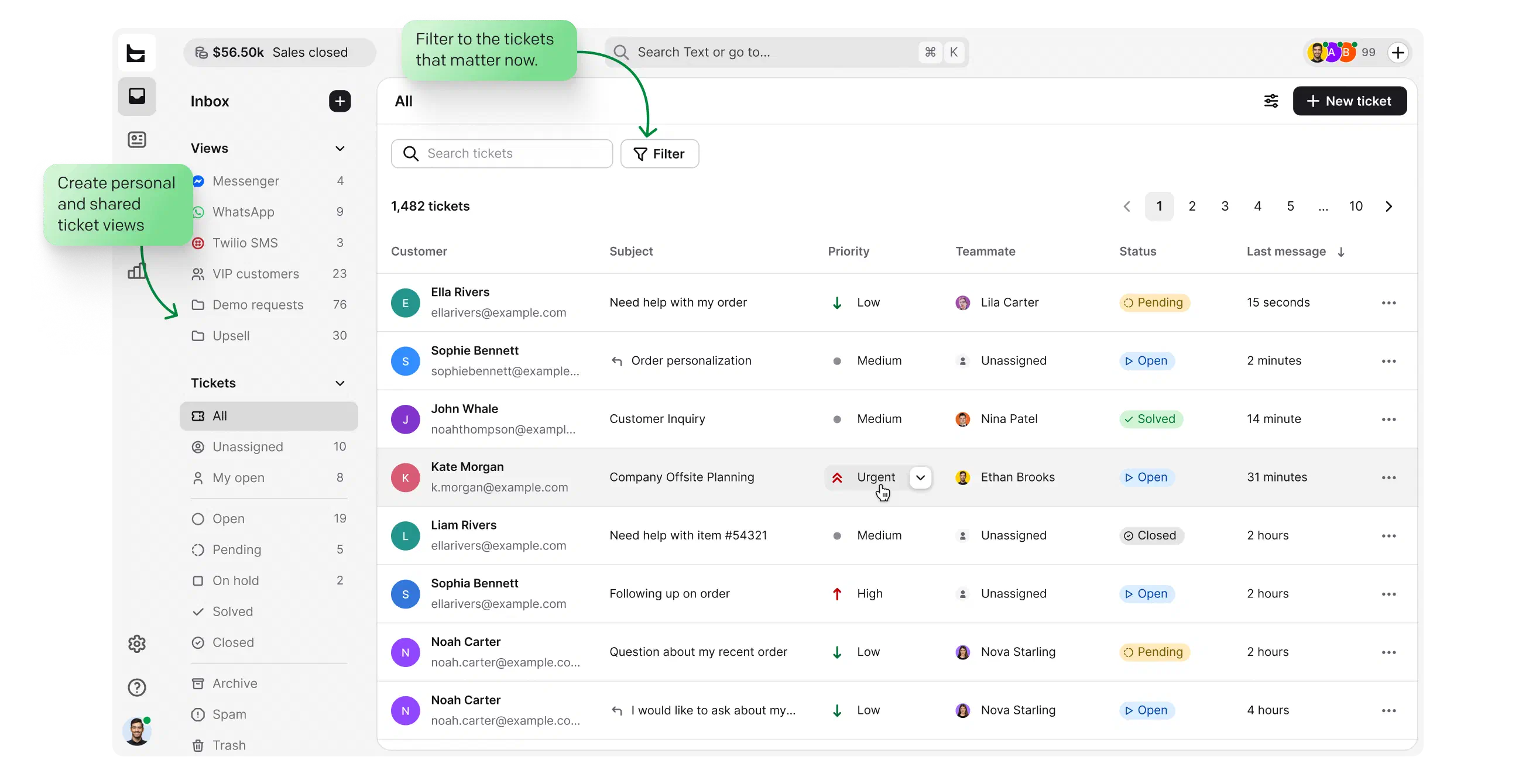
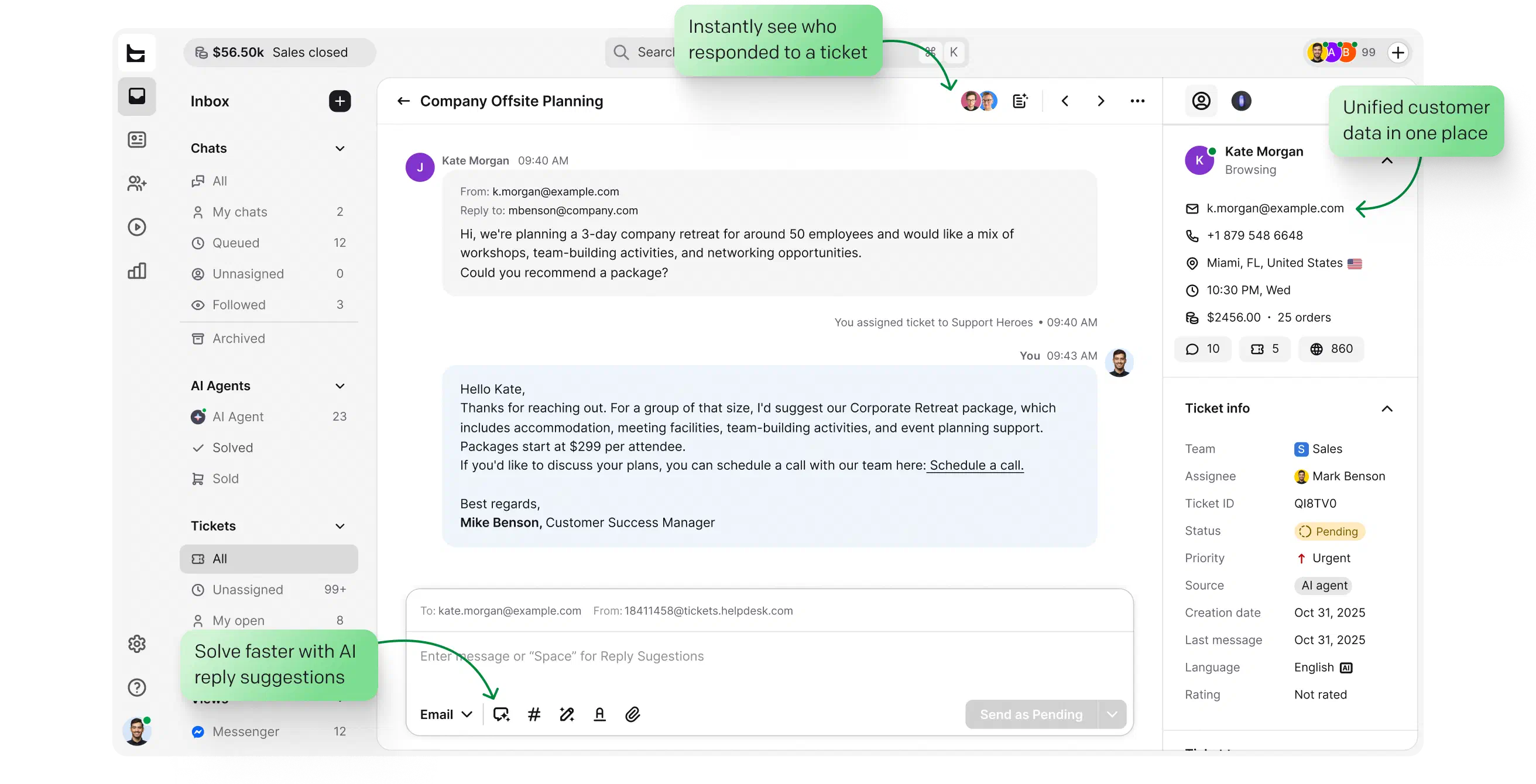
Bring email, live chat, Messenger, and SMS into one AI-assisted inbox. A conversation that starts on Messenger and continues over email stays a single thread.
View management features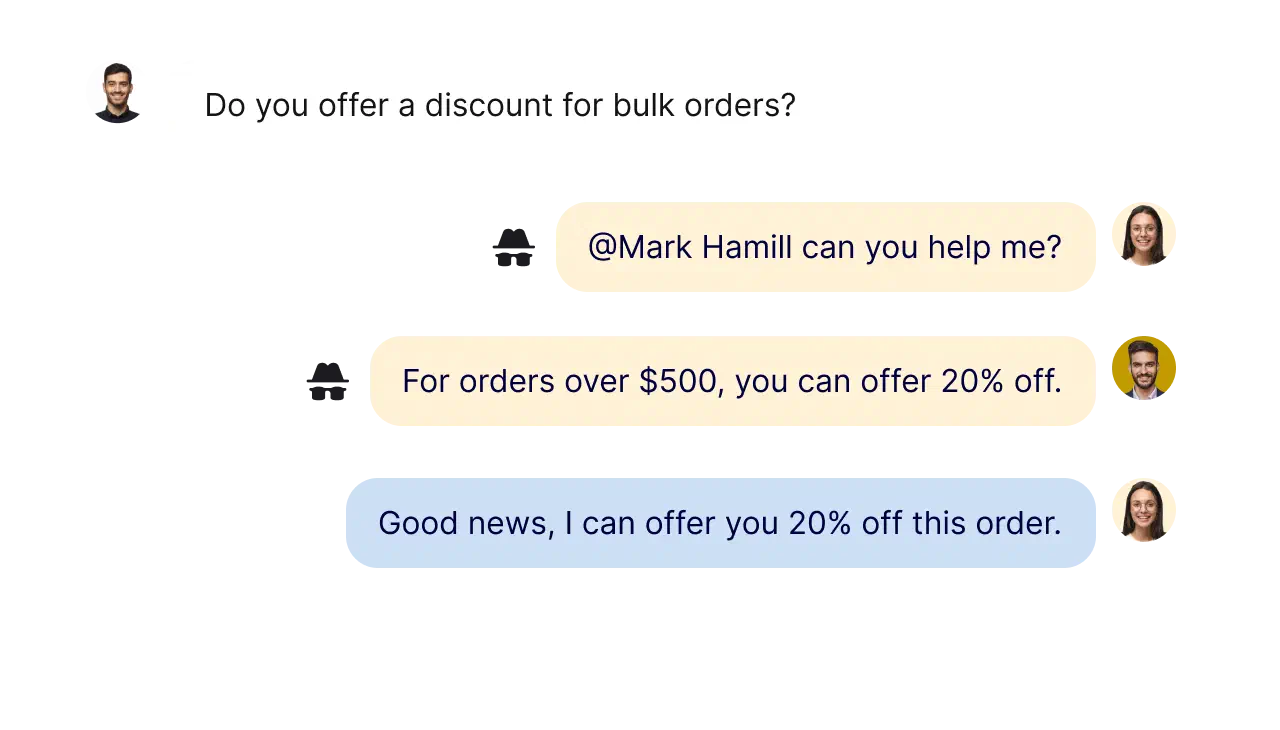
Create dedicated teams by language, location, or skill set. Solve cases together with private notes, collision detection, and shared views, wherever your team works.
View collaboration features
Wire HelpDesk.com into your stack from the Playbook. Workflows connect to tools like Shopify, Salesforce, and HubSpot through predefined actions, or to anything else through webhooks and the API. No code required.
Explore Workflows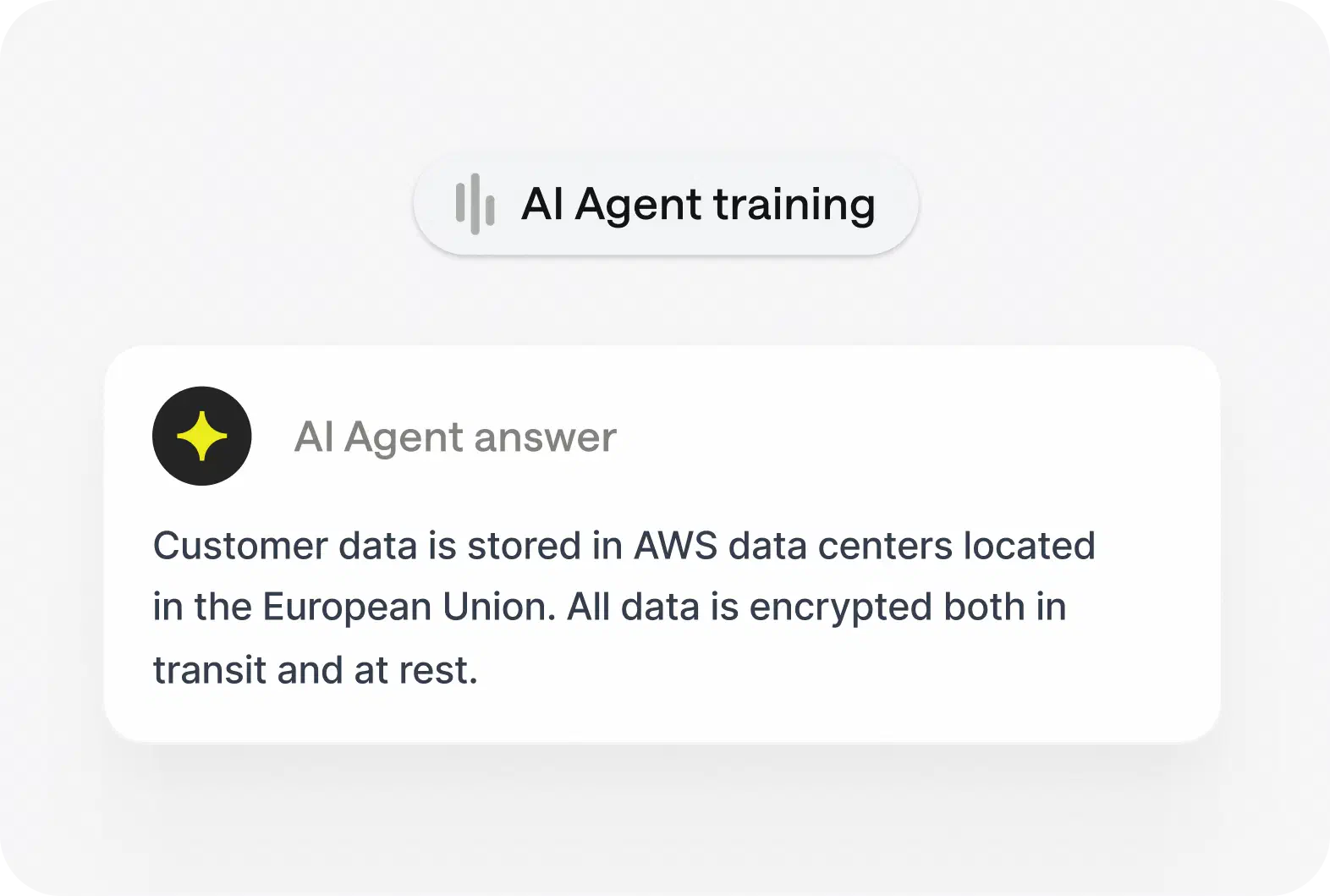
Resolves up to 73% of routine questions in chat before they become a ticket, then hands off to a human with full context.
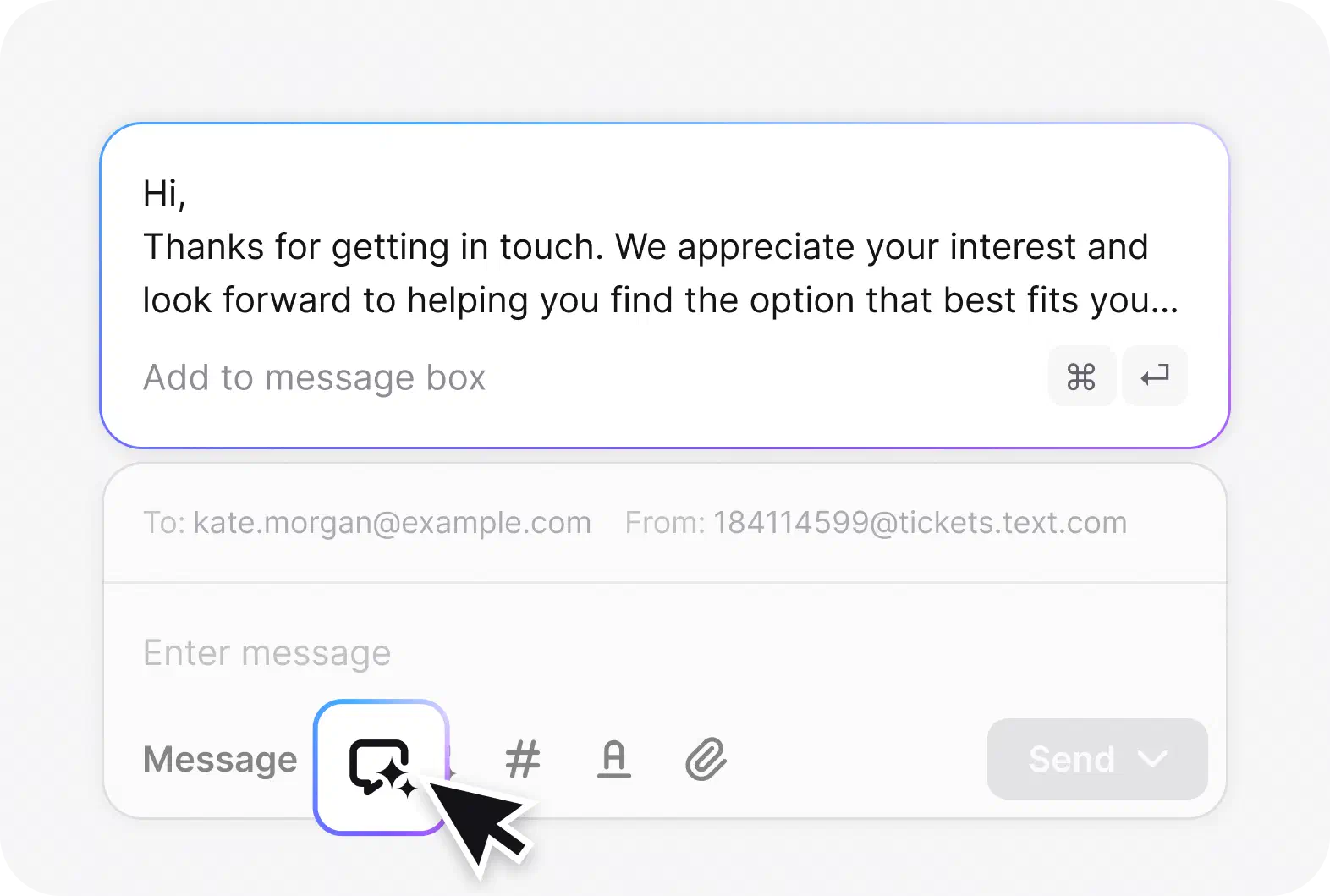
Drafts accurate replies from your help center and product docs, so new teammates answer like seasoned ones from day one.
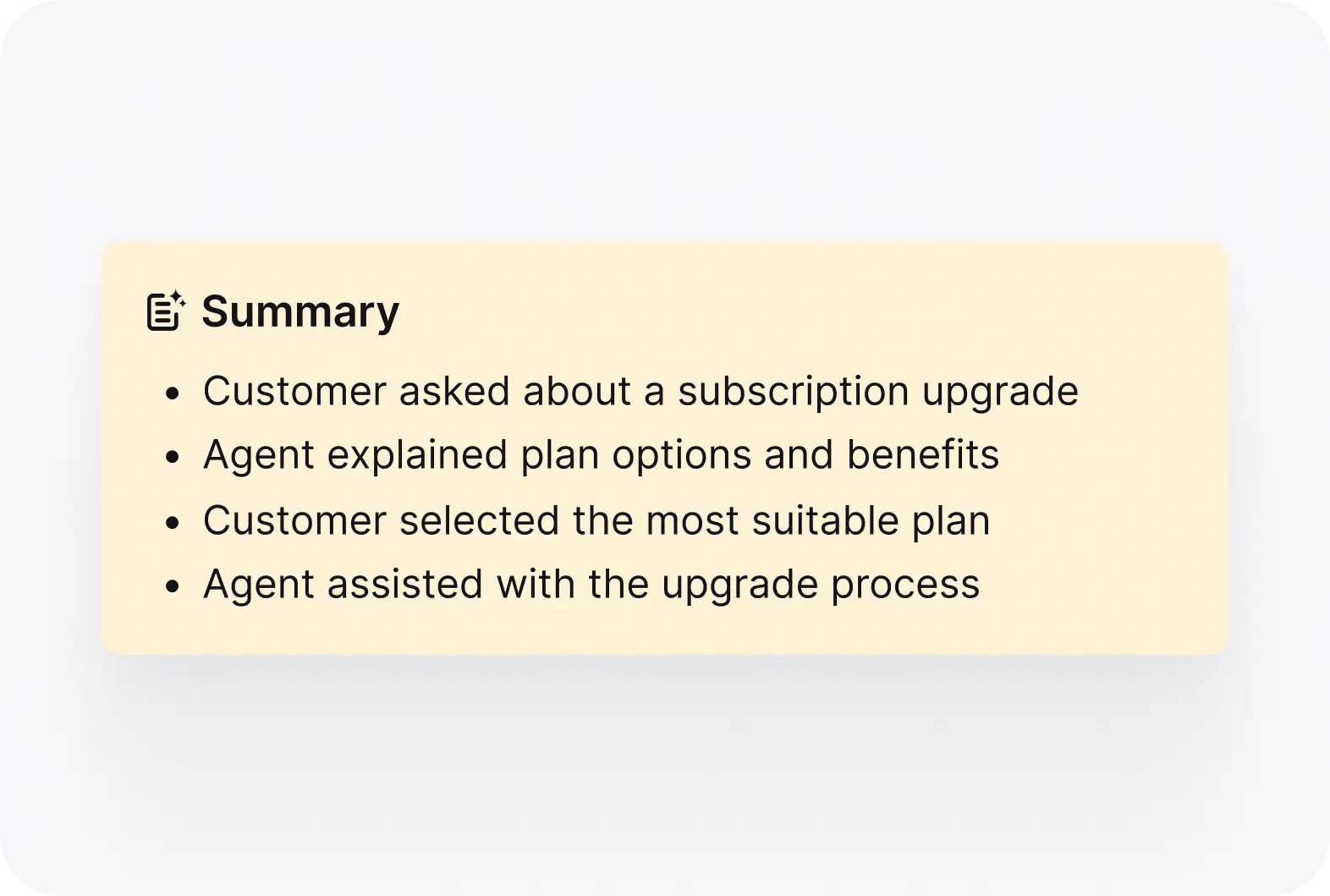
Gives one-click insight into any ticket: the main issue, the solution stage, and the suggested next steps.
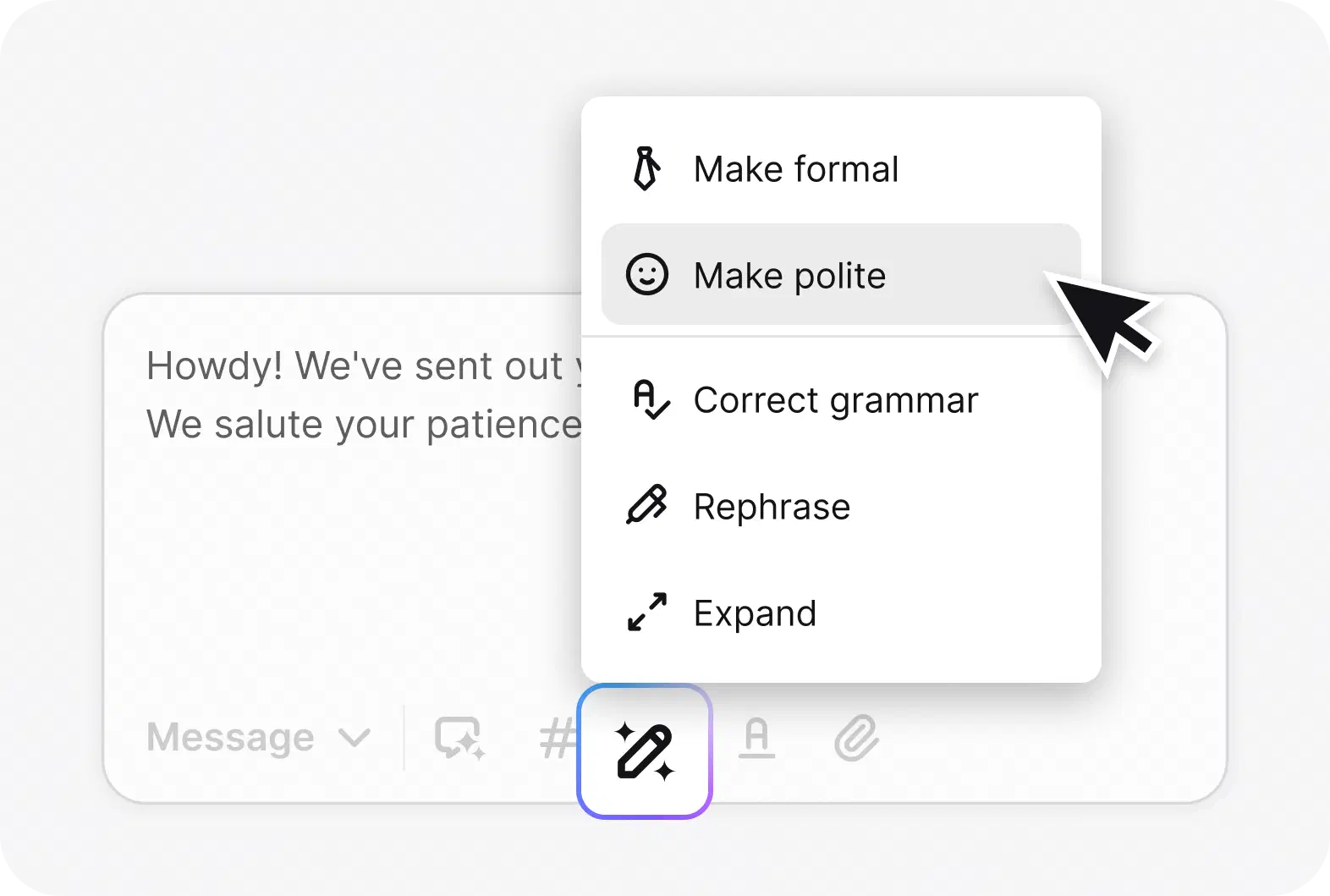
Adjusts the tone of any reply, whether polite, formal, or casual, to match you and the customer you’re helping.
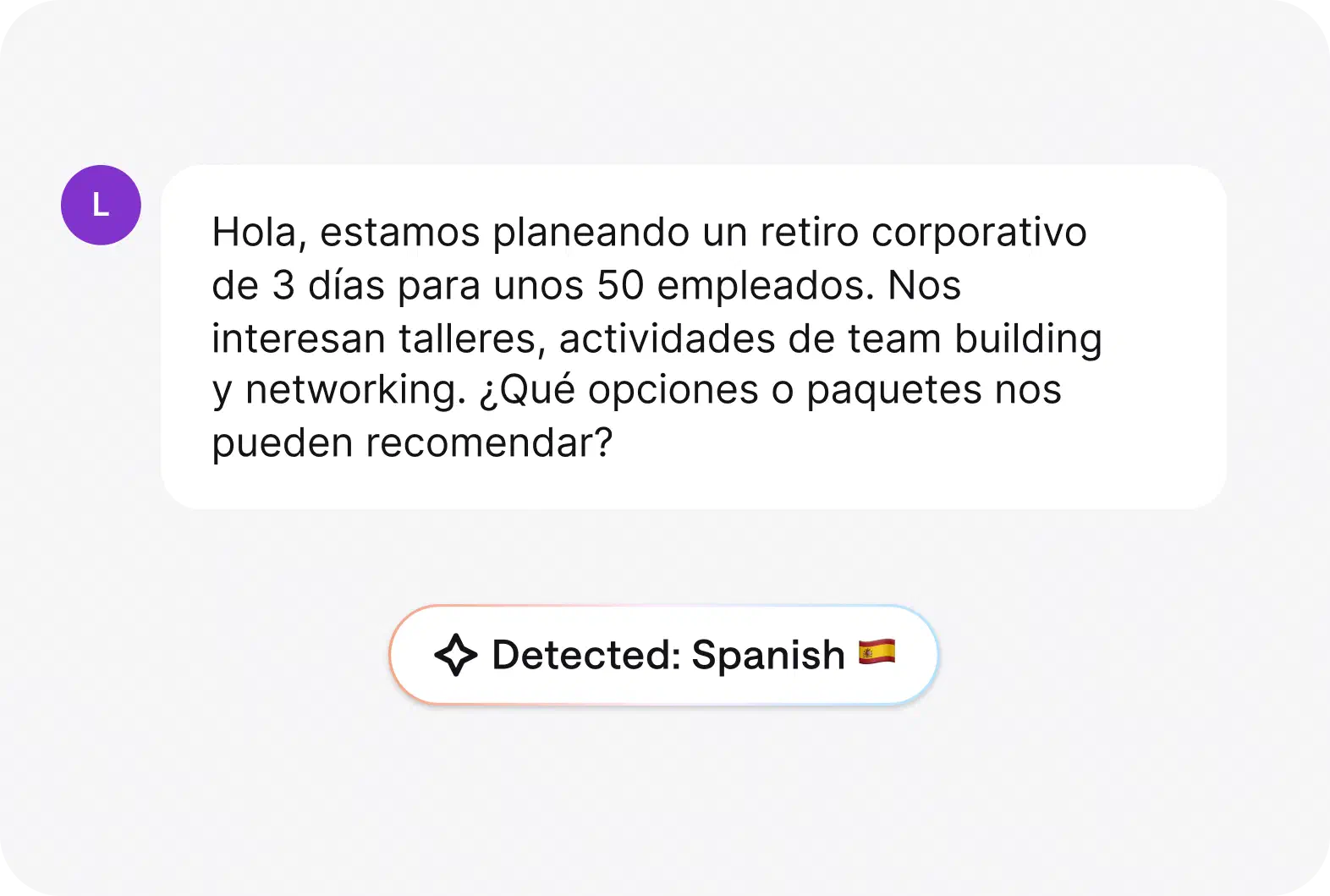
Automatically detect a ticket’s language and route it to the right agent.
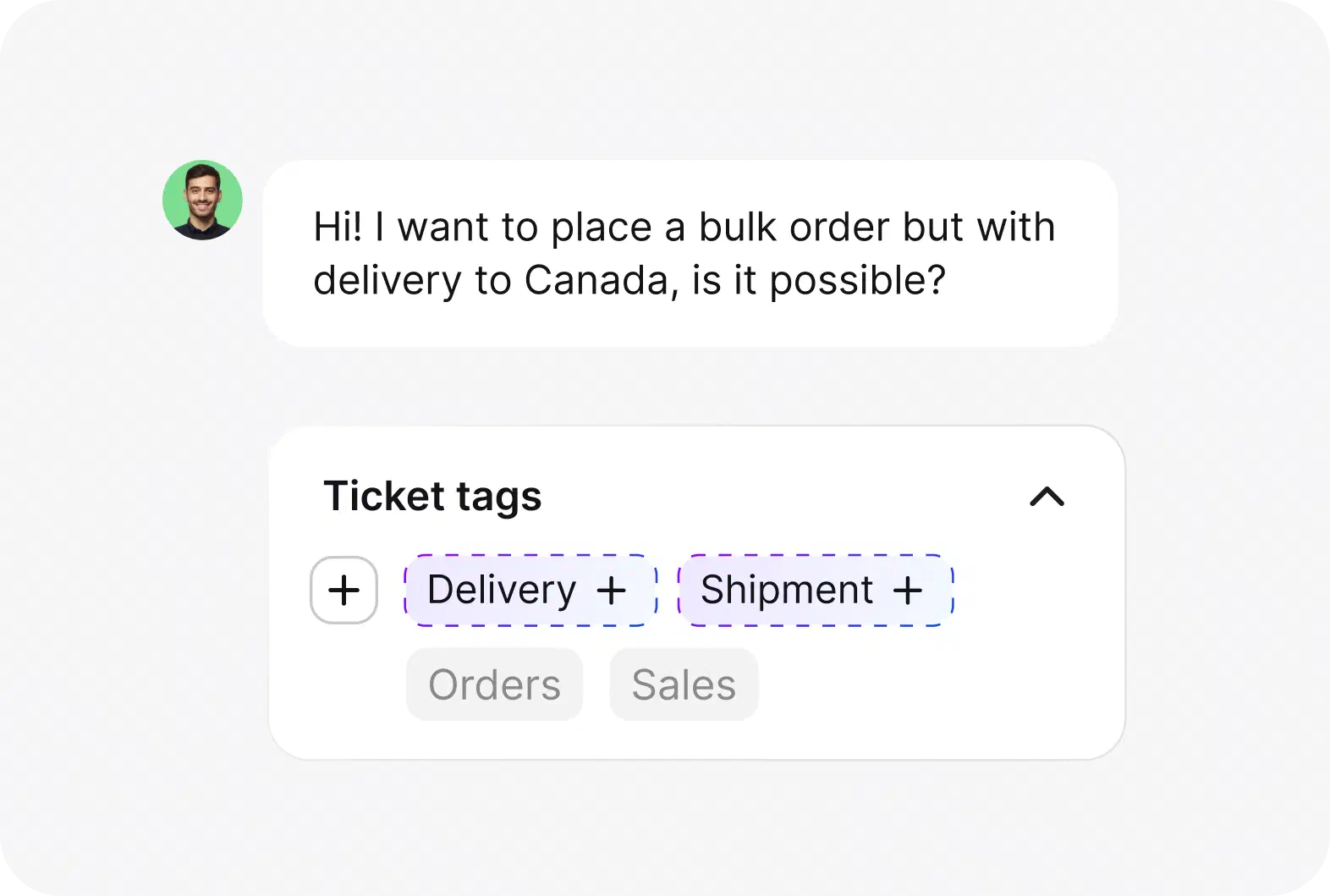
Suggests the right tags as tickets arrive, so your queue stays organized and easy to search.
Fast to set up service desk, lighter on your team, and secure by default.

Browser-based, with desktop apps for Mac and Windows. Connect email, chat, WhatsApp, Messenger, and SMS and start handling tickets the same day.

Automation rules, AI reply suggestions, summaries, and auto-tagging take the busywork off your team, so they spend their time on the cases that need a person.

SOC 2, GDPR, and PCI DSS (SAQ A) compliance, with role-based access, encryption, and audit logs to keep customer data protected.
No credit card required
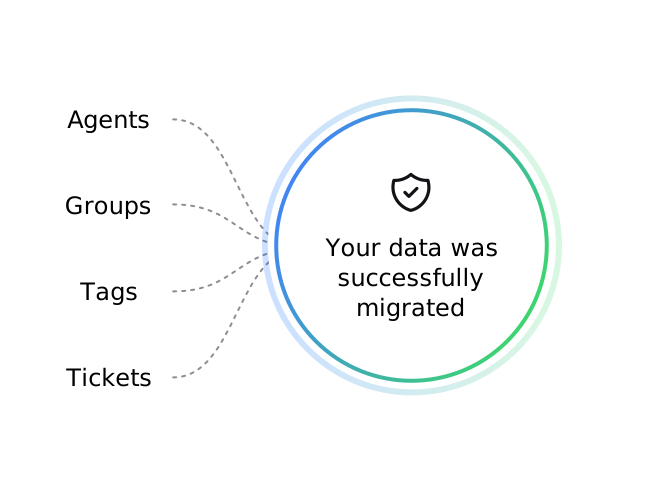
We support you through the whole migration, including your data, history, and workflows, with clear info on any costs, and we cover them where possible.
Get flexible help desk software equipped with fundamental ticketing features. Scale it freely and combine it with other solutions as you grow.
Experience a blend of cost-effectiveness and scalability tailored for developing companies. With such an easy-to-use ticketing system, you can turn every interaction into an opportunity for customer delight.

Upgrade interactions with AI-based features and effortless infrastructure management, all supported by the best security and data protection. Go for a system that perfectly aligns with the highest corporate standards and can keep you competitive and forward-thinking.
Scale up your IT help desk support and manage every technical query, from the simplest to the most complex, through a robust, multi-tiered support structure. Provide round-the-clock and automated assistance and stay at the forefront of technology.
Handle software-related messages to improve user experience. Manage communication through email, chat, Messenger, and SMS, so your customers always find a helping hand.


No credit card required Free non-binding trial
You'll be in
good company
We create workflows based on the results in the reports, and save a considerable amount of time.Irina Bokareva Marketing Project Manager at Brastel Co., Ltd.
35%
faster ticket resolution
2,000
tickets a month handled with automation

When you need assistance, you can count on our Customer Success Team. They're strong, they're swift, and they'll help you no matter the time!
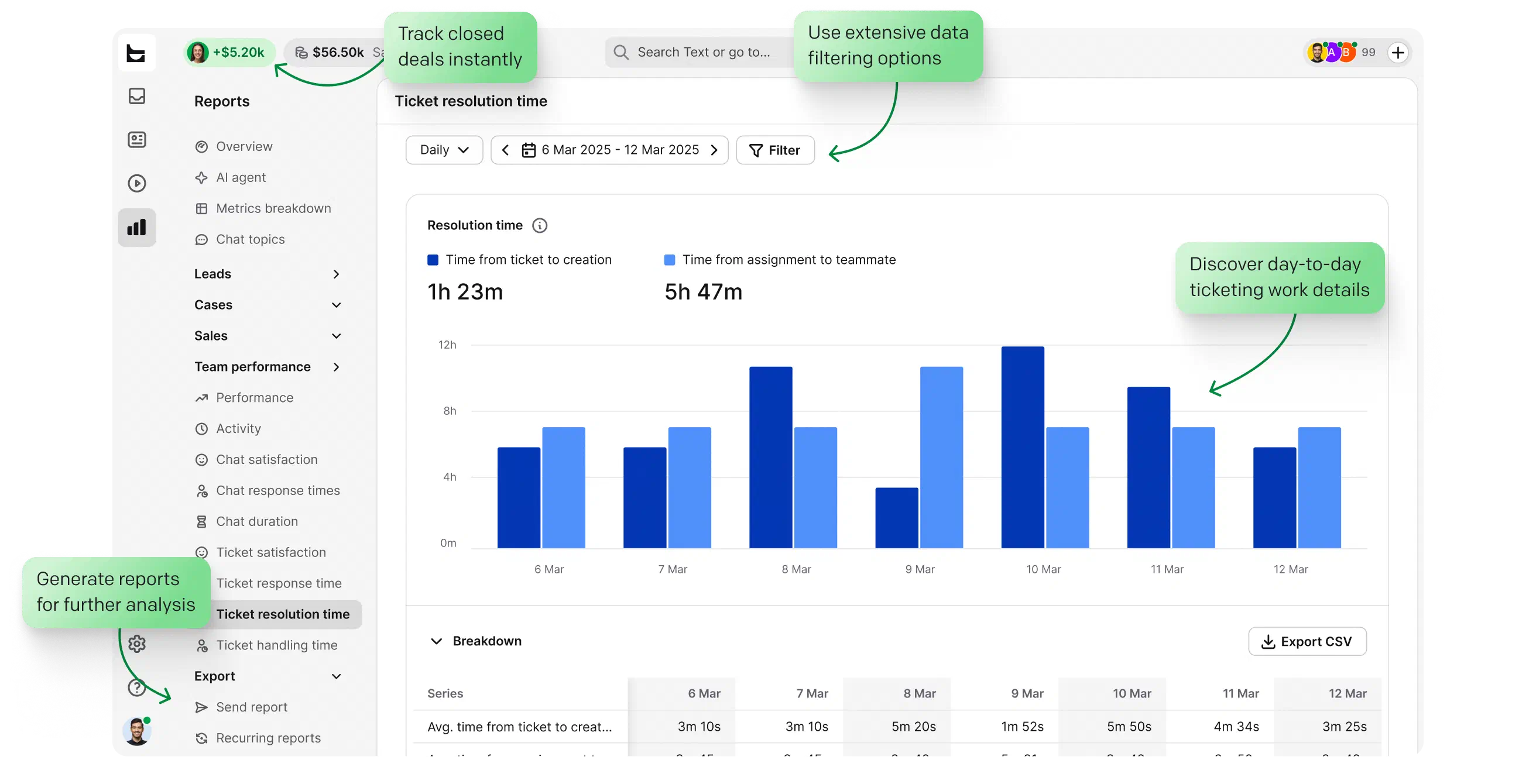
Help desk software supports customer service teams by organizing messages, managing support requests, and giving customers a single point of contact (SPOC). It uses tickets, which is why it's also known as ticketing system software or an online ticketing system. Reports help you track performance and improve your service strategy.
Yes. HelpDesk is part of the Text platform, the AI customer service platform. It works as a ticketing system for managing customer cases and connects with Text features such as AI Agent, a multichannel inbox, workflows, and revenue tools. Read more about HelpDesk and Text.
Yes. HelpDesk provides 24/7/365 support, so customers can reach the support team at any time for guidance.
Yes. HelpDesk includes encryption, secure connections, role-based access, anti-spam protection, and audit logs, with SOC 2, GDPR, and PCI DSS SAQ A compliance. Discover security
You can try HelpDesk free for 14 days, then choose the plan that fits your team.
Yes. HelpDesk connects to your tools through workflows in the Playbook. These help desk integrations include predefined actions for software like Shopify, Salesforce, and HubSpot, plus webhooks and API connections. That's how HelpDesk works as a CRM ticketing system: customer context on every ticket, in step with your CRM.
Yes. Our team assists with migration from another ticketing system and covers costs where possible.
Customers send support requests through channels like email, chat, Messenger, or SMS. The help desk system sorts and prioritizes tickets, assigns them to the right agent or team, tracks progress, and helps close each case. That full cycle makes up the help desk services a support team delivers.
Yes. Support conversations can include buying signals, such as questions about plans, upgrades, or product fit. Text helps surface those signals and track which conversations lead to orders, so your team can resolve issues and contribute to revenue.
HelpDesk handles tickets through a structured process: ticket creation, assignment, tracking, prioritization, collaboration, resolution, closure, and reporting. Teams can use statuses, priorities, tags, custom fields, views, automation, workflows, and AI features to manage customer cases from one clear ticket management system.
HelpDesk offers tiered plans for different team sizes and support needs, plus custom Enterprise options. For current plan details and pricing, check the pricing page.
HelpDesk is browser-based, with Mac and Windows desktop apps. Just sign in and start managing tickets.
Yes. HelpDesk can automate ticket creation, assignment, prioritization, escalation, communication, and resolution with workflows, plus AI-driven resolution via AI Agent.